3 Preparing to Work
3.5.2 Manage frequencies
To manage available reception frequencies on a 450 MHz machine radio :
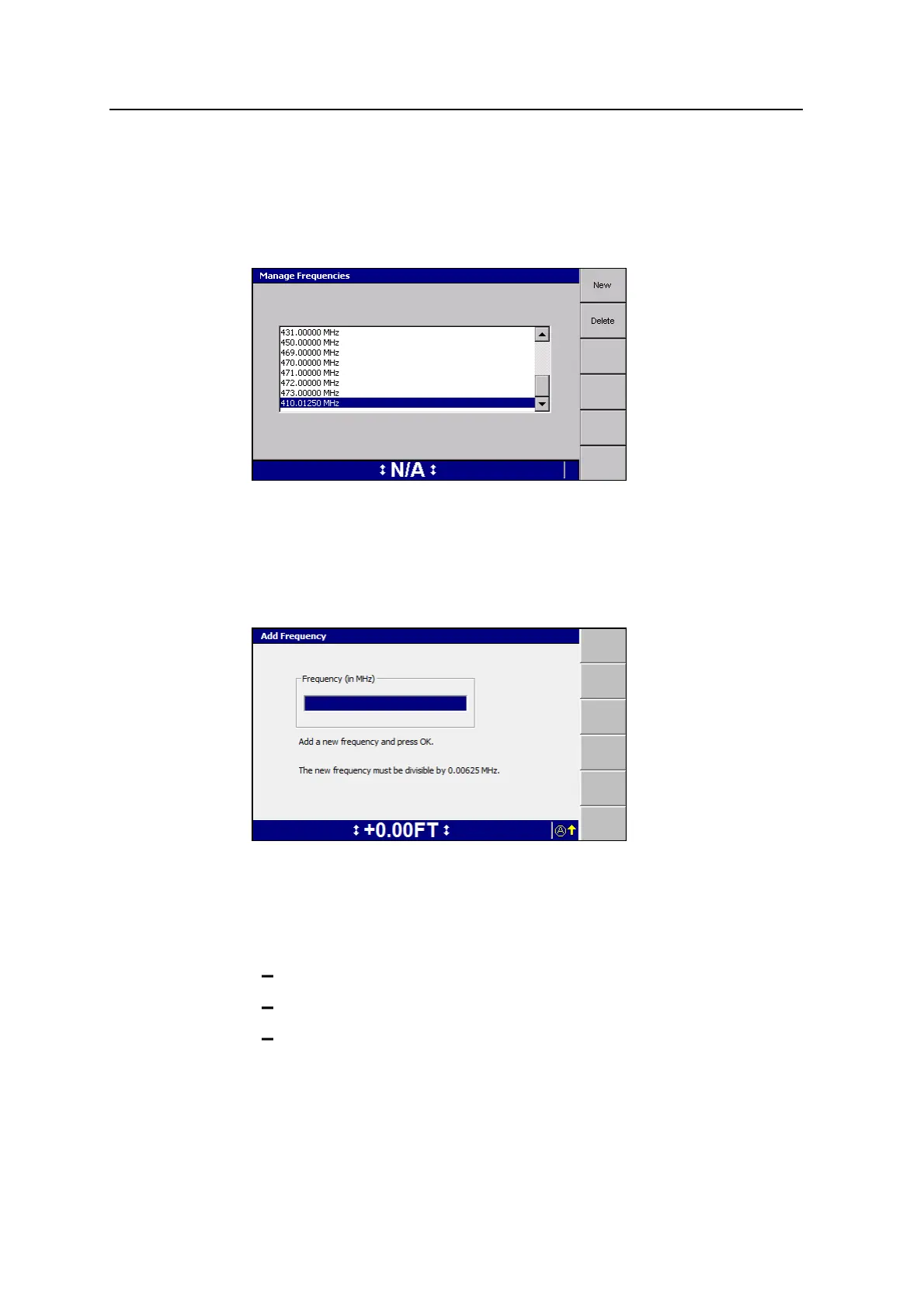
1. From the Machine Radio Configuration dialog, press Manage Freq.
From the Manage Frequencies dialog you can either add a new frequency or
delete a frequency.
To add a new frequency to the list of available frequencies in the Machine Radio
Configuration dialog:
1. Press New to open the Add Frequency dialog.
2. Enter a new frequency. The new frequency must be a multiple of 6.25 kHz.
3.
Press \ to save the new frequency, or press = to exit without saving, and
return to the Manage Frequencies dialog.
An error message appears if you attempt to set a frequency that is:
outside the range of the radio.
already configured.
not evenly divisible by 6.25 kHz.
62 GCS900 Grade Control System for Excavators Operator's Manual



 To Next Page