Preparingto Work 3
Otherwise, the "disconnected" icon is displayed (2).
3.7 Exchanging files with a Connected Community filespace
The system supports the use of the Trimble SNM940 cellular modem to exchange
files with a customer's file space on the Connected Community website.
3.7.1 Configuring the Connected Community settings
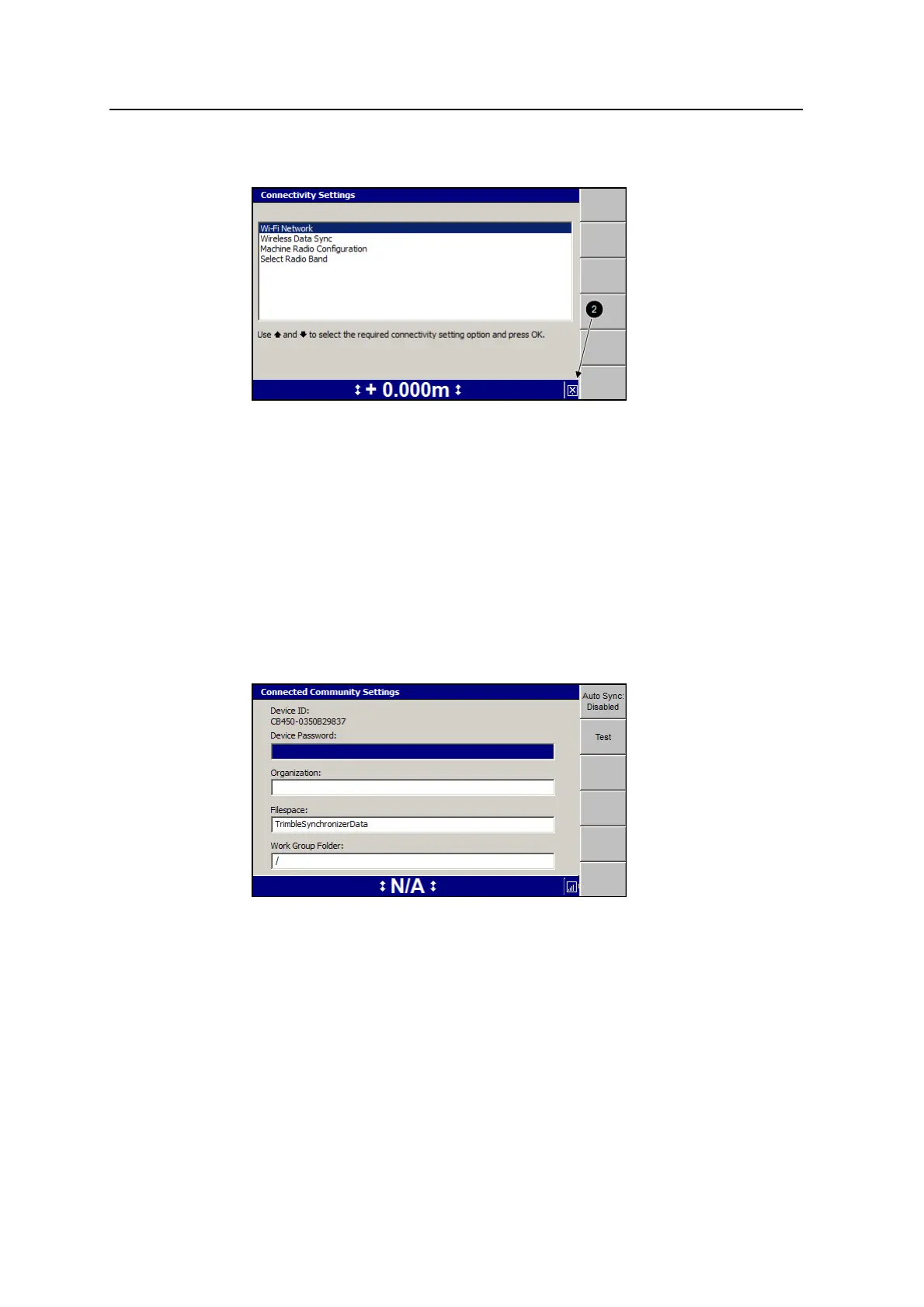
1. From the Setup Menu–Installation menu, select Connectivity Settings.
2. Press the up or down arrow keys on the control box to select Connected
Community Settings and press \::
3. Use the arrow keys to enter your details.
The password is only readable until you press \. When you open the
Connected Community Settings dialog in future, the password will be displayed
as "******". To change the password, select the Password: field and press the
left arrow. The existing password is cleared and the new one can be entered.
If the work group is left as the default "/", data will be synchronized to the
Connected Community filespace:
"TrimbleSynchronizerData/<machine name>/Machine Control Data".
GCS900 Grade Control System for Excavators Operator's Manual 67



 To Next Page