3 Preparing to Work
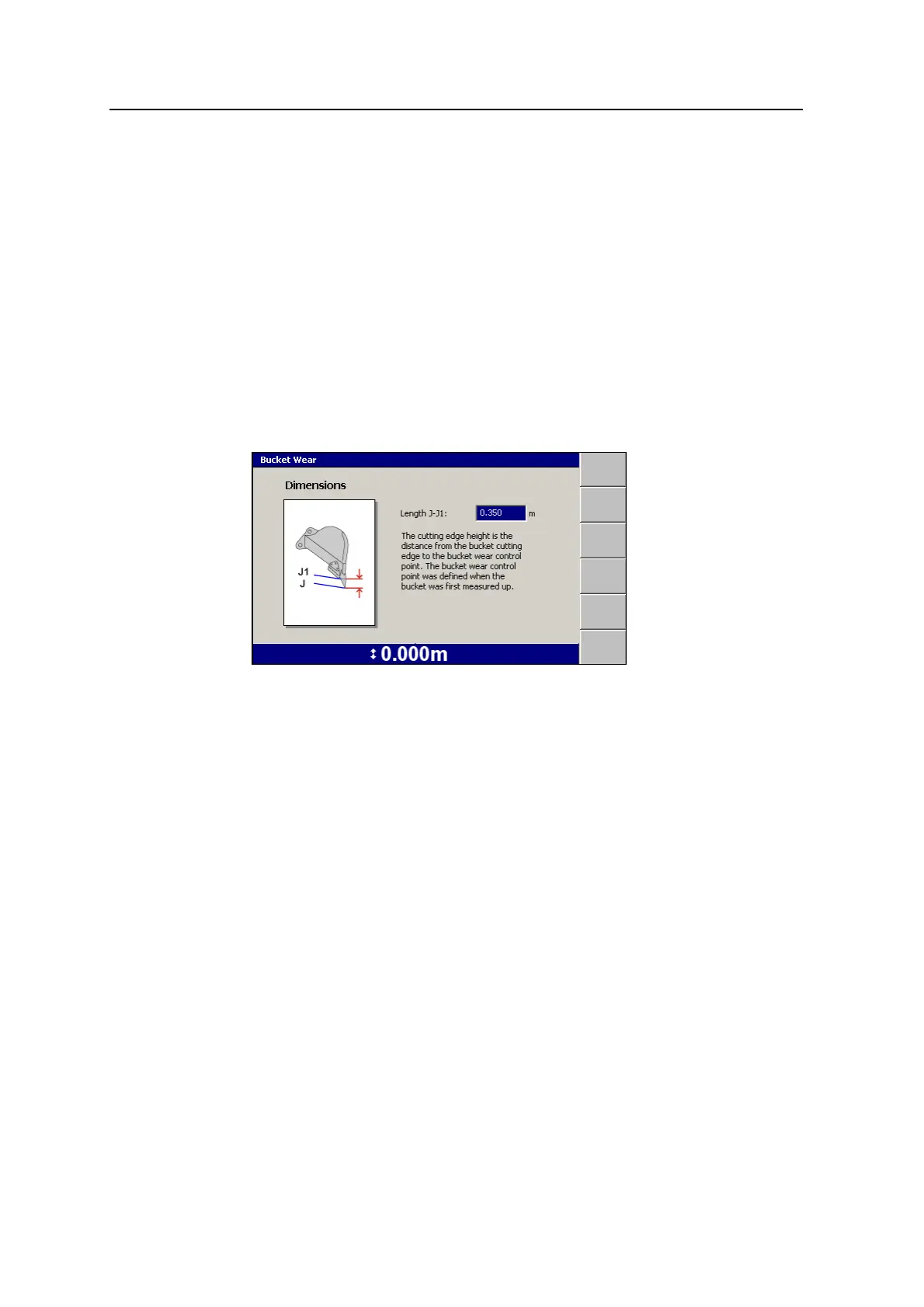
3.3.9 Checking bucket wear
You must regularly check the changes in the cutting edge measurements caused by
bucket wear, or as instructed by your site supervisor. To check and/or set the bucket
wear compensation:
1. Measure the cutting edge height to the bucket wear control point. The bucket
wear control point was defined when the bucket was first measured up.
If the bucket wears unevenly, use an average value. However, guidance will
never be better than the range of the differences in cutting edge height.
2.
From any guidance screen, press M.
3. Select Bucket Wear.
4. If required, edit the Length J-J1 field.
Note – If the bucket teeth are longer now than when the bucket was first
measured up, enter a negative value.
5.
To confirm the settings, press \; to exit without saving changes, press =.
The changes take effect immediately.
3.4 Operating hours
By default, the system logs the number of hours (that is, the ‘guidance hours’) that
the system has been operational. This section describes how to view the Guidance
Hours dialog.
The Guidance Hours dialog displays the cumulative operating hours for the control
box.
Note – If you move the control box between machines, the hours do not reset.
58 GCS900 Grade Control System for Excavators Operator's Manual



 To Next Page