3 Preparing to Work
3.2 Software option keys
The system supports an enhanced option key model based on specific machine types
and functionality. For more information contact your dealer.
3.2.1 Software support
For new control boxes the software will self-generate the initial 12 months of
software support. If no software support date is set then an initial dialog screen will
be presented to the operator. The operator can either press Accept to activate 12
months of software support or decide not to do this at that time.
If software support is not activated, the software will function normally for 60
minutes after which time it will cease to calculate machine position, making the
software unusable for machine control. On the next power cycle, if software
support is still not set then the same initial screen is presented to the user.
To extend this software support date, 12-month software support extension option
keys are available via the Trimble Store.
3.2.2 Viewing the status of control box and GNSS receiver option keys
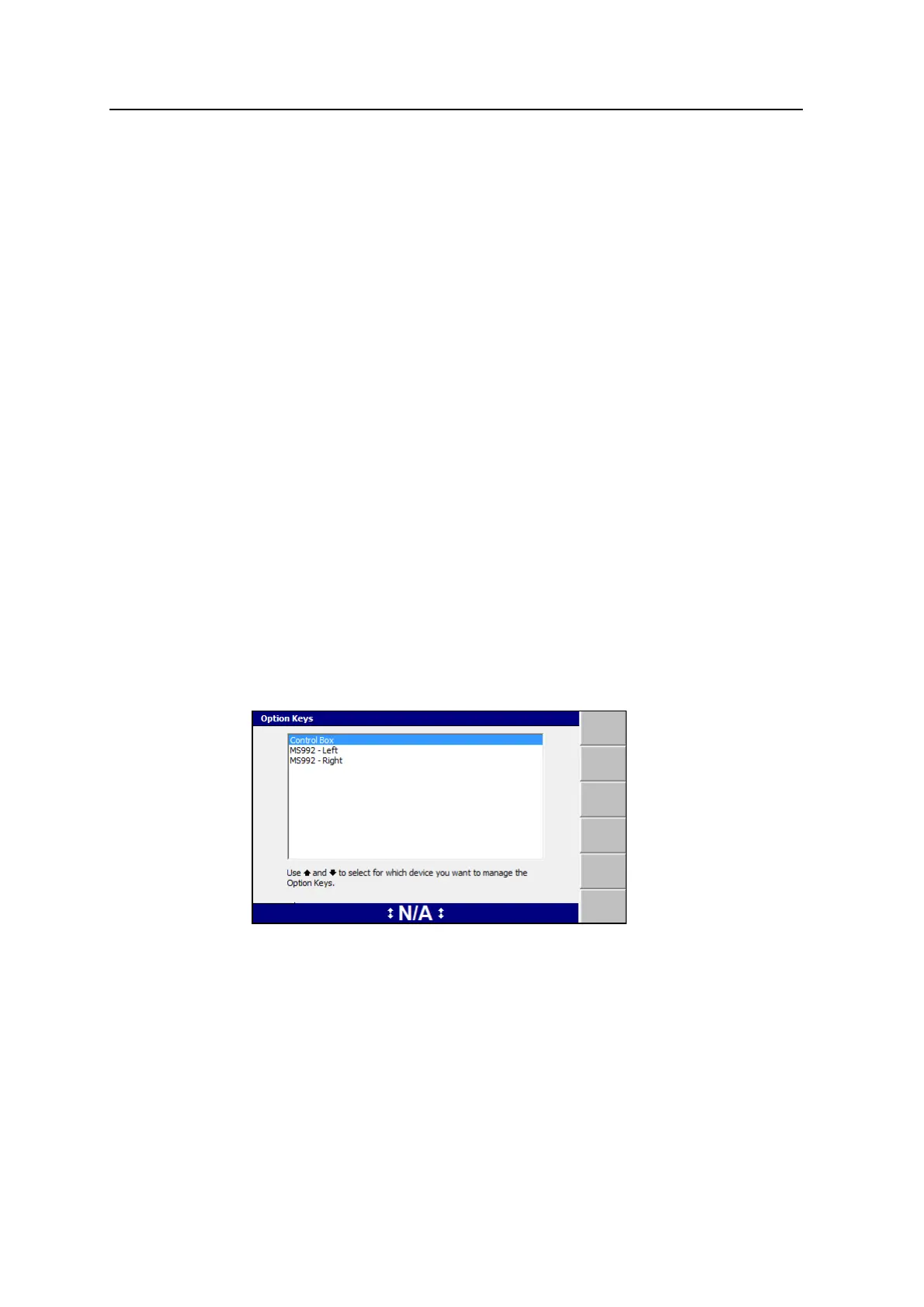
You can display option key information for the control box and GNSS receivers
from the Option Keys dialog.
1. From the Setup Menu – Installation menu, select Option Keys.
48 GCS900 Grade Control System for Excavators Operator's Manual



 To Next Page