3 Preparing to Work
press \ or Finish to save and start using the configured wireless mode.
Otherwise, press = to exit without saving, and return to the Machine Radio
Configuration dialog.
3.5.4 Select radio band
1. From the Connectivity Settings dialog, select Select Radio Band.
2. To change the radio band, press Set 220MHz, Set 450 MHz, Set 900 MHz or Set
2400 MHz.
Note – The radio bands displayed depend on the modules available with your band
configurable radio. In addition, the radio bands you can actually use depend on the
system configuration. For example, you can only use the 2400 MHz band when the
system is using a UTS for guidance. In this case, the radio will be configured to
2400 MHz on start-up, connection and reconfiguration, irrespective of the band
chosen in the Select Radio Band dialog.
3.5.5 Configuring a third party radio
1. From the Setup Menu–Installation menu, select Connectivity Settings.
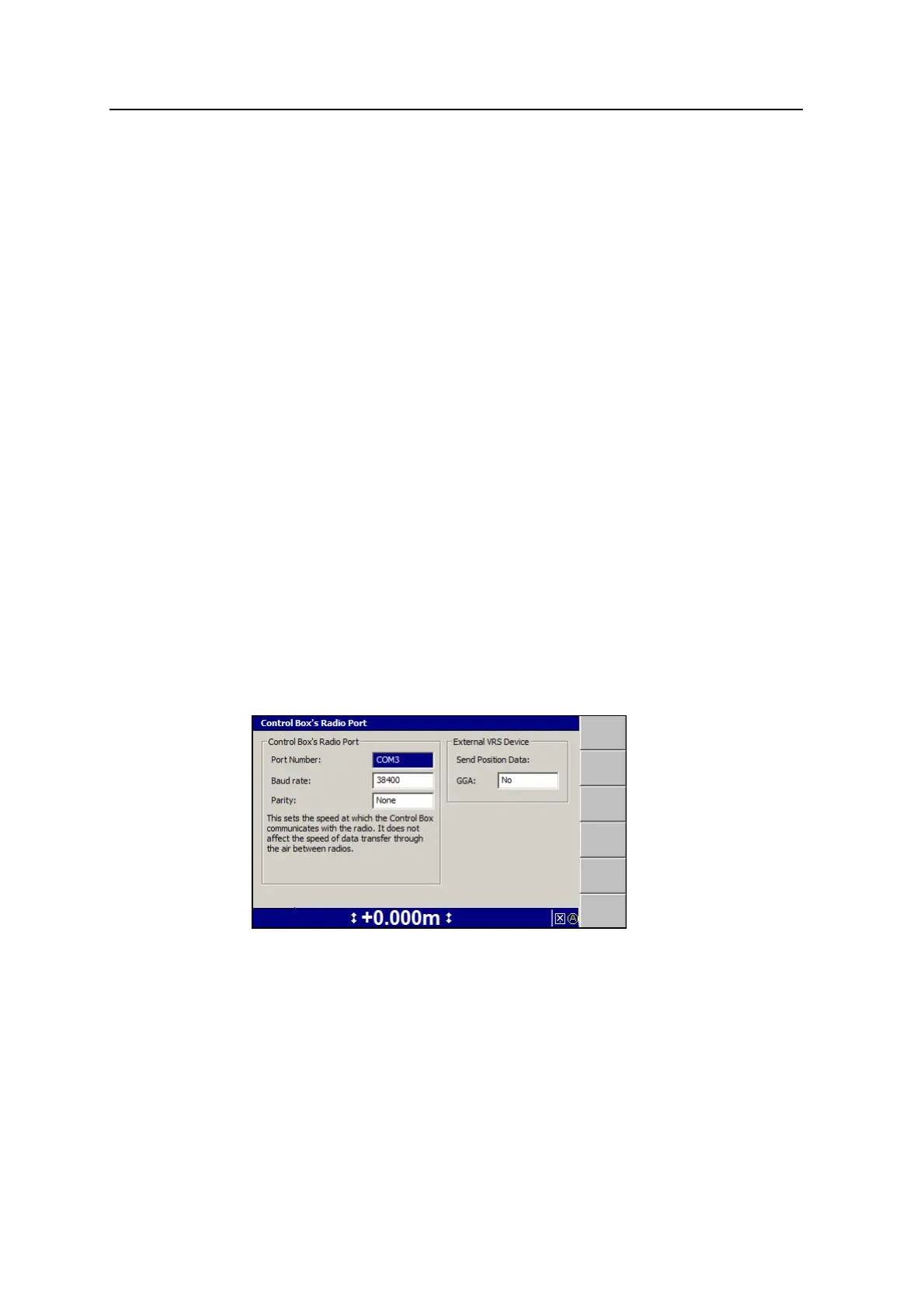
2. Press the up or down arrow keys on the control box to select Control Box’s
Radio Port and press \::
The control box’s radio port is the communications port on the control box that
connects to the communications port on the data radio. For the system to work,
the settings in the Control Box’s Radio Port dialog must match the
communication port settings in the data radio. If these settings do not match, do
the following:
3.
Use the arrow keys to select the correct port number, and then press N.
64 GCS900 Grade Control System for Excavators Operator's Manual



 To Next Page