Using 2D Guidance in the Field 4
When GNSS Receiver Support is enabled the Bench softkey icon includes a stake
symbol to represent a stake in the ground, referenced by the GNSS receiver. Once
the system is benched you can continue digging after moving the machine, without
needing to use Touch Point or accept a laser strike.
Bench softkey Description
Bench the system using the GNSS receiver
To enable GNSS Receiver Support:
1.
From any guidance screen press M.
2. Press Installation.
3. Select GNSS Receiver Support.
4.
To confirm the settings, press \; to exit without saving the changes, press
=.
If the option is not available, see your site supervisor.
4.2.1 Bench rotation using two points
Note – Bench rotation using two points is only available when GNSS Receiver
Support is installed and configured.
Bench rotation using two points allows you to use the bucket to specify two points
defining a line indicating the rotation bench direction. This means the accuracy of
the rotation bench can be fine-tuned as the machine is moved.
To bench the rotation using the two points method:
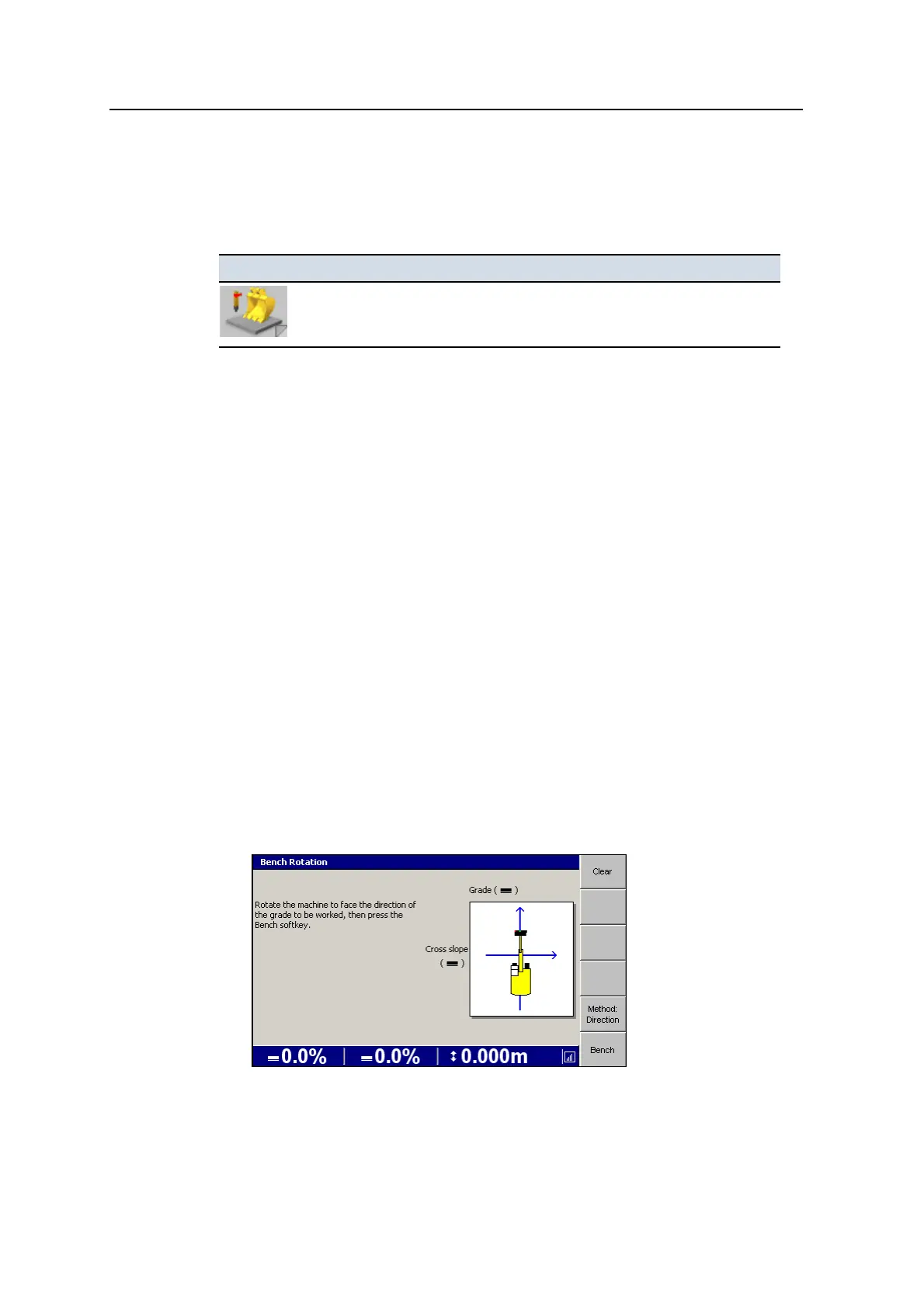
1. From any guidance screen press and hold Bench Rotation. The Bench Rotation
dialog appears, showing the Method:Direction screen.
GCS900 Grade Control System for Excavators Operator's Manual 79



 To Next Page