2 Using the Control Box and Lightbars
sign (+), a space (), and back to A.
Note – Available values depend on the type of field that is selected. For
example, the only values available for number fields are 0 through 9, the
decimal point (.), –, and +.
When you change a character in a field, the keys start stepping from the
existing character.
l
) steps to the next character to the right.
In fields that allow spaces, press) twice to insert a space.
l
( steps back one character to the left. This deletes the character in the space
to the left.
To select an item from a list, press ] or [ to highlight the item you want to
select, and press \.
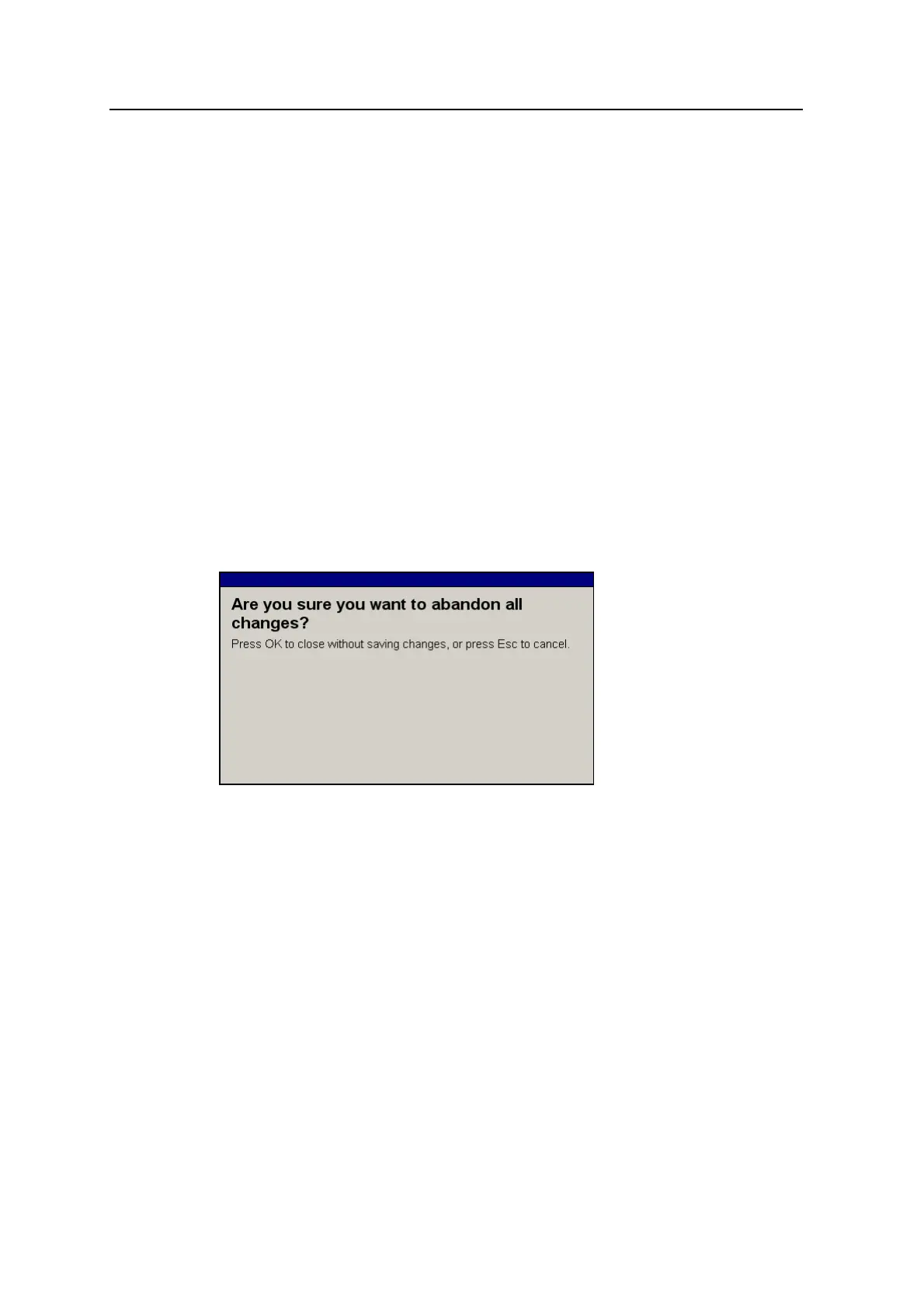
To leave the dialog without saving the new data or selection, press =. If you have
made changes to a dialog setting, and you choose to exit without saving those
changes, the following warning appears.
To confirm that you want to abandon the changes you have made to the dialog, press
\.
2.5.2 Working with guidance screens
Guidance screens display a mix of text and graphics that give you information such
as the slope or elevation of the cutting edge or the position of the machine.
Depending on the configuration of the system, as setup by your site supervisor, you
can view varying numbers of guidance screens:
l Plan view
l Terrain
32 GCS900 Grade Control System for Excavators Operator's Manual



 To Next Page