Preparingto Work 3
A summary of the service provider details you created are displayed to the
right of the Internet Connection Settings dialog.
3.8.3 Delete
Note – Deleting internet settings from the Internet Connection Settings dialog does
not remove them from the SNM940, just from the list.
1. From the list of configured internet service providers, select the service
provider you want to delete, and press Delete. The Delete ISP Configuration
dialog displays.
2.
Press \ to confirm deletion. The list of available service providers displays.
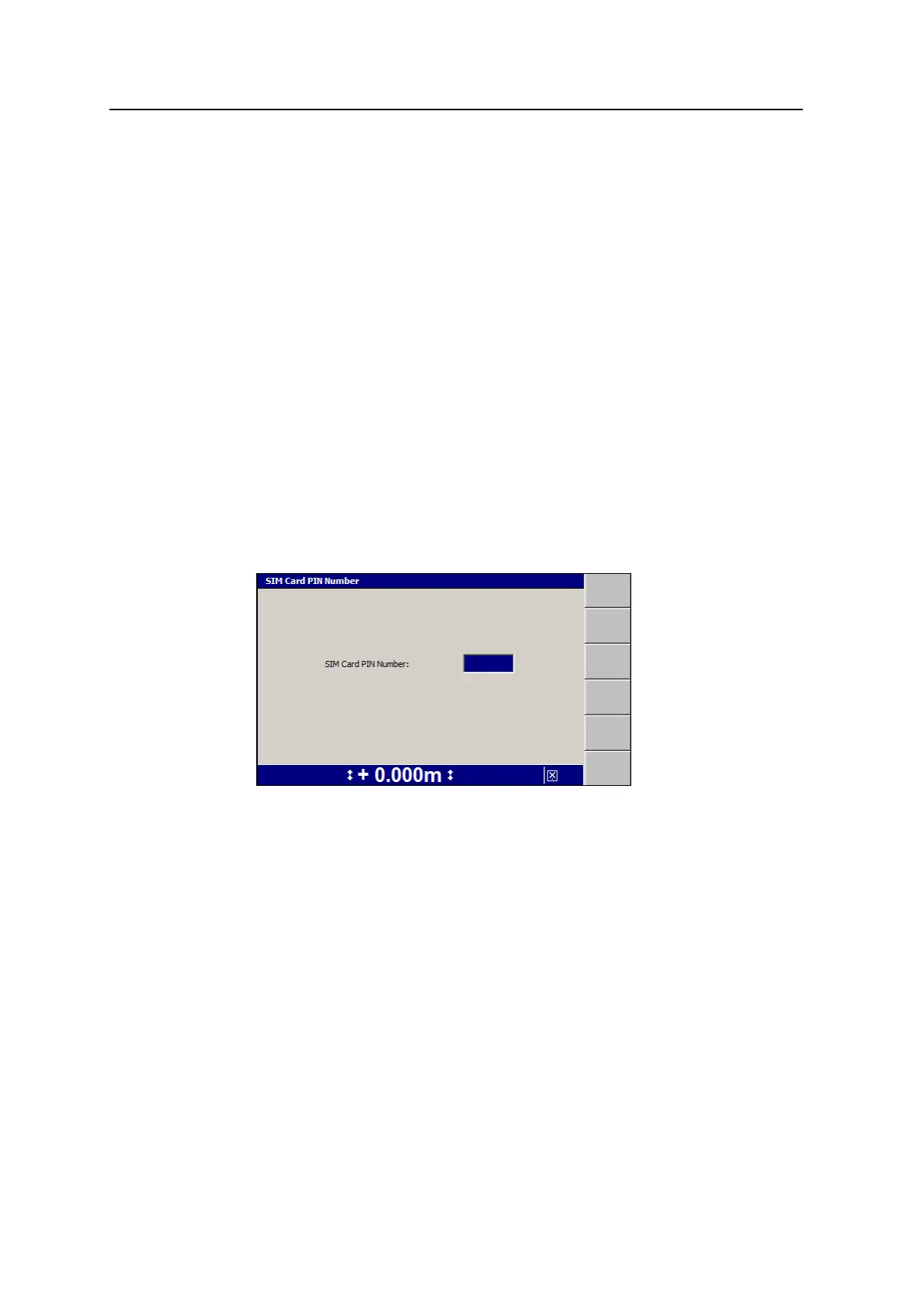
3.8.4 SIM PIN
Sometimes newly inserted SIM cards are locked at the time of purchase. To unlock
the SIM card you need to enter the SIM card PIN.
1. From the Internet Connection Settings dialog, press SIMPIN:
2. Press the up or down arrow keys on the control box to enter the 4 digit PIN
number.
3. To save the PIN and return to the Internet Connection Settings dialog, press
\; to return to the Internet Connection Settings dialog without saving
changes, press =.
4.
Press \ to send the SIMPIN and APN to the SNM940.
A warning message appears advising you that sending a SIMPIN to the Wi-
Fi/Cell radio takes approximately five minutes and that it automatically restarts
the radio.
5.
Press \ to continue or press = to cancel.
GCS900 Grade Control System for Excavators Operator's Manual 73



 To Next Page