4 Using 2D Guidance in theField
4.1 Setting the focus point
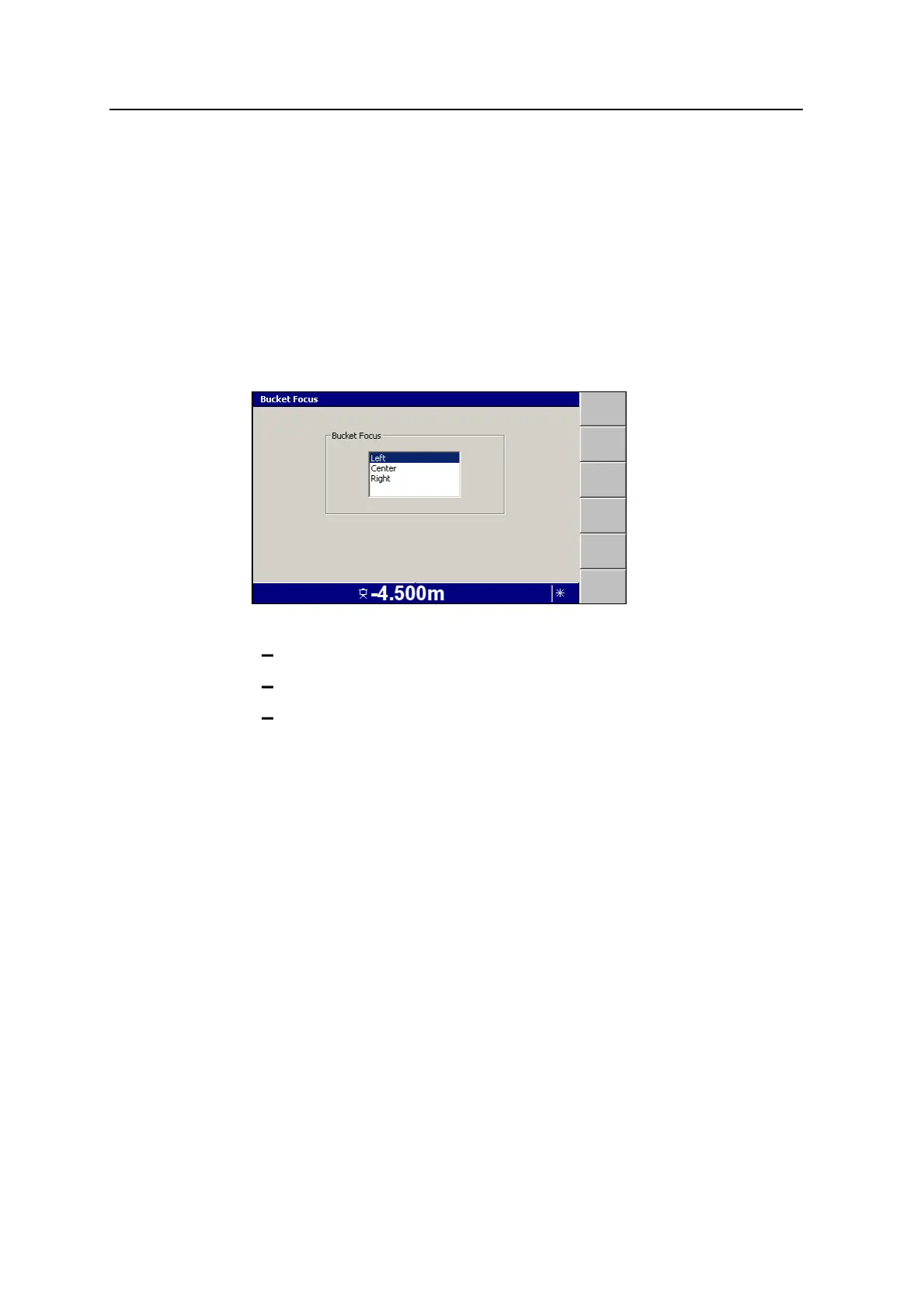
The focus point is the point on the bucket used as the reference point when
benching. By default, the focus is located at the center of the cutting edge of the
bucket.
If you need to change the focus point:
1.
From any guidance screen, press M.
2. Select Bucket Focus:<position>.
3. Select one of the following positions for the focus point:
Left – the focus point is at the left end of the cutting edge of the bucket
Center – the focus point is at the center of the cutting edge of the bucket
Right – the focus point is at the right end of the cutting edge of the bucket
4.
To confirm the settings, press \; to exit without saving the changes, press
=.
4.2 GNSS Receiver Support
GNSS Receiver Support is an add-on for 2D excavator systems, enabling:
l GNSS positioning of the machine to a relative benched point. This allows you
to move around the site without needing to use Touch Point or accept a laser
strike.
l The ability to create basic designs in the field without the need for external
software support or surveying and infrastructure set up.
Note – Measure mode is not available when GNSS Receiver Support is enabled.
78 GCS900 Grade Control System for Excavators Operator's Manual



 To Next Page