Preparingto Work 3
If this occurs, the Add Frequency dialog reappears and you can edit the
incorrect frequency.
To delete a frequency:
1. From the Manage Frequencies dialog, use the arrow keys to highlight the
frequency you want to delete.
2. Press Delete. A message appears asking you to confirm the deletion.
3.
Press \ to delete the frequency, or press = to exit without saving, and
return to the Manage Frequencies dialog.
3.5.3 Specify wireless mode
To manage machine radio frequencies:
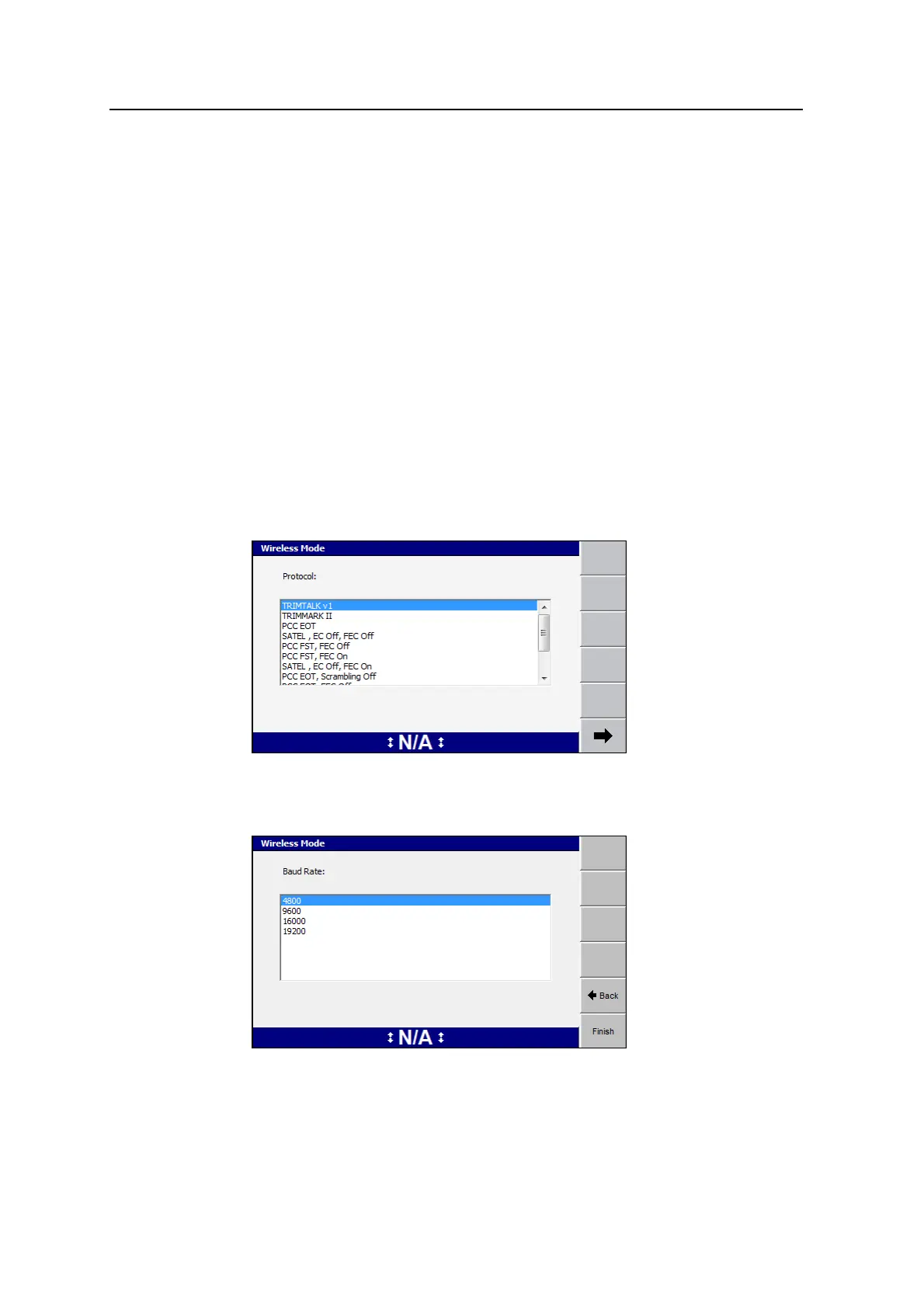
1. From the Machine Radio Configuration dialog, press Wireless Mode. The first
screen of the Wireless Mode wizard appears, listing the available protocols for
the radio:
2. Use the arrow keys to select the wireless mode from the list of available
protocols, then press \ or 7. The Wireless mode - Baud Rate screen
appears:
3. Use the arrow keys to select the baud rate from the list of available rates and
GCS900 Grade Control System for Excavators Operator's Manual 63



 To Next Page