3 Preparing to Work
3.9 Setting depth and slope increment values
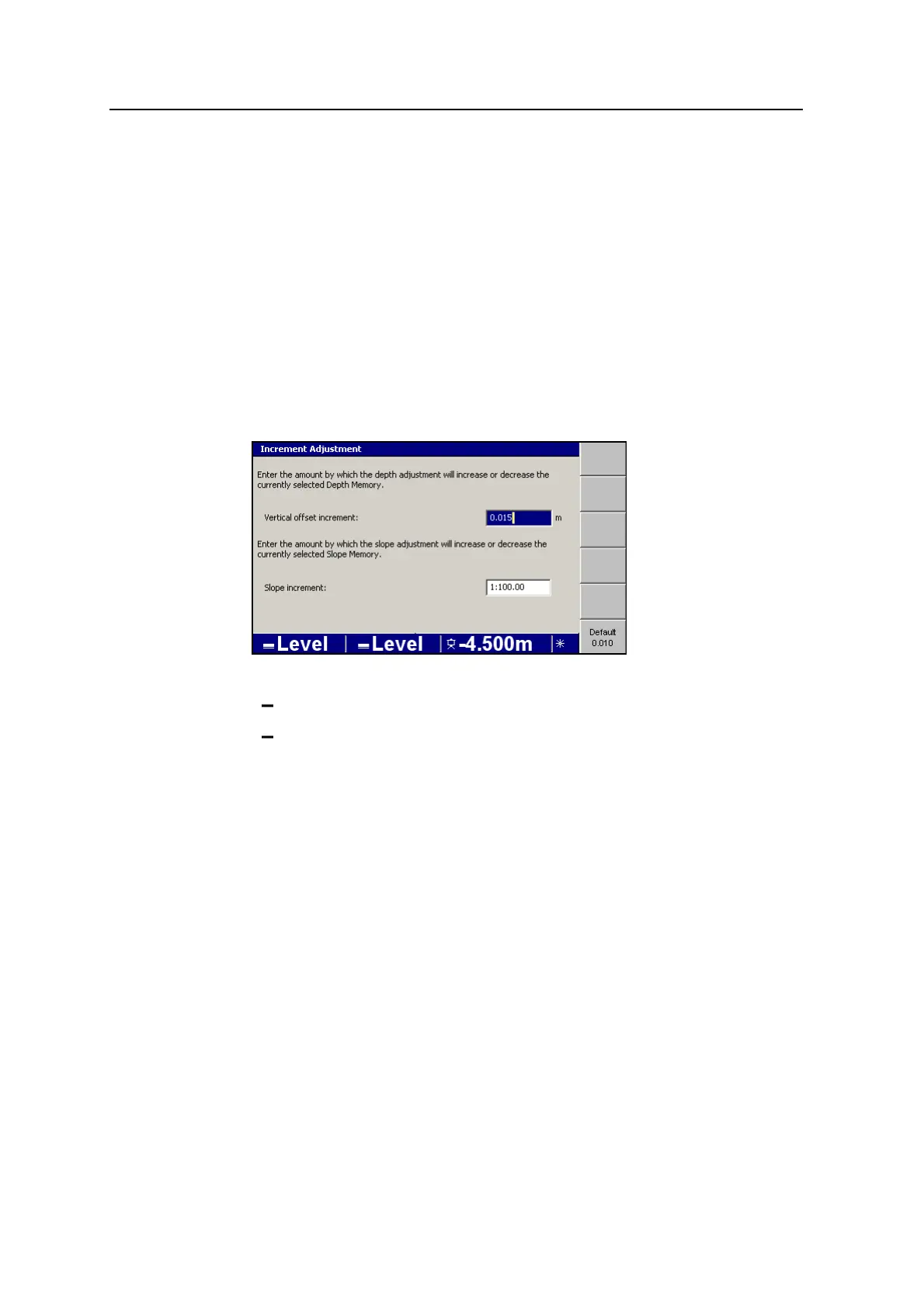
You can set the amount by which depth and slope values are incremented and
decremented. These values appear on the increment and decrement softkeys in the
Depth Memories and Slope Memories dialogs.
Note – The Depth Memories and Slope Memories dialogs are described in 4.4
Selecting or creating a guidance model.
To set increment/decrement values:
1.
From any guidance screen, press M.
2. Select Increment Adjustment.
3. To set the vertical offset increment and/or the slope increment:
Edit the Vertical offset increment or Slope increment fields directly.
Press Default<value> to set the increment/decrement amount to its default
value.
4.
To confirm the settings, press \; to exit without saving the changes, press
=
3.10 Selecting an excavator bucket
For excavators, the bucket model that the system uses to calculate guidance
information must match the bucket you use on the job.
To check and/or select an excavator bucket model:
1.
From any guidance screen, press M. The Setup Menu – Configuration menu
appears.
2. Select Select Bucket.
74 GCS900 Grade Control System for Excavators Operator's Manual



 To Next Page