Troubleshooting in theField 7
5.
To save the settings and return to the Connectivity Settings dialog, press \; to
return to the Connectivity Settings dialog without saving changes, press =.
6.
Press = to return to the Setup Menu–Installation dialog.
7.1.2 Using Remote Assistant
Operators should be aware that:
l When the office side connects to the control box via the Connected
Community, both the machine and the office side can control most control box
operations. This is intentional and enables either side to drive the control box.
l If the machine is running in Autos then the office side can change menu
selections, which will force the machine out of Autos; you should be aware
that Auto operation will stop.
l The office side cannot put the system into Autos; only the machine side can
engage Autos.
l The office side cannot drive the bowl directly in any way, even for diagnostic
tests. To perform these actions, the office side must:
observe operator selections
listen to operator observations and advise appropriately
When Remote Assistant has been enabled and configured, you can call the support
desk, using the provided support telephone number, and request remote assistance.
After you start Remote Assistant on the control box the support desk will initiate the
remote assistance session from their end.
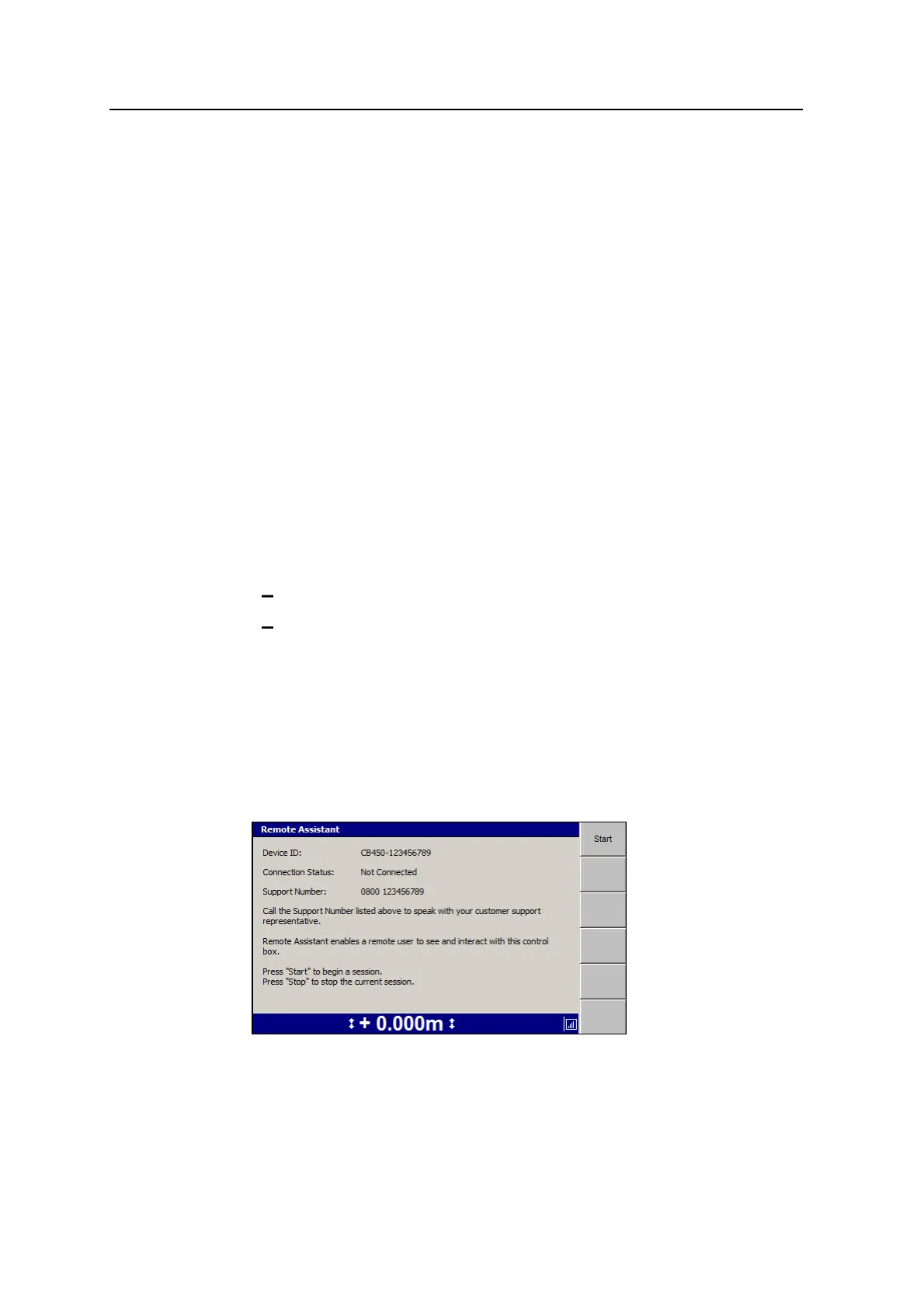
To access the support telephone number and start a Remote Assistant session:
1. From the Setup Menu – Configuration dialog, select Remote Assistant.
2. Press Start to begin a session.
GCS900 Grade Control System for Excavators Operator's Manual 153



 To Next Page