3 Preparing to Work
3.3.4 Display brightness
Use the following key combinations to adjust the brightness of the control box
display for your working conditions:
l
To increase the display brightness, hold down M and press +.
l
To decrease the display brightness, hold down M and press -.
Note – You can also set the display brightness using the Display and Lightbar
Brightness dialog from the Setup Menu – Configuration menu.
3.3.5 Display settings
Note – You do not need to restore machine and/or display settings files every time
you start the control box, as the system automatically saves and reloads the settings
that were being used before the last shut down.
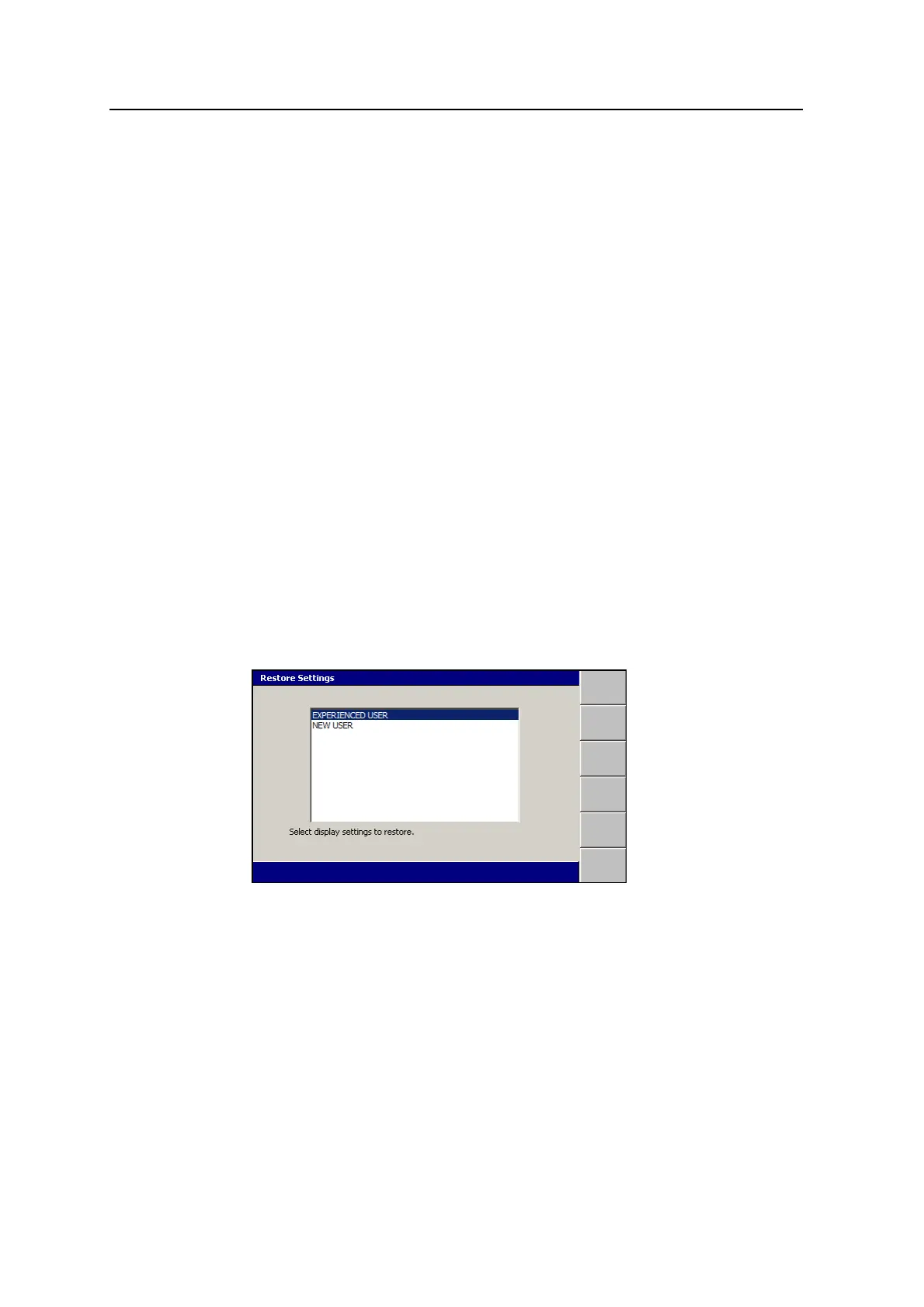
Use the display configuration that has been created for you. To restore a display
settings file:
1.
From any guidance screen, press M.
2. Select Restore Settings.
3. Select Display Settings.
4. Select the correct setting file for your use.
5.
To confirm the settings, press \; to exit without saving the changes, press
=.
3.3.6 Keypad backlight brightness
You can adjust the control box keypad backlight brightness to suit operating
conditions.
54 GCS900 Grade Control System for Excavators Operator's Manual



 To Next Page