Preparingto Work 3
1.
From any guidance screen, press M.
2. Press Installation.
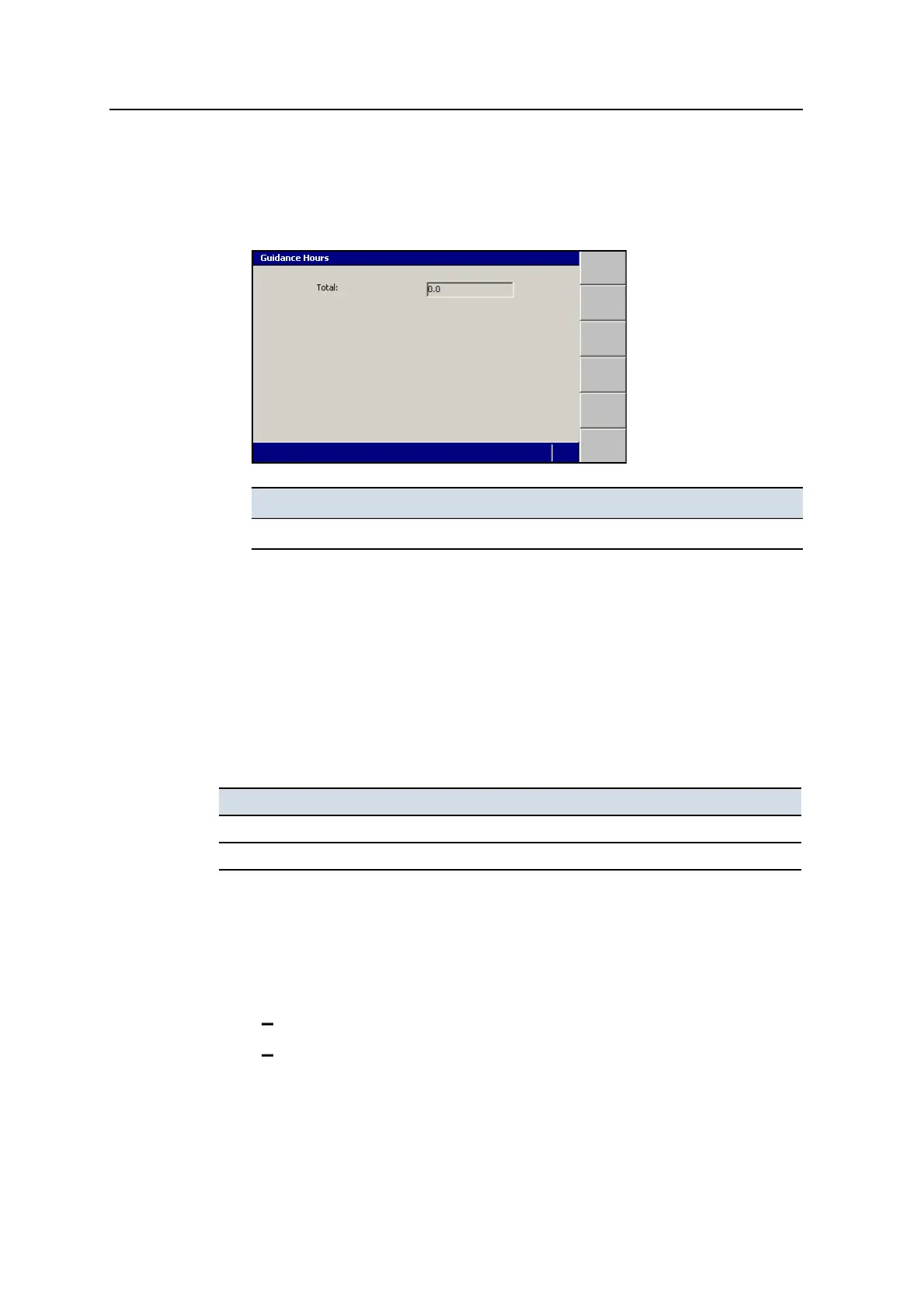
3. Select Guidance Hours.
Field Explanation
Total Total number of hours the guidance system has been operating.
4.
Press \ or = to exit the Guidance Hours dialog.
Note – Guidance hours are also recorded in the Program Log at start-up and shut
down.
3.5 Configuring the machine radio
The machine radio communicates with the UTS instrument radio or the GNSS base
station radio.
Use this radio ... With ...
SNR24xx or SNR2420 A UTS or GNSS system.
SNR9xx A GNSS system.
To open the Connectivity Settings dialog:
1.
From any guidance screen, press M.
2. Press Installation.
3. Select Connectivity Settings. The options are:
Machine Radio Configuration. See 3.5.1 Machine radio configuration.
Select Radio Band. See 3.5.4 Select radio band.
GCS900 Grade Control System for Excavators Operator's Manual 59



 To Next Page