7 Troubleshooting intheField
Field Explanation
PPM Parts per million. The instrument’s Electronic Distance Meter (EDM) is
affected by the temperature and pressure at which the instrument is being
operated. Accurate entry of the ambient air temperature and barometric
pressure correctly adjusts the EDM measurements for the PPM (parts per
million) error associated with this effect.
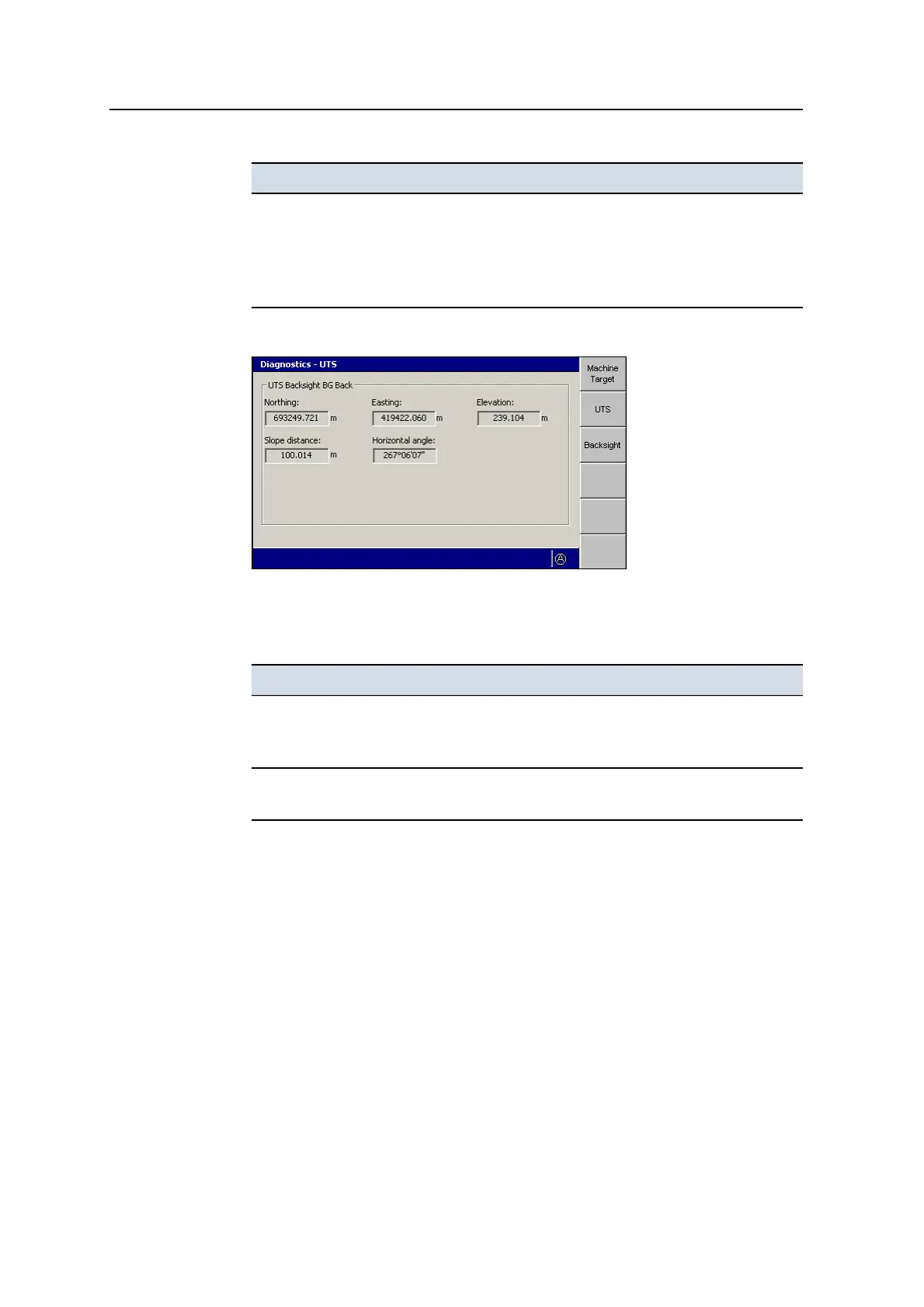
3. From any screen in the Diagnostics – UTS dialog, press Backsight.
This screen displays information about the backsight taken to establish the
orientation of the UTS instrument. The fields within this screen are described
below.
Field Explanation
Northing
Easting
Elevation
The known location of the control point used for the backsight, in terms of
Northing, Easting and Elevation
Slope distance
Horizontal angle
The observed location of the control point relative to the UTS, in terms of
slope distance and horizontal angle
7.3.2 GNSS diagnostics and satellite monitoring
The system lets you view detailed diagnostics information and also access satellite
orbit information for planning purposes.
GNSS diagnostics
To view detailed GNSS diagnostics:
1. From Setup Menu – Configuration, select Diagnostics.
2. Press GNSS.
160 GCS900 GradeControl System for Excavators Operator's Manual



 To Next Page