Preparingto Work 3
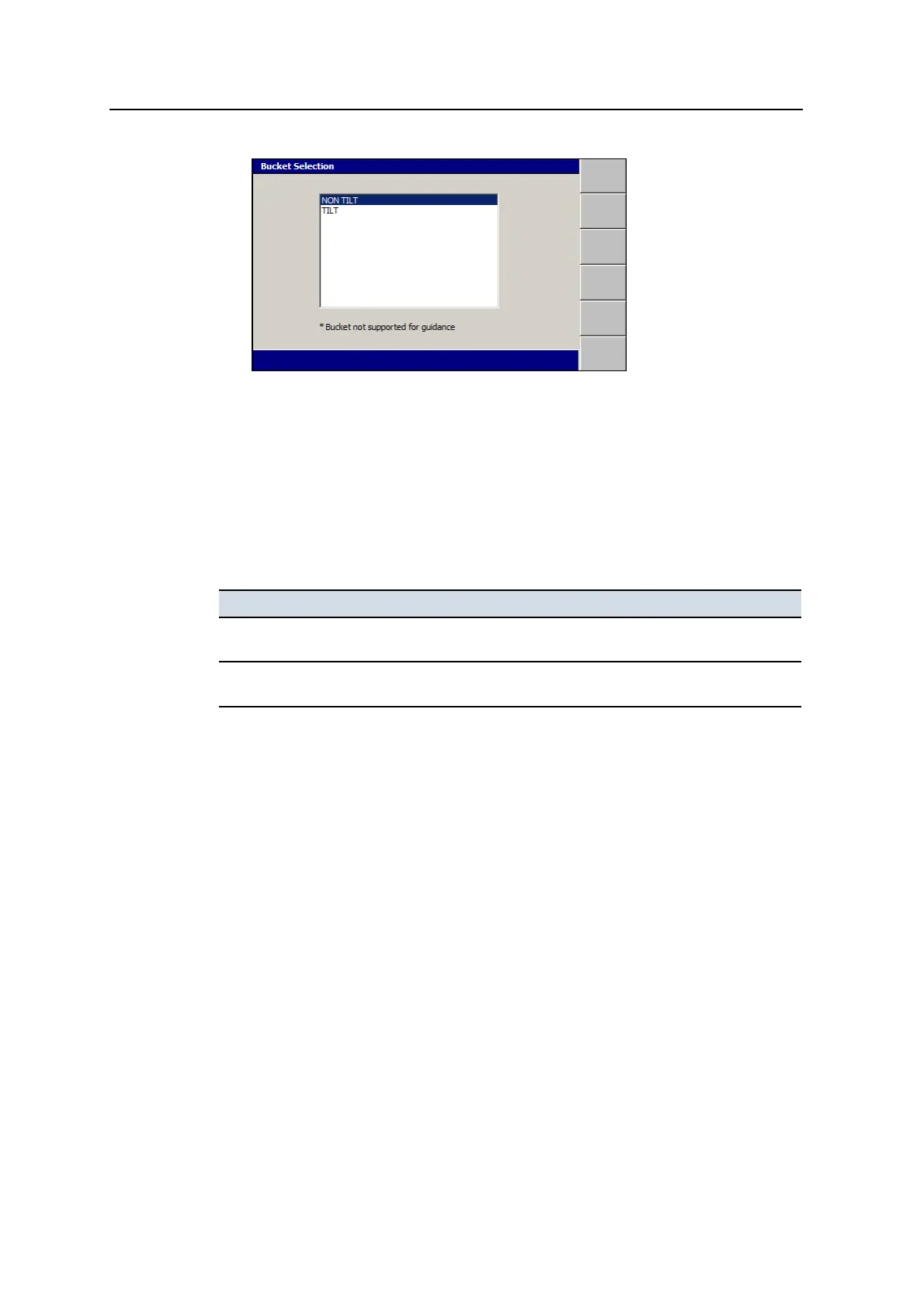
Note – An * following a bucket name indicates that specific bucket as not being
supported for guidance.
3. Select the bucket model you are going to use for the job.
4.
To confirm the settings, press \; to exit without saving the changes, press
=.
Some possible problems that can occur when you try to select an excavator bucket
are:
Problem Action
No bucket models are available The installation of the system has not been completed.
Notify your site supervisor.
There is no bucket model available for
the bucket you want to use
Choose another bucket, or ask your site supervisor to
define a bucket model for you to use.
3.11 Selecting a 3D vertical guidance method
Note – Systems that use a single cab-mounted 3D sensor do not provide an interface
for selecting the vertical guidance method. Cab-mounted sensor systems always use
one point center guidance with no overcut protection.
To check and/or select a vertical guidance method:
1.
From any guidance screen, press M.
2. Select Guidance Method.
3. Press Change Method.
GCS900 Grade Control System for Excavators Operator's Manual 75



 To Next Page