3 Preparing to Work
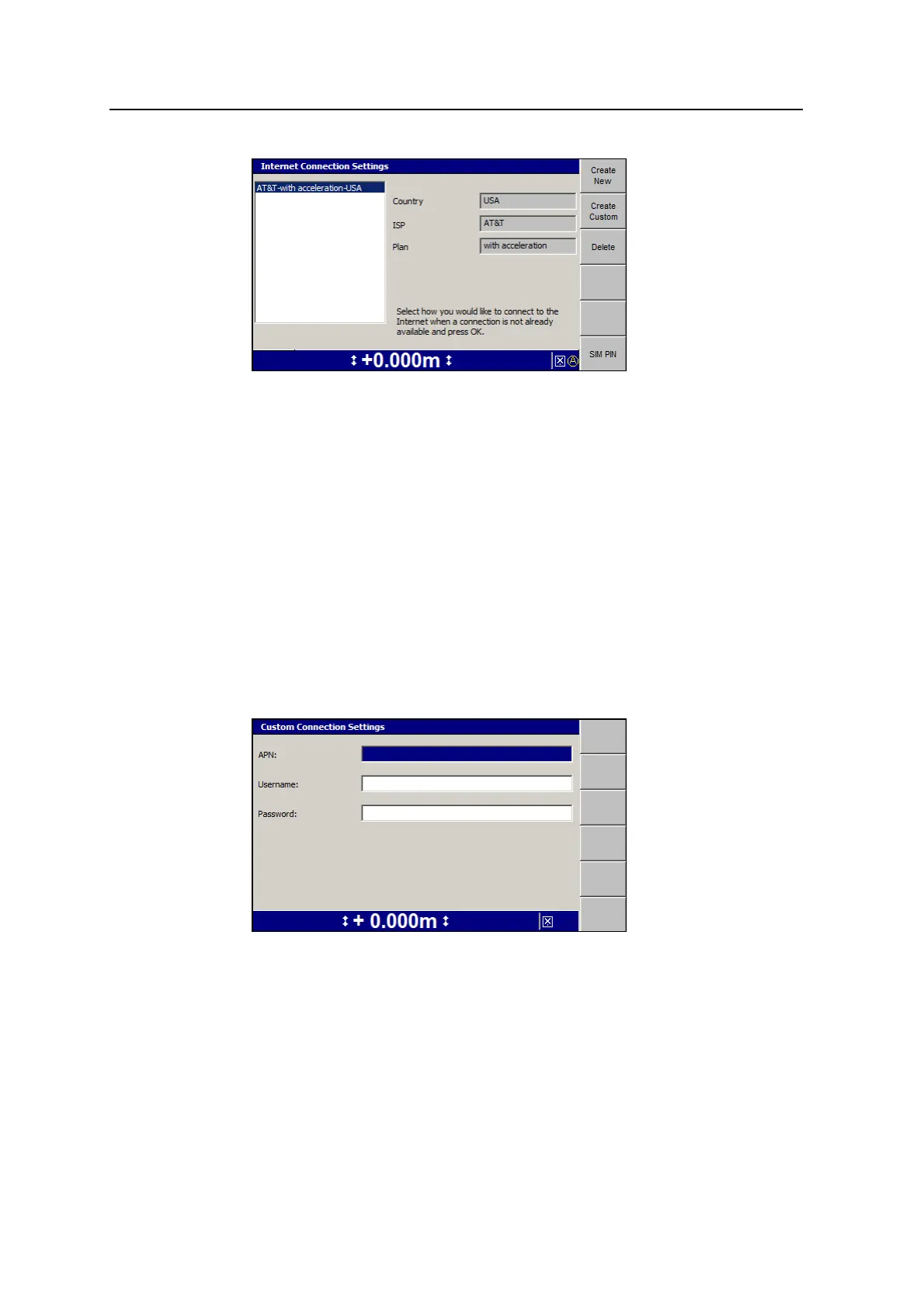
A summary of the selected service provider appears.
3.
Press \ to save your settings.
A warning message appears advising you that sending settings to the Wi-
Fi/Cell radio takes approximately five minutes and that it automatically restarts
the radio.
4.
Press \ to continue or press = to cancel.
3.8.2 Create Custom
This dialog is for situations when the provider is not contained in the current service
providers list. Ask your service provider for the APN. This specifies the external
network that the cellular device can access.
1. From the Internet Connection Settings dialog, press Create Custom:
2. Use the arrow keys on the control box to enter the Internet connection settings.
Press N to move to the next field.
3. To save the settings and return to the Internet Connection Settings dialog, press
\; to return to the Internet Connection Settings dialog without saving
changes, press =.
72 GCS900 Grade Control System for Excavators Operator's Manual



 To Next Page