4 Using 2D Guidance in theField
Editing a profile
1. From the Select Profile dialog, select the profile to be edited.
2. Press Edit. The Profile Definition dialog appears, with the profile to be edited
displayed.
3. Edit the profile, and save changes, using the tools described in Creating a new
profile, page 89.
Deleting a profile
1. From the Select Profile dialog, select the profile to be deleted.
2. Press Delete.
3.
To confirm the changes, press \; to exit without saving the changes, press
=.
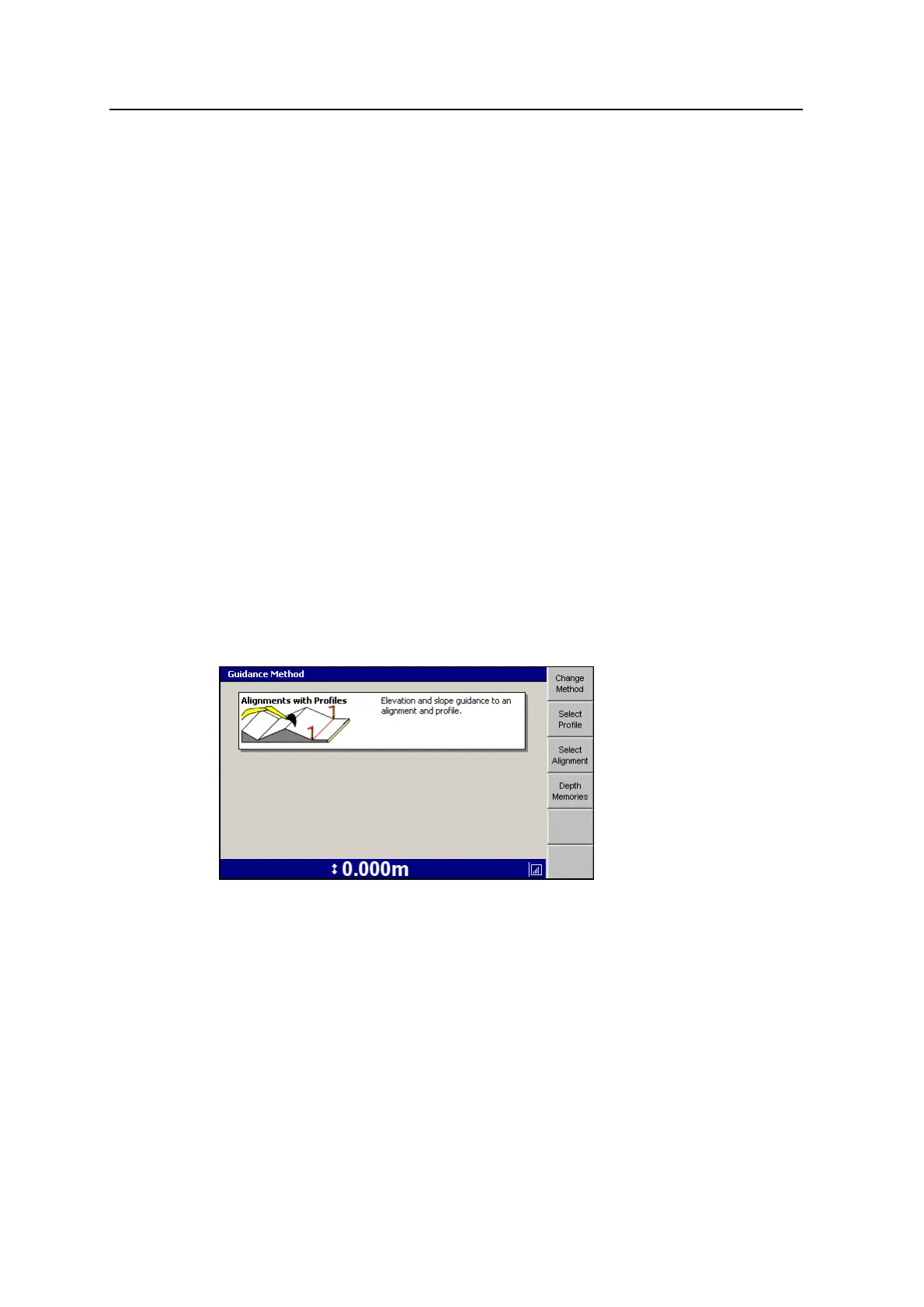
4.4.5 Alignments with Profiles
Note – Alignments with Profiles is only available when GNSS Receiver Support is
installed and configured.
Alignments are stored in alignment memory. This memory is only accessible when
the Alignments with Profiles vertical guidance method has been selected.
Alignments with Profiles allows you to create an alignment in the field and then
attach a profile at right angles to the alignment. For example, to dig a drainage-type
ditch that does not go in a straight line.
In plan view on the control box the alignment is displayed as a red line with dots
indicating where the stakes are located. The profile is attached to the alignment at
its origin point.
Plan view displays stakes in the ground and the direction of slopes and alignments.
92 GCS900 Grade Control System for Excavators Operator's Manual



 To Next Page