Using 2D Guidance in the Field 4
l Parallel to the benched alignment, for example working parallel to a trench.
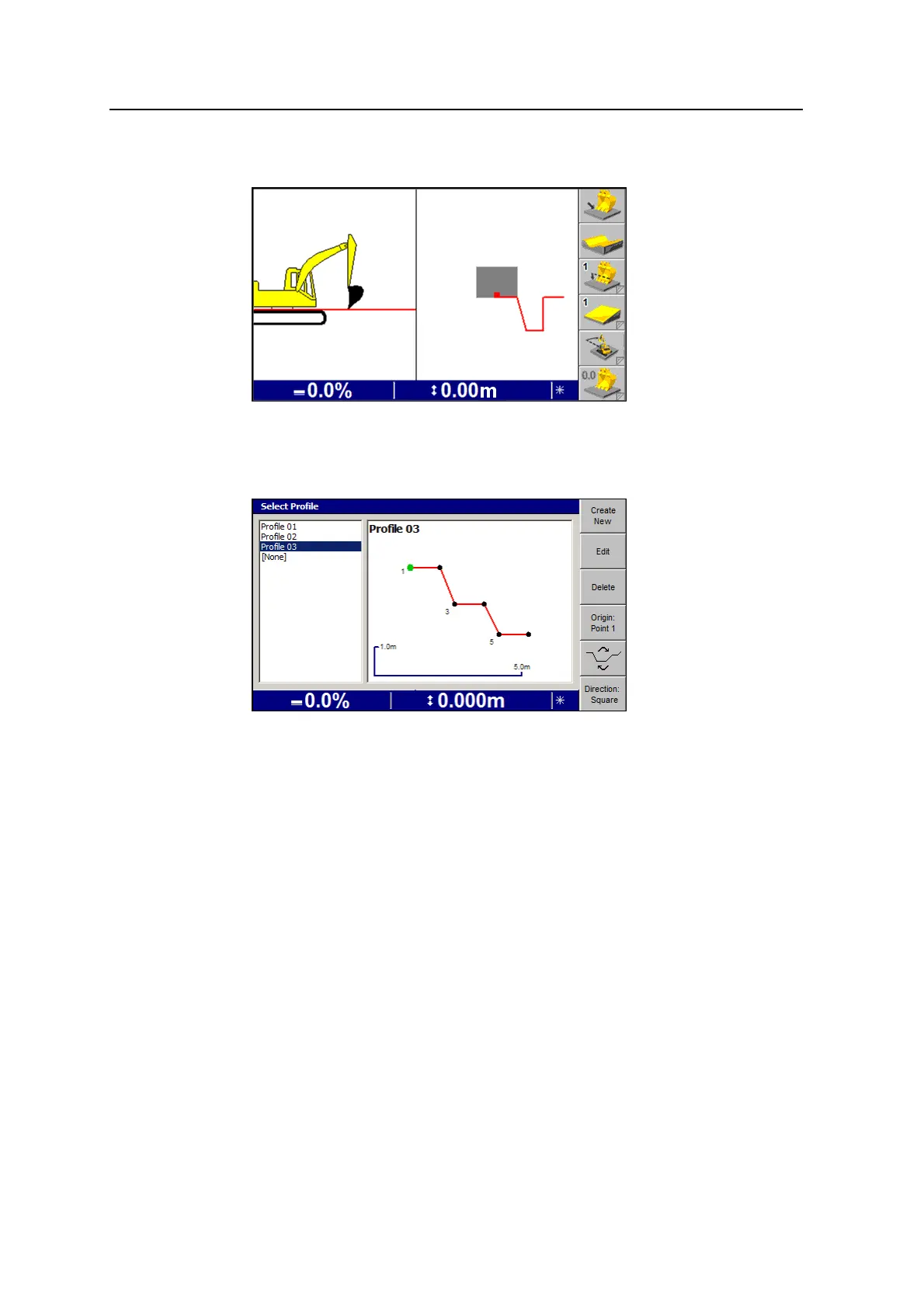
Selecting a profile from memory
1. From any guidance screen, press Profile.
Note – You can also access Profile Memories by pressing Select Profile from
the Guidance Method dialog.
2. Press Direction:Square or Direction:Parallel to work with the profile either
square to or parallel to the benched alignment.
3. Select the profile you require. The guidance screen re-appears, and the Bench
Elevation flashing warning message is displayed. For information on benching,
see 4.6 Establishing an elevation reference.
Creating a new profile
1. From any guidance screen, press Profile. The Select Profile dialog appears.
2. Press Create New. The Profile Definition dialog appears, with the point of
origin of the profile displayed as a green point:
GCS900 Grade Control System for Excavators Operator's Manual 89



 To Next Page