4 Using 2D Guidance in theField
3. Use the following tools to create the new profile:
Press Use Bucket to align the current position of the bucket focus to the
origin of the profile. Move the bucket so that the bucket focus is at the
origin of the profile you are creating, and press \.
Cross hairs appear in the Profile Definition dialog’s design pane,
indicating the current position of the bucket relative to the origin, and the
Use Bucket softkey is replaced with the Point Here softkey.
Once you have aligned the bucket focus with the origin (see previous tool),
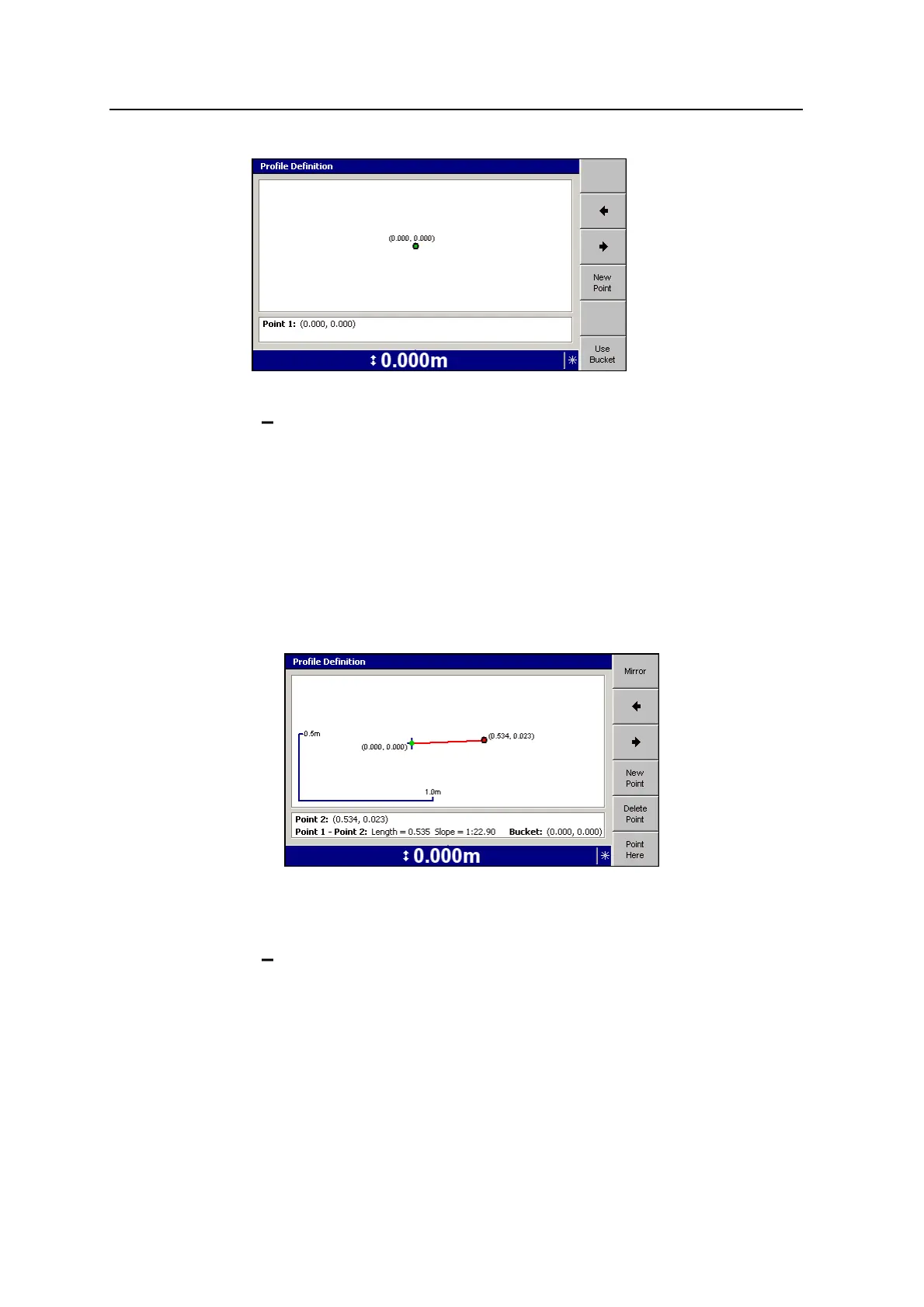
to add a line segment to the profile press Point Here at any time. A new
point appears in the Profile Definition dialog’s design pane at the current
position of the bucket focus:
The new point defines a new line segment. Both the new point and the
new line segment are displayed in red, indicating that the point has edit
focus.
To add a line segment to the profile, press New Point. A new point appears
in the Profile Definition dialog’s design pane:
90 GCS900 Grade Control System for Excavators Operator's Manual



 To Next Page