Using 3D Guidance in the Field 5
A possible problem that can occur with excavator guidance is:
Problem Action
Poor guidance Possible causes are:
l The orientation of one or more arm position sensors is not
configured correctly. Ask your site supervisor to check the
AS45x orientations.
l The wrong bucket model has been selected for the bucket
you are using.
l incorrect machine measurements
l incorrect calibrations
l incorrect coordinate system loaded in the GNSS receiver
(s)
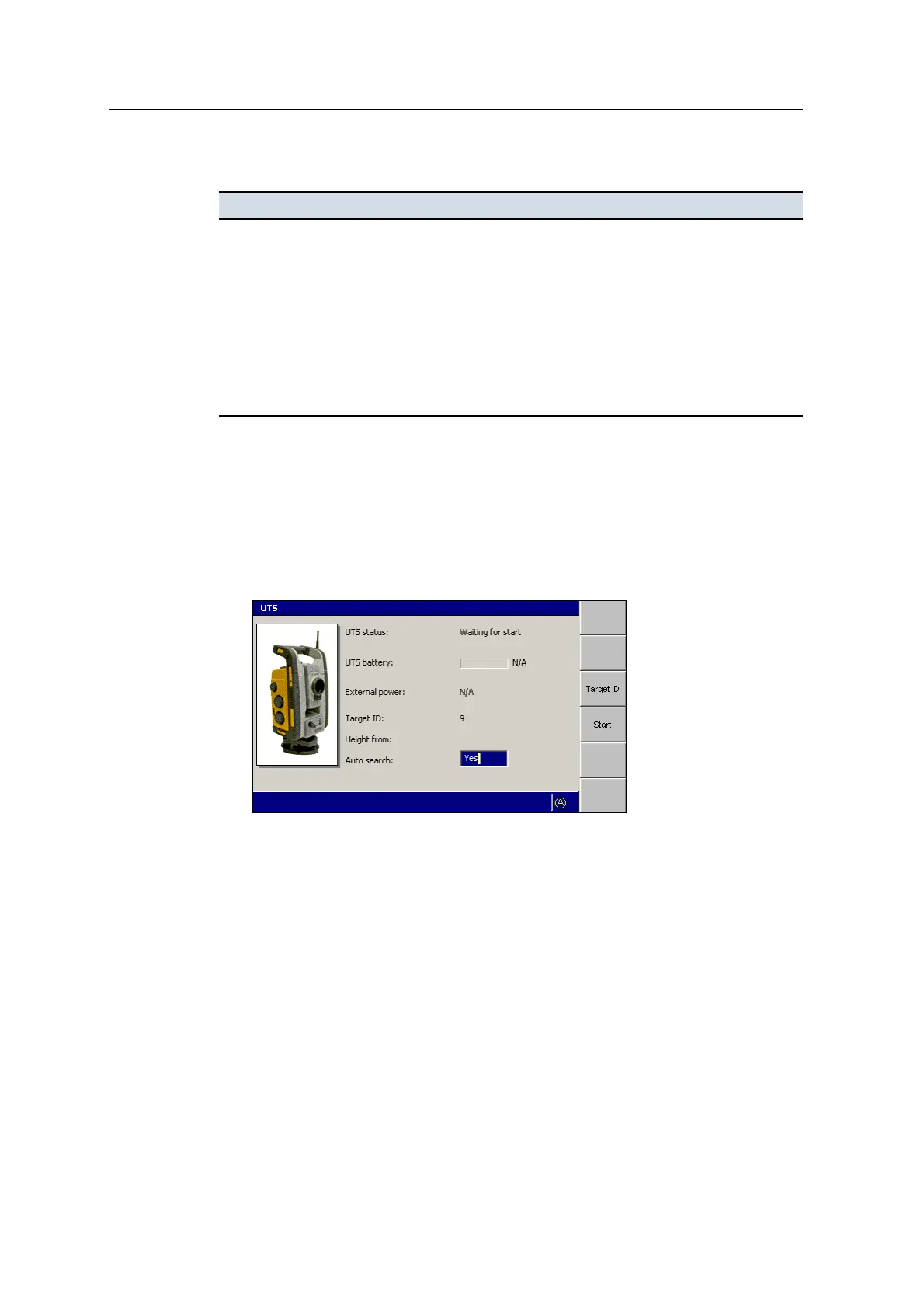
5.2.8 Starting the UTS system
To learn how to set up your UTS instrument for machine control, talk to your site
supervisor or refer to the Trimble SCS900 Getting Started Guide.
To start the UTS instrument, and connect the UTS instrument to the system:
1. From any guidance screen, press UTS.
2. To set the target ID:
GCS900 Grade Control System for Excavators Operator's Manual 115



 To Next Page