3 Preparing to Work
Note – If a cellular radio is installed more options are available. See 3.6 Wi-Fi
networking.
3.5.1 Machine radio configuration
1. From the Connectivity Settings dialog, select Machine Radio Configuration.
The system searches for a radio.
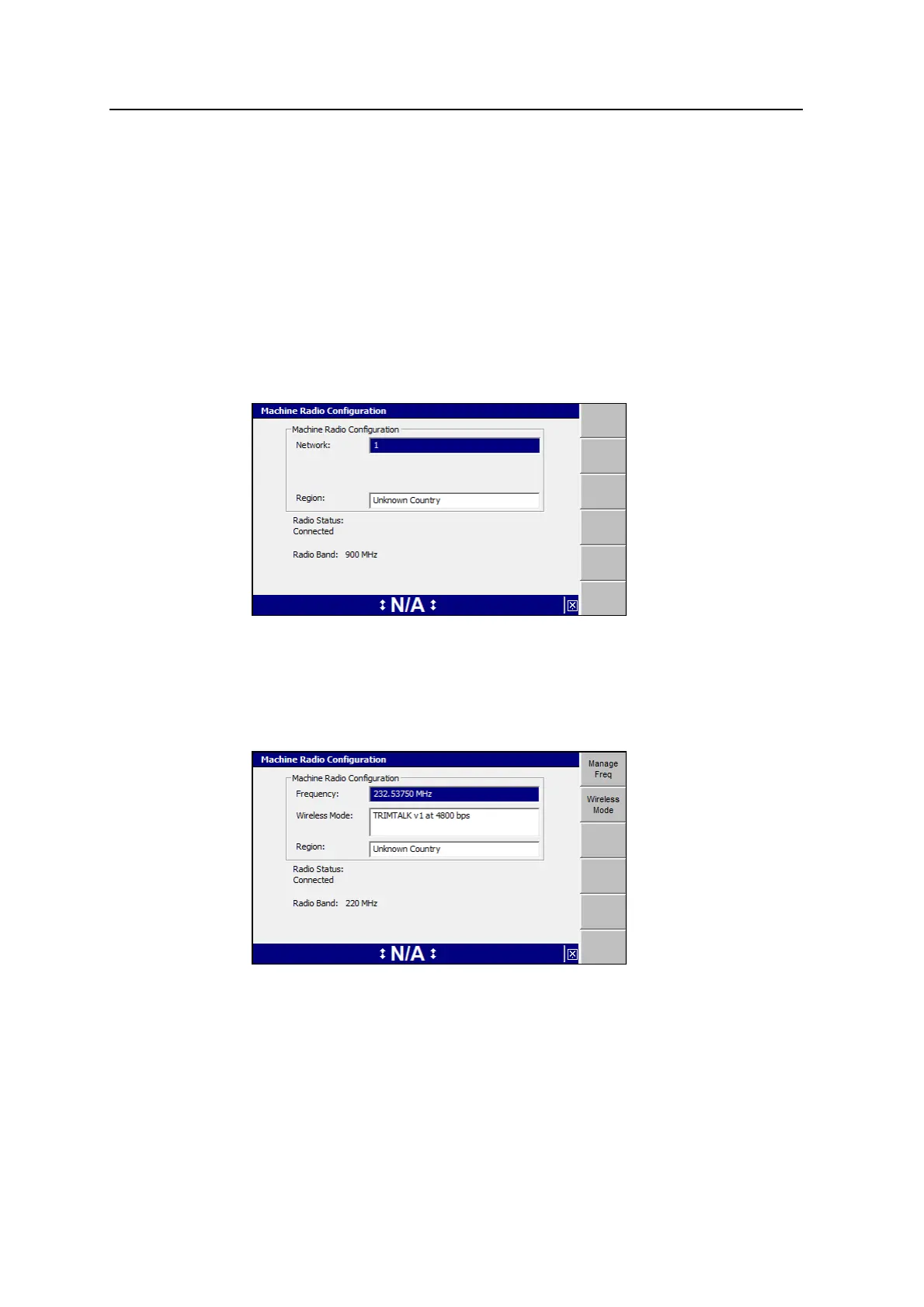
2. The Machine Radio Configuration dialog displays different fields, depending on
your radio type:
l For a 900MHz radio on a GNSS system:
Note – This release of the system requires the use of SiteVision Office 7.4 or
later for wireless communications over 900 MHz radios. For more
information, refer to the GCS900 Grade Control System Site Supervisor’s
Manual.
l For a 220MHz radio on a GNSS system:
Use the arrow keys to select the Network or Frequency setting required. To
save the changes, press \; to exit without saving changes, press=.
Note – If your site uses both GNSS and UTS positioning systems with 900MHz
radios, then the GNSS radios and each UTS radio must be on a different
network.
60 GCS900 Grade Control System for Excavators Operator's Manual



 To Next Page