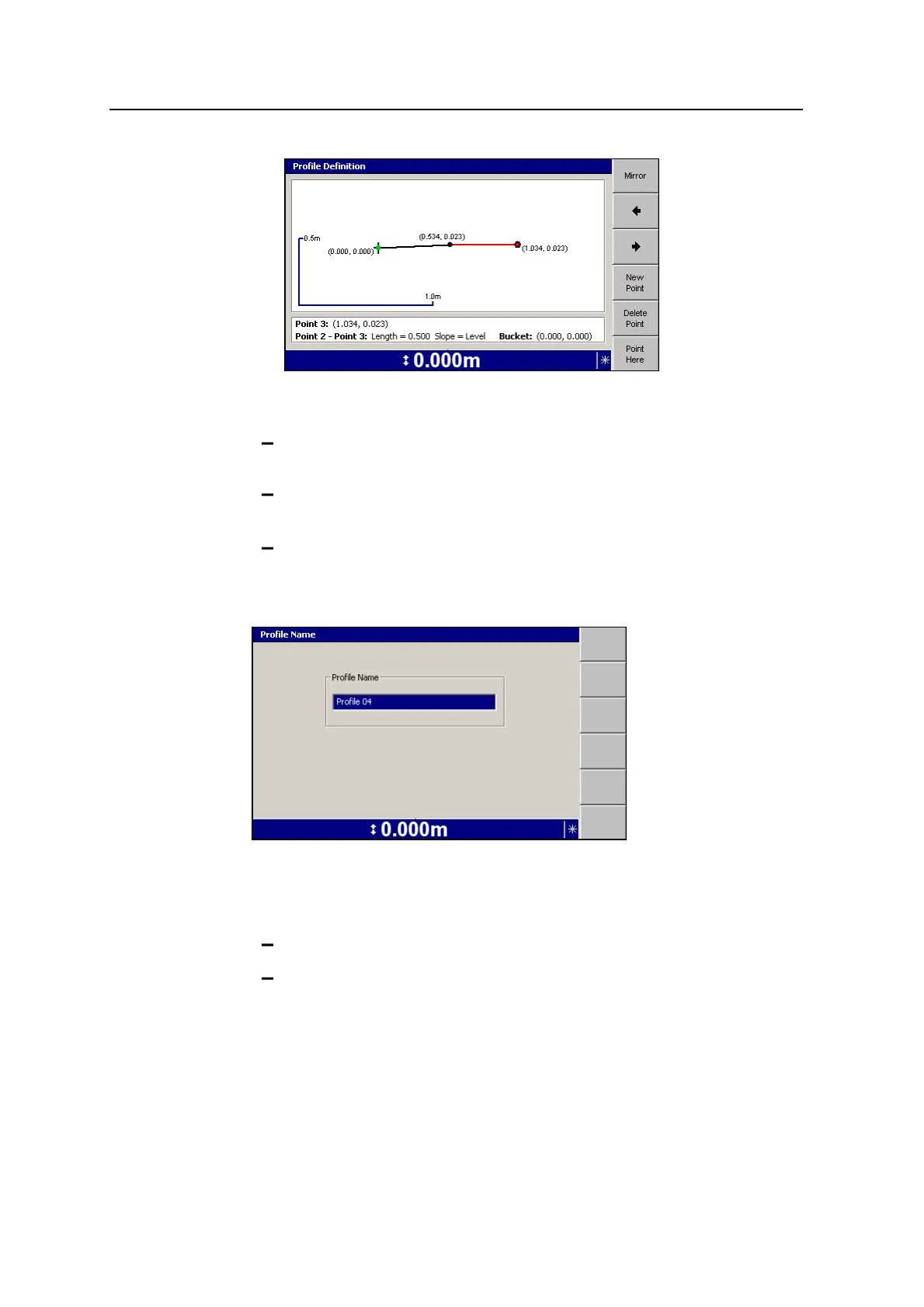
Using 2D Guidance in the Field 4
Both the new point and the new line segment are displayed in red,
indicating that the point has edit focus.
Press the arrow keys on the control box to modify the position of the
selected point.
Press ] to move the edit focus forwards or [ to move the edit focus
backwards along the profile.
Press Delete Point to delete the point with edit focus.
4.
When you have finished adding segments to the profile, press \, to save the
profile. The Profile Name dialog appears:
Note – The guidance model name must be unique on the control box. If a model
of the same name already exists, you will be asked to choose a new name.
5. Do one of the following:
Press \ to accept the supplied name.
Edit the Profile Name field directly, and press \. Profiles must have a
unique name.
The Select Profile dialog re-appears with the name of the new profile
highlighted in the profile list.
6.
Press \ to select the profile. The guidance screen re-appears.
GCS900 Grade Control System for Excavators Operator's Manual 91



 To Next Page