4 Using 2D Guidance in theField
To use the bucket tip to define a new point, position the bucket and press Point Here.
The summary text shows the:
l Horizontal distance between the two points
l Slope between the two points
l Height difference between the two points
l Angle between the two stakes:
the angle between two points is always 0°
the angle between three points (2 lines) is always the internal (smallest)
angle
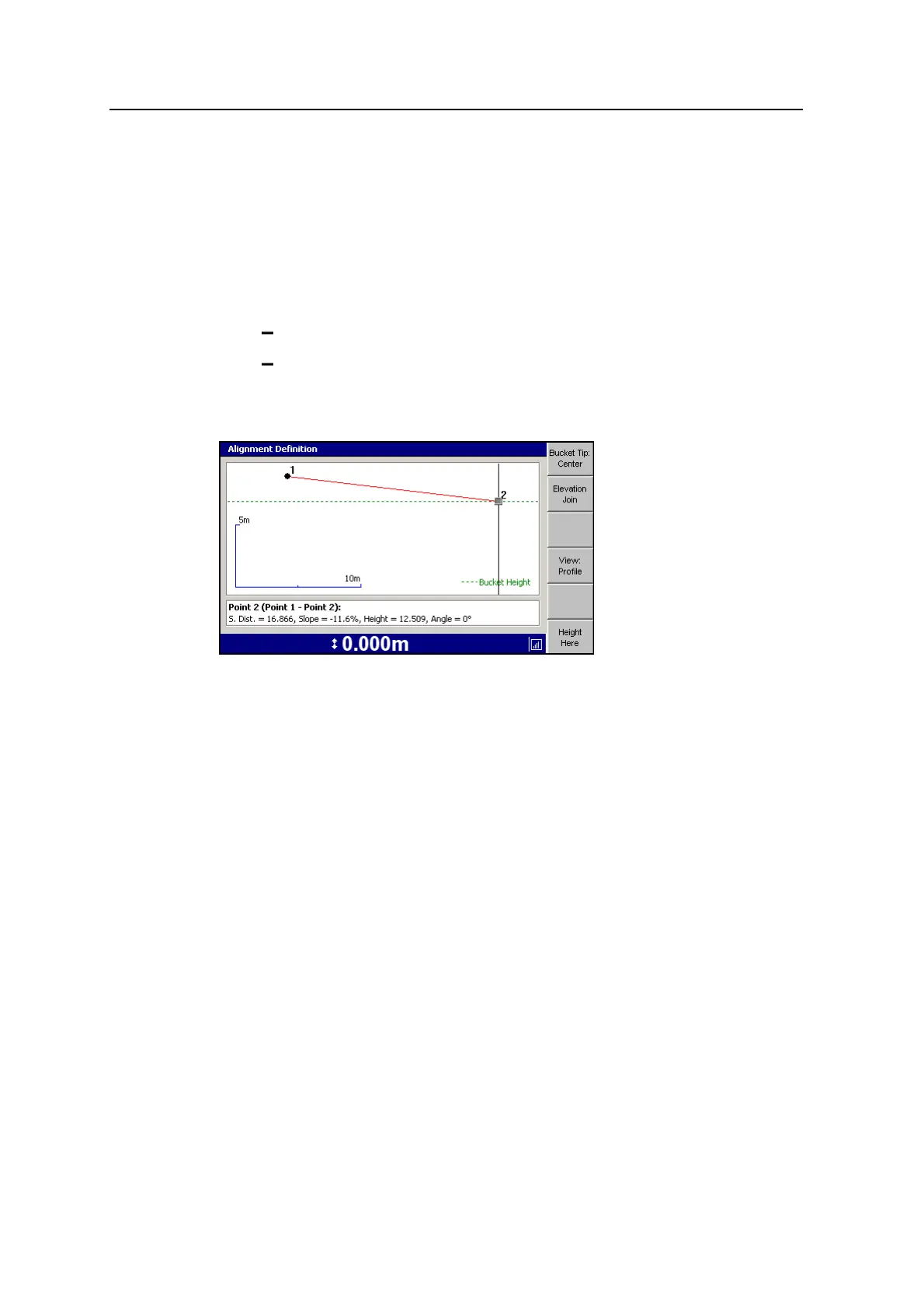
The following dialog shows an example of Edit Point in profile view:
To use the bucket tip to define a new point, position the bucket and press Height
Here. The summary text shows the:
l Slope distance between the two points
l Other definitions are the same as in plan view
Elevation Join
To edit the heights of multiple points in an alignment, press Elevation Join. This
allows you to define a constant grade through the selected points. The currently
selected point is shown as a green dot. To select a different point press ] or
[. The new point is shown as a red dot. Press \ to accept the new point.
Move the current point
To move the current point, use the arrows on the control box.
l To change views, press View:Plan or View:Profile.
l Use Plan View when you need to move the position horizontally.
98 GCS900 Grade Control System for Excavators Operator's Manual



 To Next Page