Using 2D Guidance in the Field 4
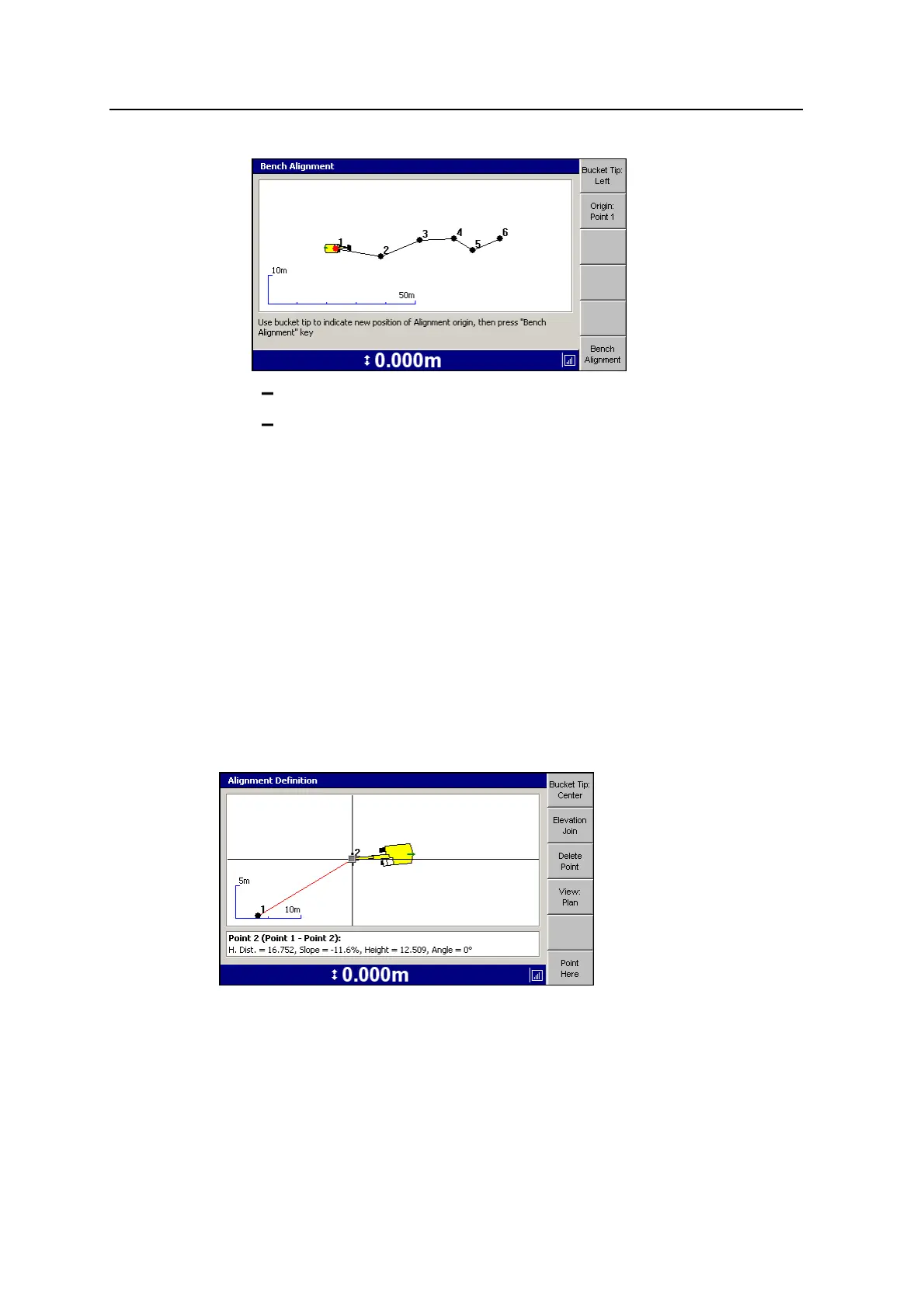
To change the bucket tip focus, press Bucket Tip:<value>.
To change the origin, press Origin:Point <value>.
3. Use the bucket tip to indicate a new position of alignment origin, then press
Bench Alignment again.
Note – When benching an alignment, you may be limited in your ability to use the
bucket by the distance between points.
Editing an alignment
1. From the Select Alignment dialog, select the alignment to be edited.
2. Use the arrow keys to select the point that you want to edit in the alignment,
indicated by a red dot, and press Edit.
3. Press Edit Point. Cross hairs appear in the Alignment Definition dialog’s design
pane, indicating the current alignment point.
The following dialog shows an example of Edit Point in plan view:
GCS900 Grade Control System for Excavators Operator's Manual 97



 To Next Page