4 Using 2D Guidance in theField
To edit the alignment press Edit Point. For more information, see Editing
an alignment
5.
When you have finished adding segments to the alignment, press \ to save.
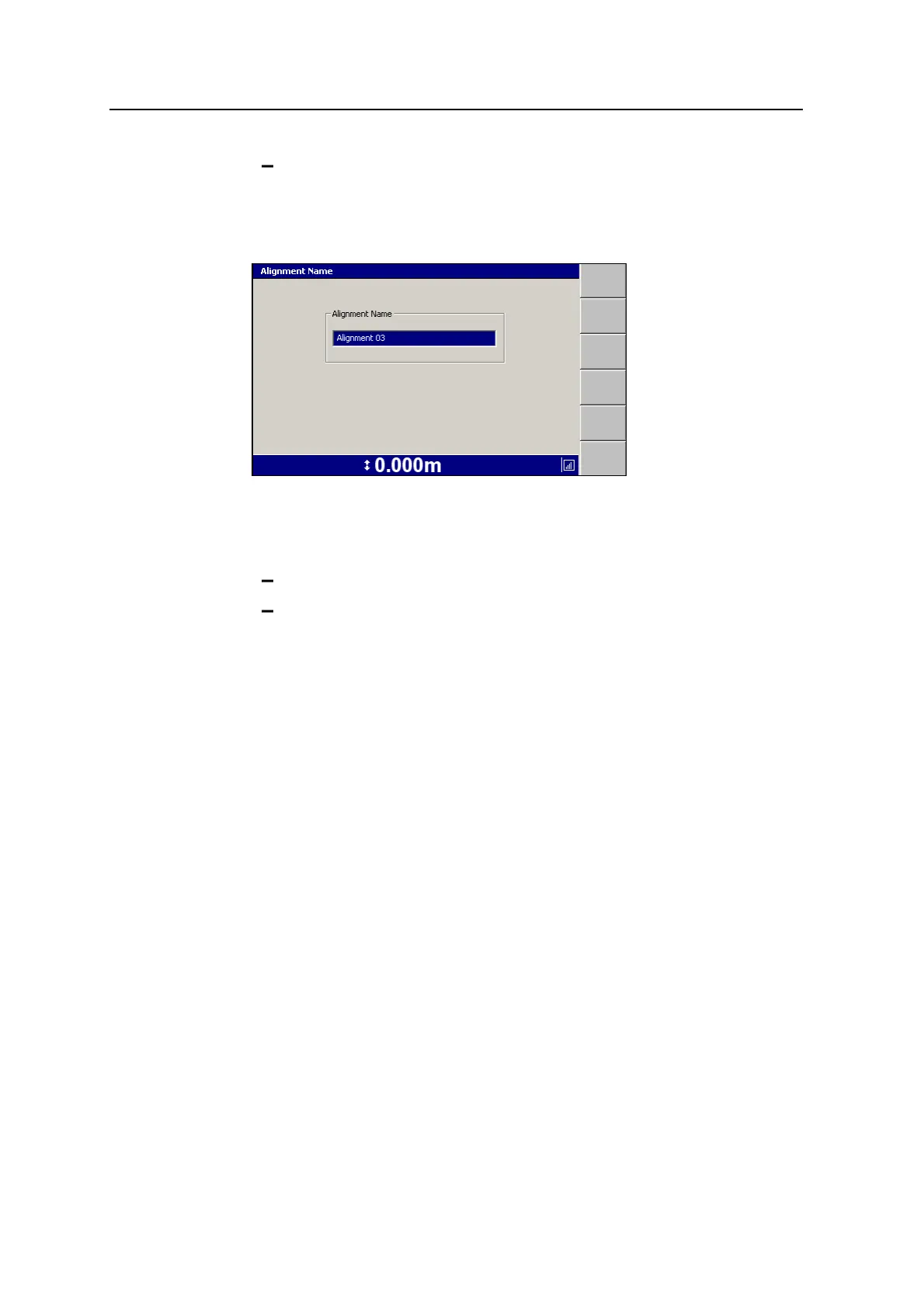
The Alignment Name dialog appears:
Note – The guidance model name must be unique on the control box. If a model
of the same name already exists, you will be asked to choose a new name.
6. Do one of the following:
Press \ to accept the supplied name.
Edit the Alignment Name field directly. Each alignment must have a
unique name.
The Select Alignment dialog re-appears with the name of the new alignment
highlighted.
7.
Press \ to select the alignment. The guidance screen re-appears.
Benching an alignment
Note – If you are getting GNSS corrections from VRS or IBSS, or a local base
station that has not moved, you would not need to bench the alignment. Only use this
option to reposition an alignment if you cannot set-up your base station in the same
position as it was used last time.
1. Press Alignment and select the alignment for benching.
2. Press Bench Alignment. A dialog similar to the following appears.
96 GCS900 Grade Control System for Excavators Operator's Manual



 To Next Page