Using 2D Guidance in the Field 4
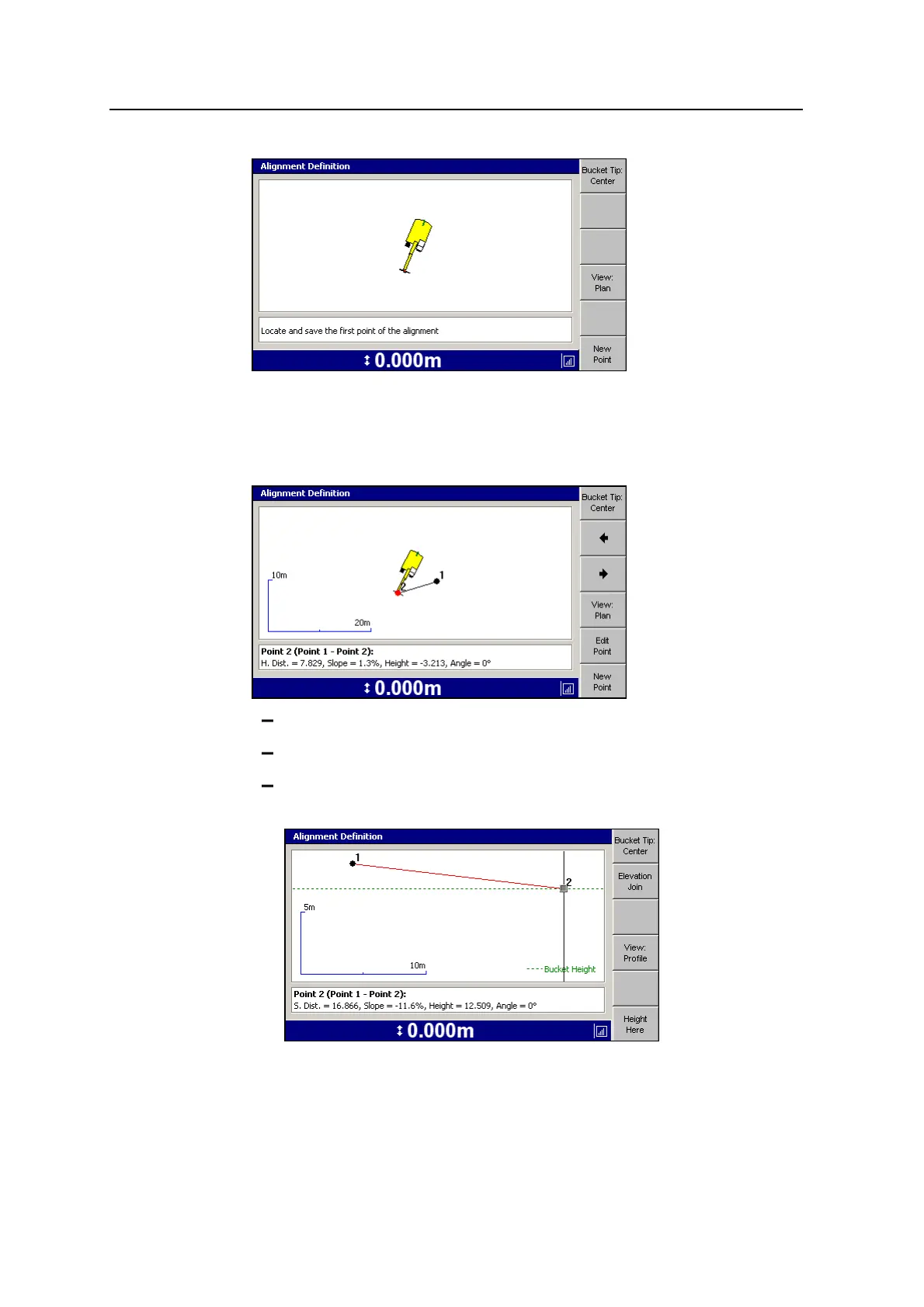
3. Move the excavator to the required alignment point and press New Point to save
the first point of the alignment.
4. Move the excavator to the next alignment point and press New Point to save the
second point of the alignment.
To change the bucket tip focus, press Bucket Tip:<value>.
To select a different alignment point, press ] or [.
To change the view, press View:Profile or View:Plan. An example of
Profile View is shown below.
GCS900 Grade Control System for Excavators Operator's Manual 95



 To Next Page