4 Using 2D Guidance in theField
Selecting an alignment from memory
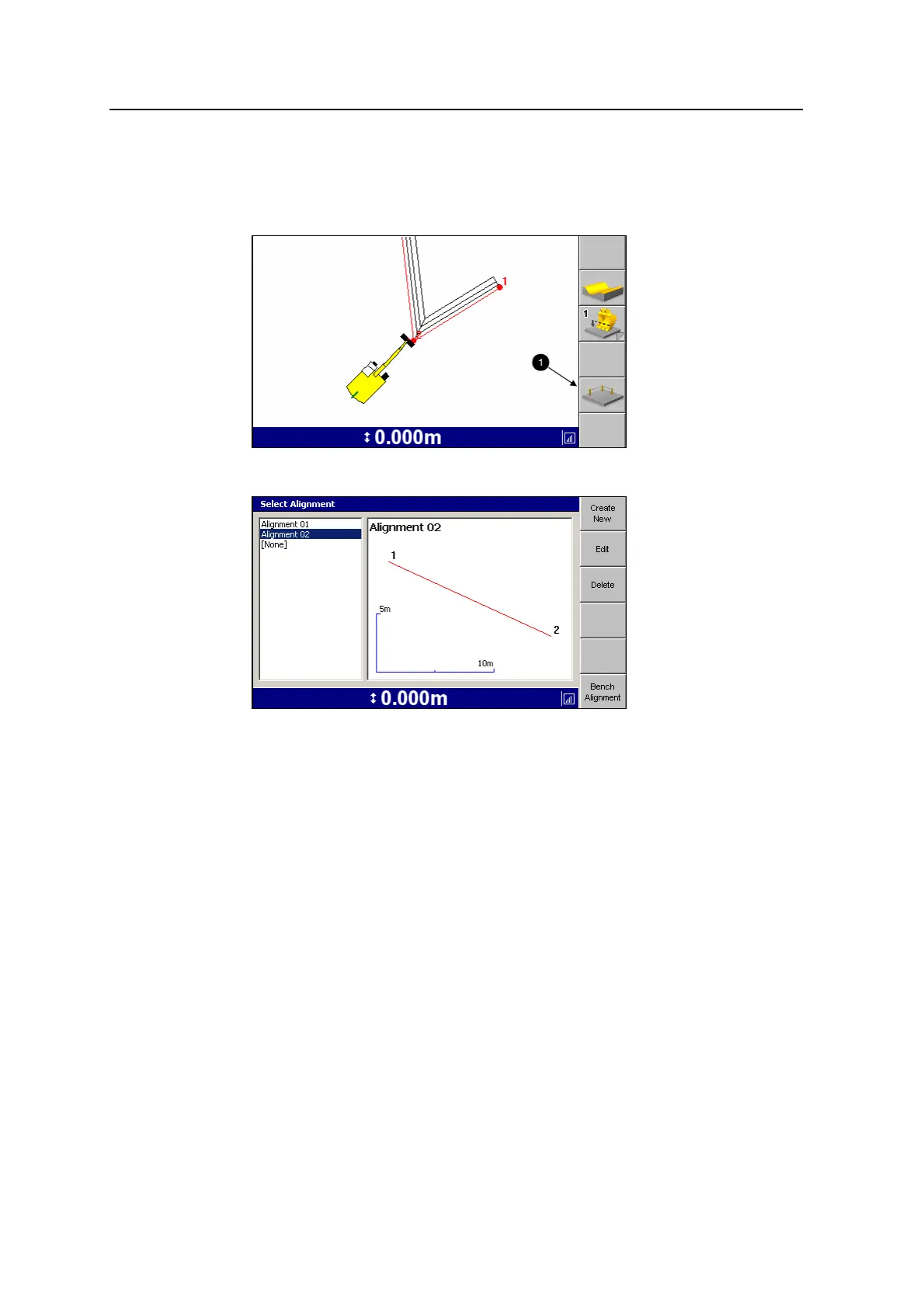
1. From any guidance screen, press Alignment (1).
2.
Select the alignment you require and press \ to continue.
The guidance screen re-appears, and the Rotate Machine flashing warning
message is displayed.
3. Rotate the machine to clear the flashing message.
Creating a new alignment
1. From any guidance screen, press Alignment. The Select Alignment dialog
appears.
2. Press Create New. The Alignment Definition dialog appears:
94 GCS900 Grade Control System for Excavators Operator's Manual



 To Next Page