User Guide Ver. 7.1.0 2100 Cap Inspector Quick Start • 79
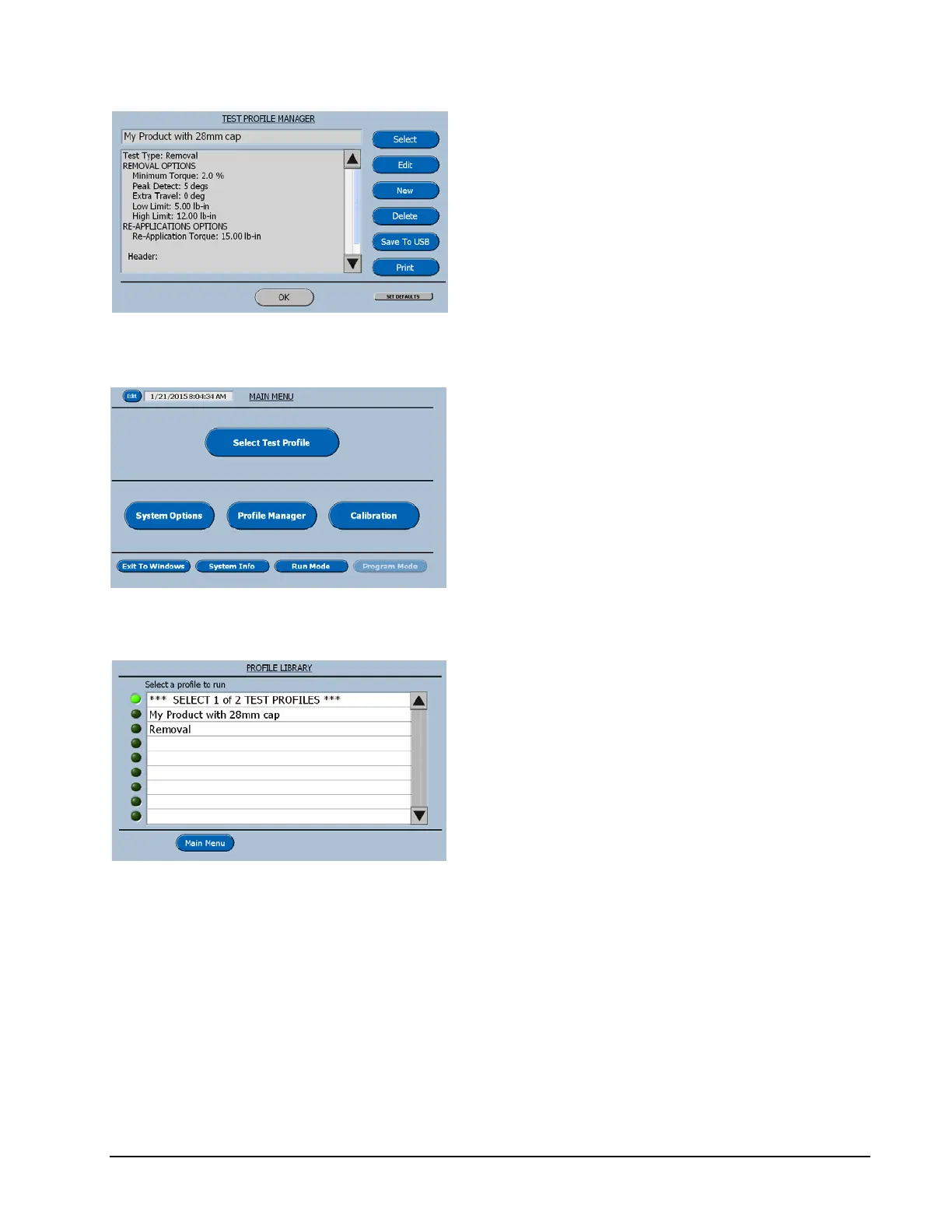
This screen now displays the features that have
just been programmed.
Select OK to return to the Main Menu.
On the Main Menu press the Select Test
Profile button.
The new profile Library will be displayed.
Now select the new profile My Product with
28mm cap.
The software will now advance to the Run
Screen for this profile.



 To Next Page