User Guide Ver. 7.1.0 2100 Cap Inspector Gold Standard Verification • 95
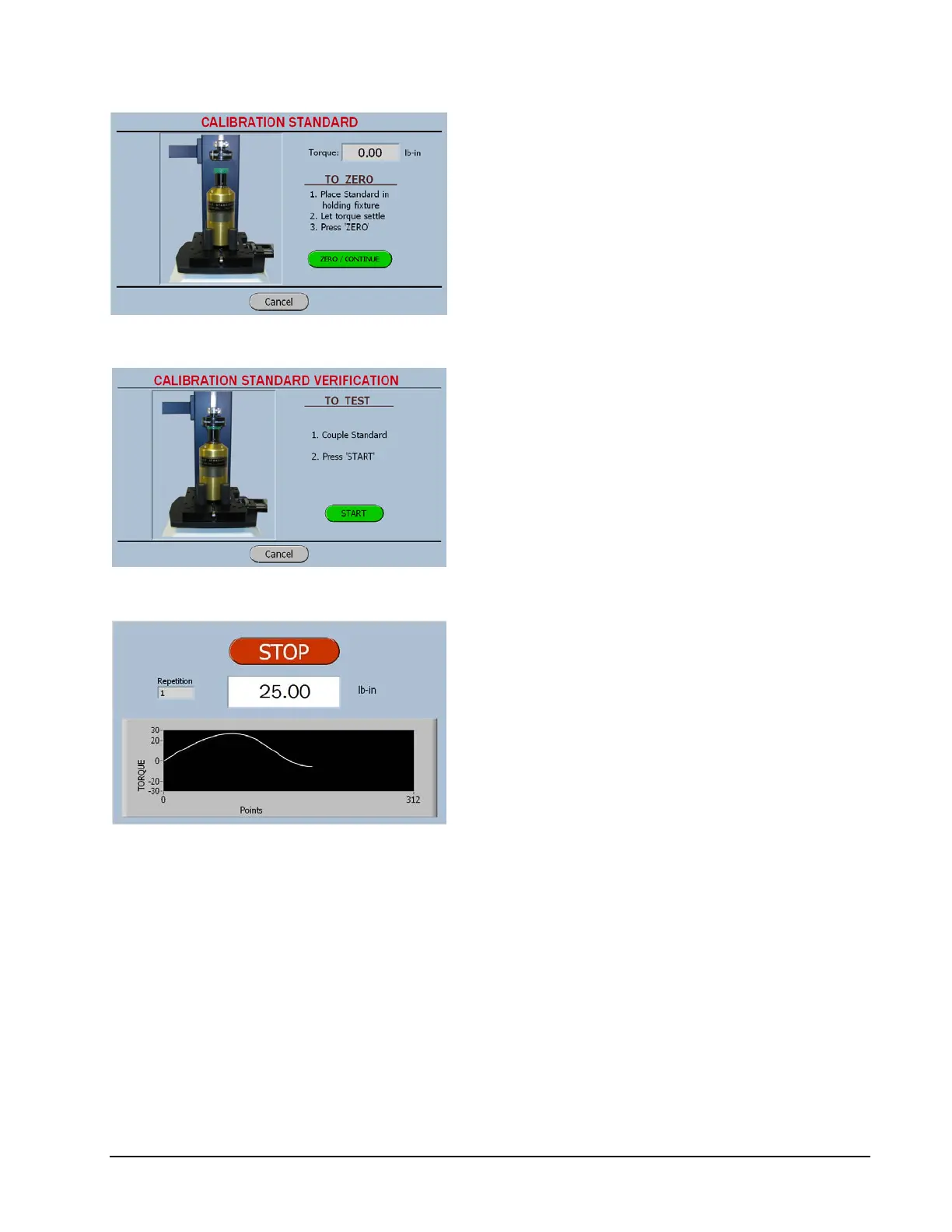
When the torque reads Zero press the continue
button.
The software will advance to the Test Screen.
The chuck must now be engaged with the cap
on the Calibration Standard.
When the start button is pressed, the Run
screen shown below will be displayed.
The measured torque will be displayed
graphically and the maximum peak torque will
be displayed at the conclusion of the test.



 To Next Page