HIGH SPEED DIGITAL WEIGHT INDICATORS
92
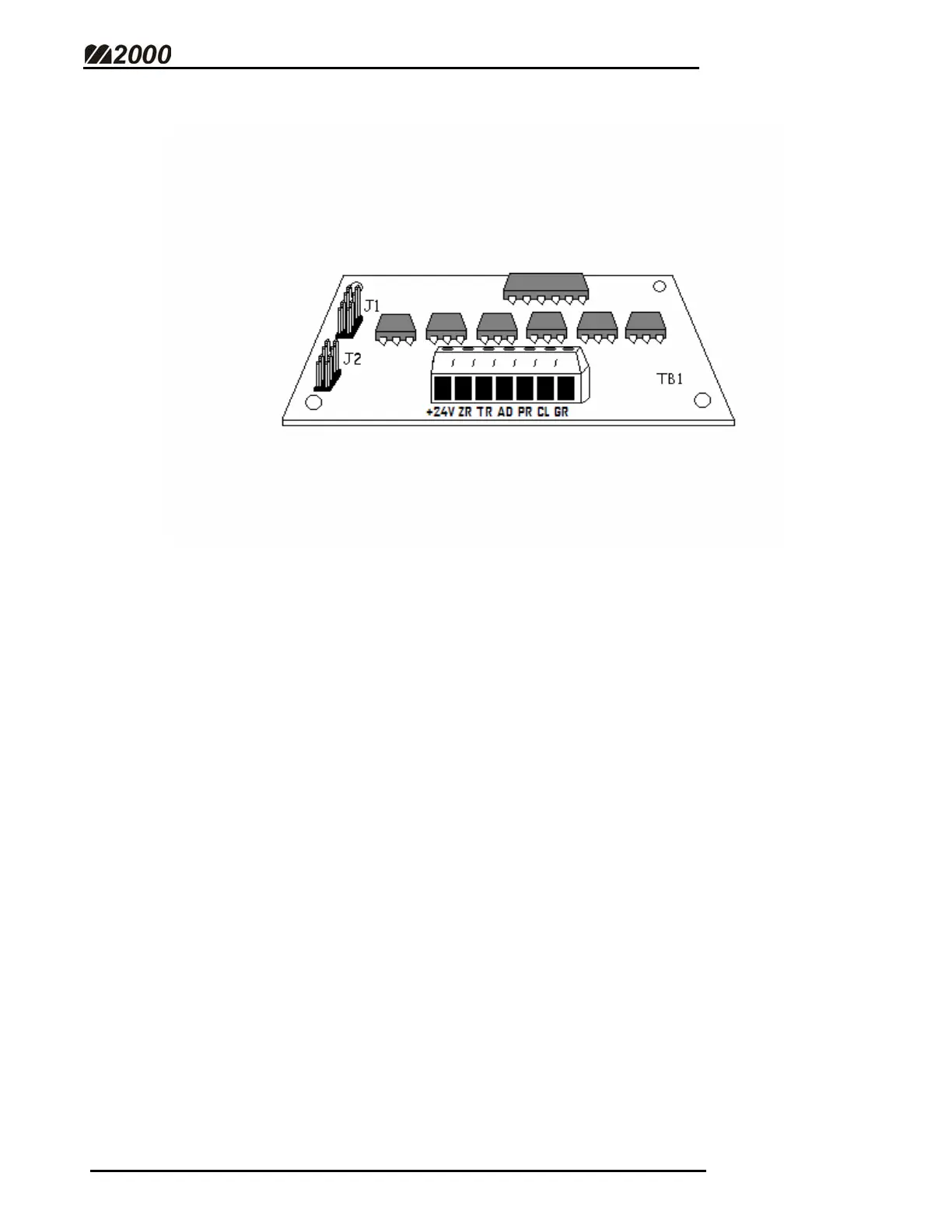
REMOTE INPUT OPTION BOARD
The isolated Remote Input board allows the M2000 to accept remote input switch
control.
CONNECTING THE REMOTE INPUT BOARD
• Using the ribbon cable provided, connect J1 on the Remote Input board to
J1 on the SMARTWIRE Bridge Interface board.
• Make sure the boards have adequate clearance between them.
• Make sure the SMARTWIRE Bridge Interface board has been wired
properly to the SMARTWIRE terminal.
• Wire the POSITIVE power supply wire (24 VDC) to the Terminal marked
+24V.
• The NEGATIVE power wire should run through the switch and terminate
at the desired terminal.



 To Next Page