HIGH SPEED DIGITAL WEIGHT INDICATORS
12
4P
TOTAL MODE EXAMPLE 2:
• 3 Floor scales, each using a channel on a single M2000.
• CH1 and CH3 are calibrated as 2000 x 2 lbs.
• CH2 is calibrated to 500 x 0.2 lb.
As a result, only Channels 1 and 3 will be included in Total Mode.
1. Press [4], followed by the [PRINT/SELECT] key.
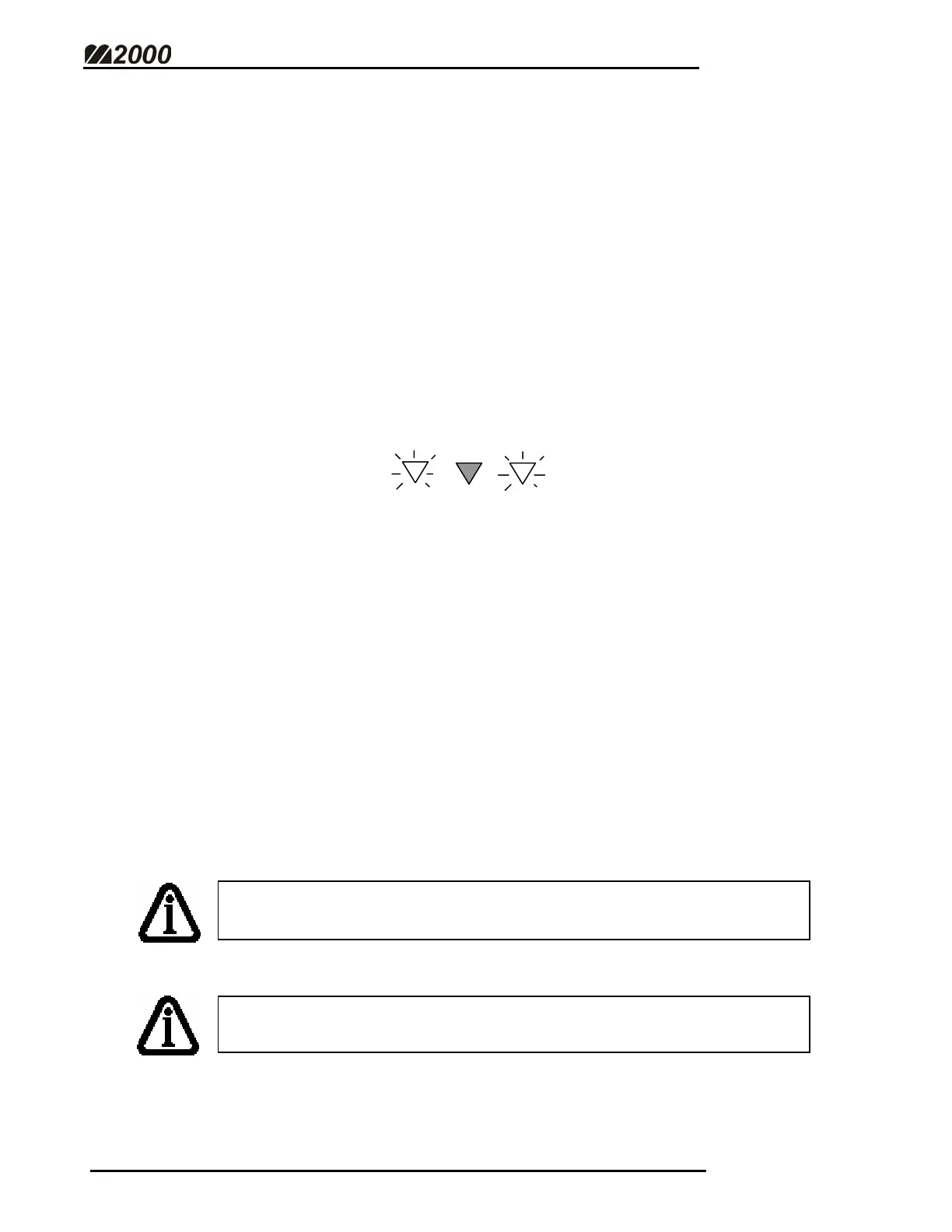
2. The CH1 and CH3 LED indicators will illuminate.
3. The weight on the display is the sum of these two channels.
SCALE OPERATIONS IN TOTAL MODE
• Pressing the [ZERO SCALE] button will zero all the channels that are
included in Total Mode.
• The TARE function will tare all channels included in Total Mode
simultaneously, displaying the total NET weight.
• The MOTION and SCALE ZERO LEDs will indicate the status of all the
scales included in Total Mode. (E.g. If Channel 1 has MOTION, Motion
will be indicated for Total Mode)
TOTAL MODE cannot be used in legal for trade applications in
Canada!
CH1
CH2 CH3
TOTAL MODE must be enabled in Calibration before it can be used.
(See Enable Total Mode - Page 45)



 To Next Page