HIGH SPEED DIGITAL WEIGHT INDICATORS
32
12P
Pa55
-dead-
1111
1933
c 0
0
1P
-dead-
r
SCALE CALIBRATION PARAMETERS
The following parameters relate to basic Scale Calibration.
SCALE CALIBRATION UNITS - PARAMETER 7
Description: Selects measurement units for calibration. Test Weight units
should match Calibration units. Verify on indicator display.
• Toggle weighing units by pressing 7 followed by the
[PRINT/SELECT] key.
DEADLOAD SCALE - PARAMETER 12
Description: Identifies the weight of the scale itself. Before spanning the scale
for the first time, the scale must be deadloaded.
EXAMPLE:
1. Ensure that all test weights are removed from the weighing
platform and that the weight is stable.
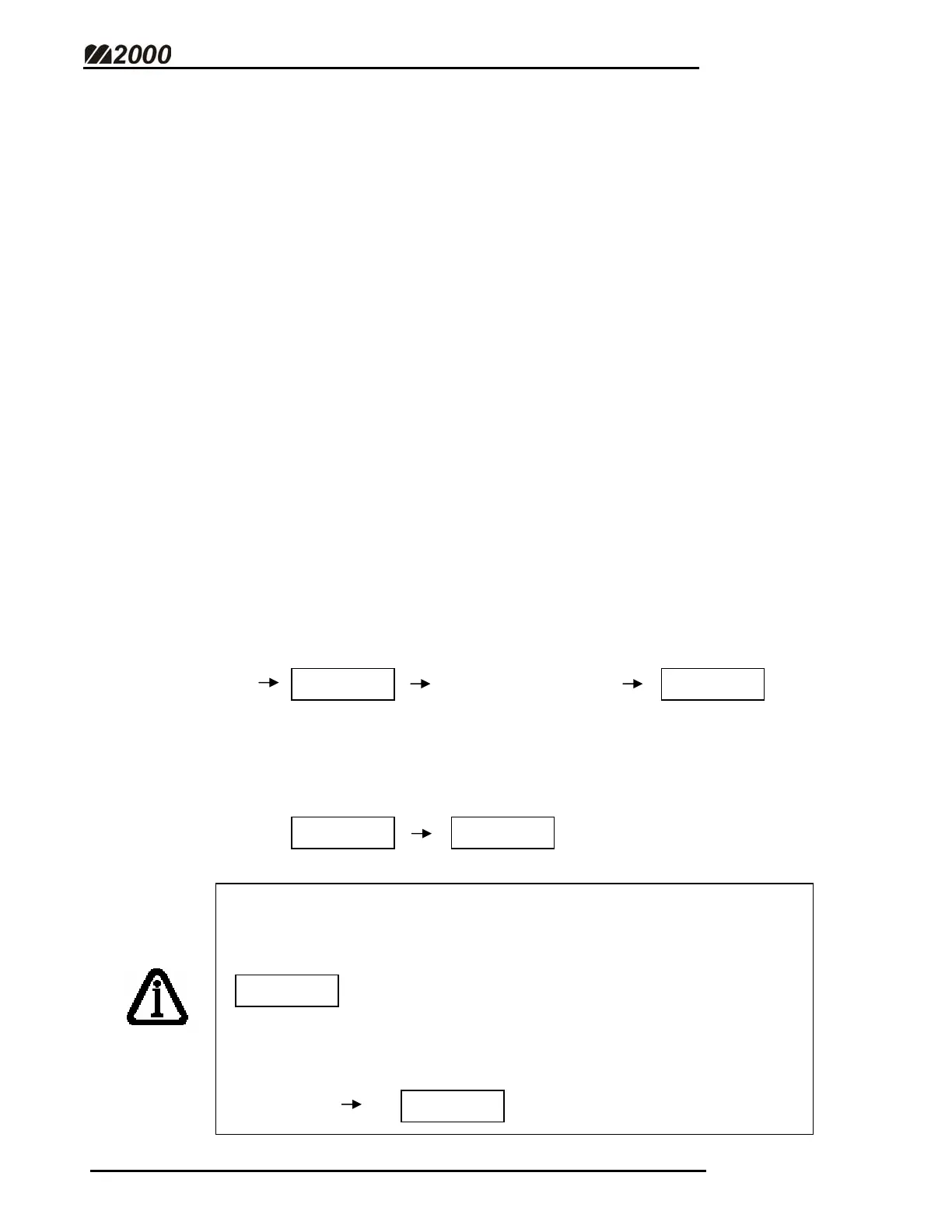
2. Enter 12 followed by the [PRINT/SELECT] key. The Indicator
Password will be required (Factory default “1111”).
3. After the deadload is complete, the indicator will briefly display
the Deadload Value in raw A/D counts before returning to
weight display mode.
Older M2000 software versions (1.44 and older) will not prompt for
the Password when the scale is deadloaded. Instead, the
“Reconfirm” screen appears.
At this point, press [1] followed by the [PRINT/SELECT] key to
activate the deadload function.



 To Next Page