HIGH SPEED DIGITAL WEIGHT INDICATORS
74
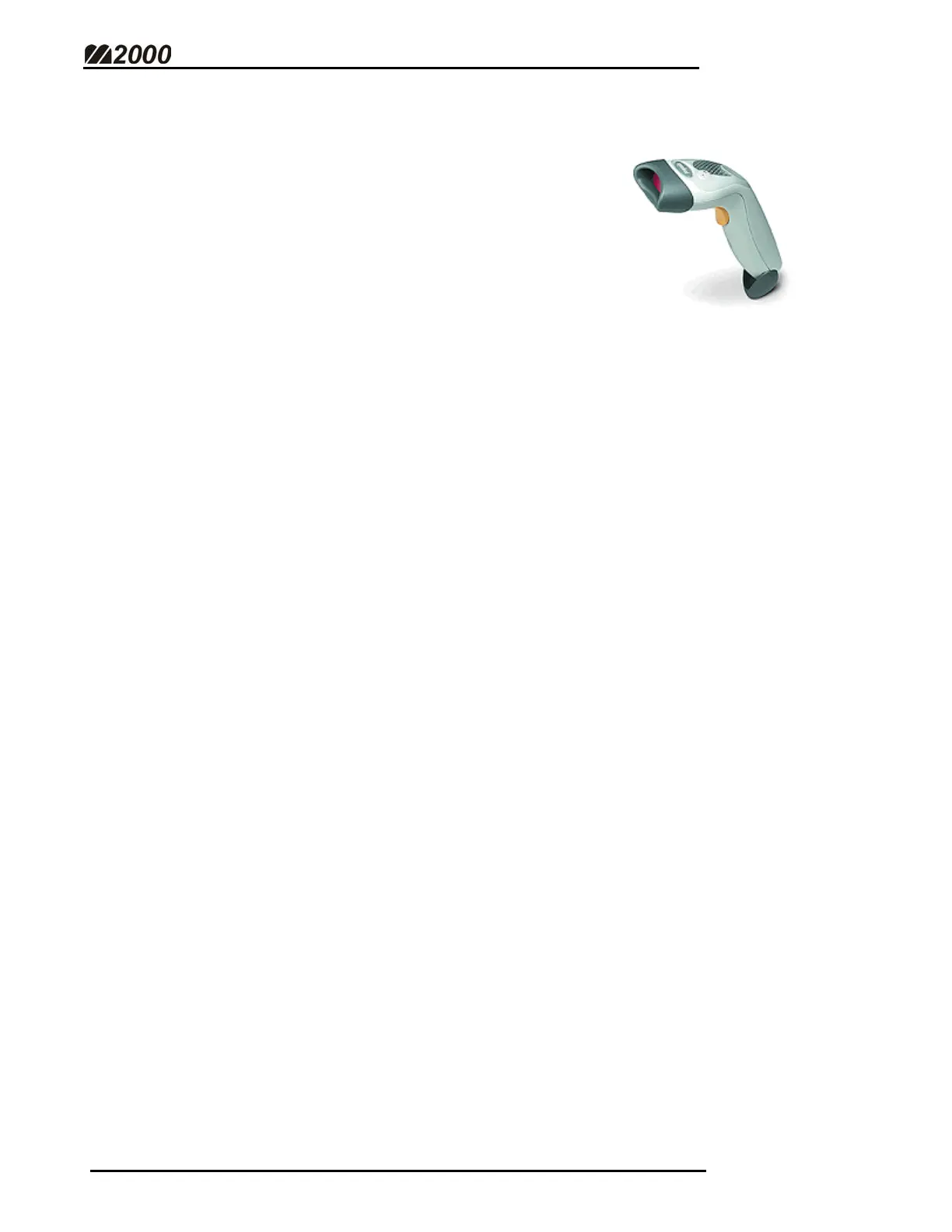
CONNECTING A BARCODE SCANNER TO THE M2000
The M2000 allows for easy connection to a barcode
scanner. Combine your scanner and your scale to print
out accurate product/weight tickets.
Barcode scanners are intelligent devices that decipher
bar codes into normal ASCII strings. Most brands of
barcode scanner transmit an identical string that is
easily transmitted to the M2000.
WIRING THE BARCODE SCANNER TO THE M2000
• Scanners can only be connected to COM1.
• Establish the Barcode Scanner’s Pin-out. Use the M2000 Serial Wiring
Connections Table (Page 60) to determine the proper connections.
ENABLING THE BAR CODE SCANNER
• To enable Scanner Input on the M2000, Parameter 34 must be set to 100
(See Output String Format – Page 62).
M2000 - BARCODE SCANNER OVERVIEW
• The M2000 identifies that it has received a barcode string when it receives
a burst of characters from the scanner.
• Before transferring the received string to the string register, the M2000
waits a short time after it receives the last character. This allows the
M2000 to accept any string type not relying on a Carriage Return or Line
Feed to mark the end of the barcode transmission.



 To Next Page