HIGH SPEED DIGITAL WEIGHT INDICATORS
34
80P
10
00
00
110000P
TIME & DATE ON THE M2000
M2000 Indicators have a built-in Time & Date Clock that is Y2K compliant and
automatically adjusts for leap years. The real time clock runs from a battery on
the main board and will continue to operate when power is cut. The time and
date settings are changed when the M2000 is in Normal Weighing Mode.
PARAMETER 80 - SET TIME
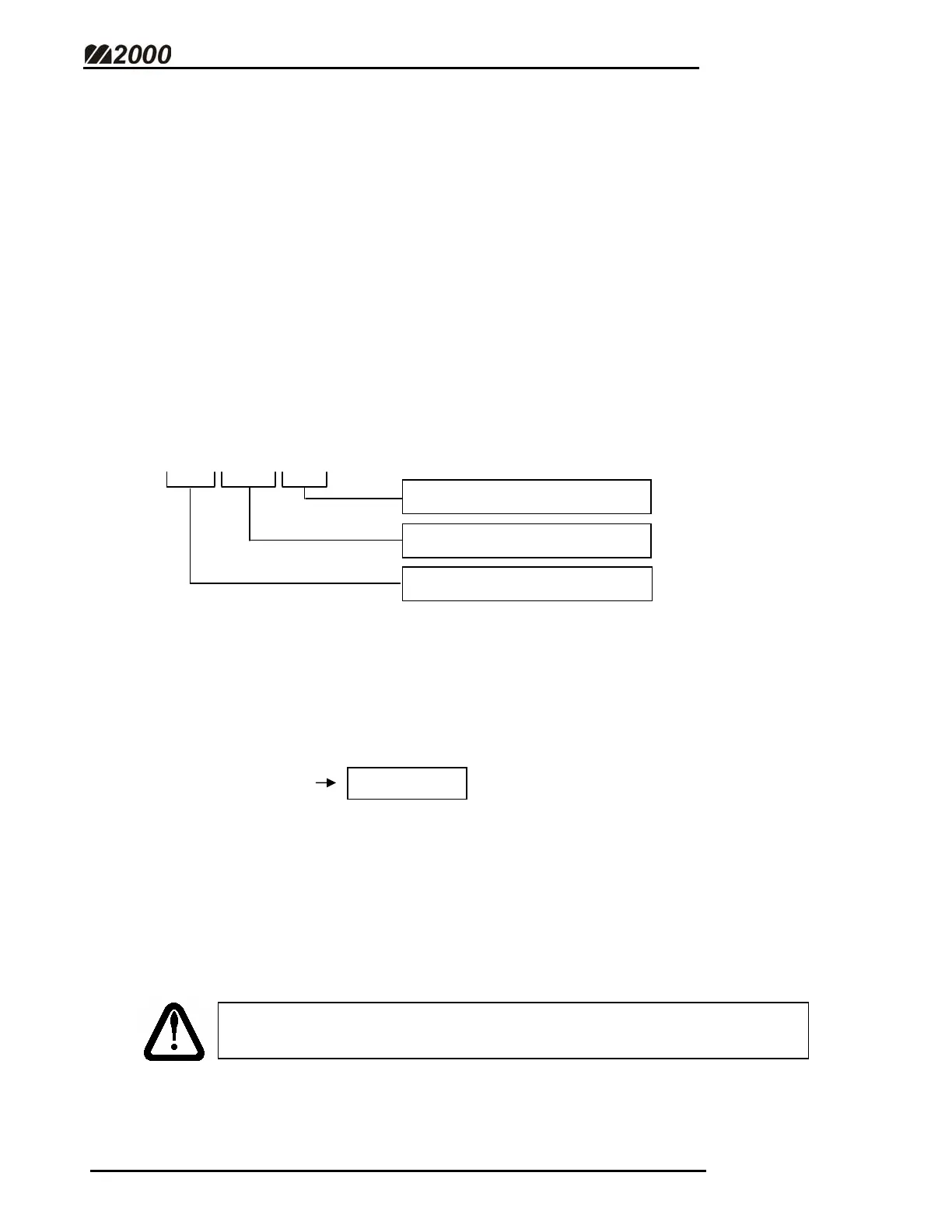
Using the numeric keypad, enter the new 6-digit time in the format shown
below. Press [PRINT/SELECT] to save the new time or cancel at any time by
pressing the [CLEAR] key.
HH:MM:SS
EXAMPLE: 11:00 AM
1. Select Parameter 80. The current time will be displayed.
2. Enter the new time, followed by the [PRINT/SELECT] key.
2 Digit Hour (01 – 12 or 00 – 23)
2 Digit Seconds (00 – 59)
2 Digit Minute (00 – 59)
FOR 12-HOUR CLOCK MODE, PARAMETER 83 MUST BE USED
TO SELECT AM OR PM.



 To Next Page