HIGH SPEED DIGITAL WEIGHT INDICATORS
6
M2000 USER INTERFACE (DISPLAY & KEYPAD)
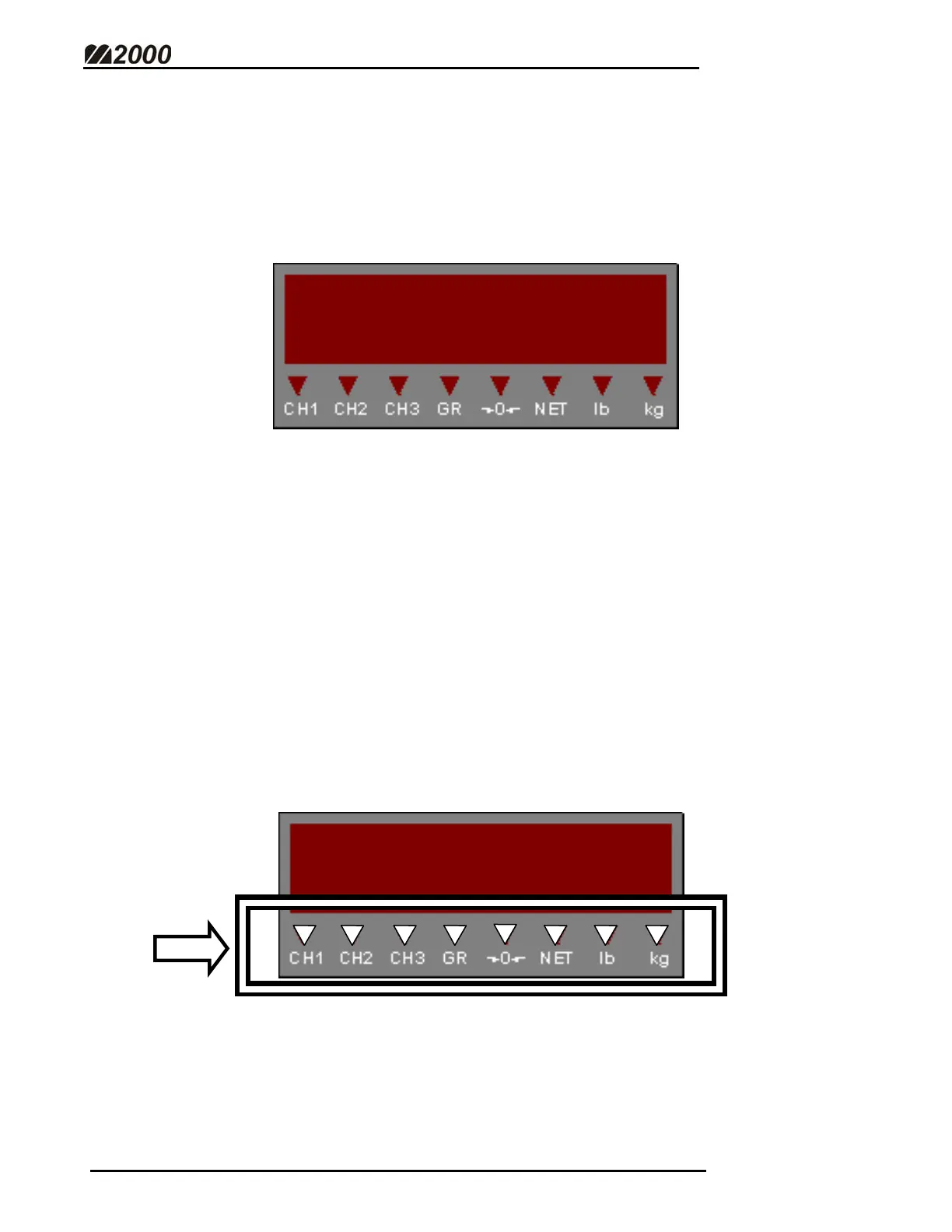
M2000 Displays are split into two components: The Alpha-Numeric Weight
Display and the LED indicators.
ALPHA-NUMERIC DISPLAY
• The Alpha-Numeric Weight Display has 6 multi-character LED’s. Scale
weights, Error messages, and Calibration information are shown here.
• A negative weight is shown by a (-) minus sign on the far left LED
character.
• The number of decimal points on the display is determined in Calibration
Mode. (See Scale Set-Up Parameters - Page 30)
• On power-up, a scrolling “[]2000” will be displayed, followed by the
software version number. The scale weight will then be displayed.
LED INDICATOR LAMPS
• These triangular LED’s will illuminate to indicate certain scale conditions.
[]2000



 To Next Page