69
TECHNICAL MANUAL
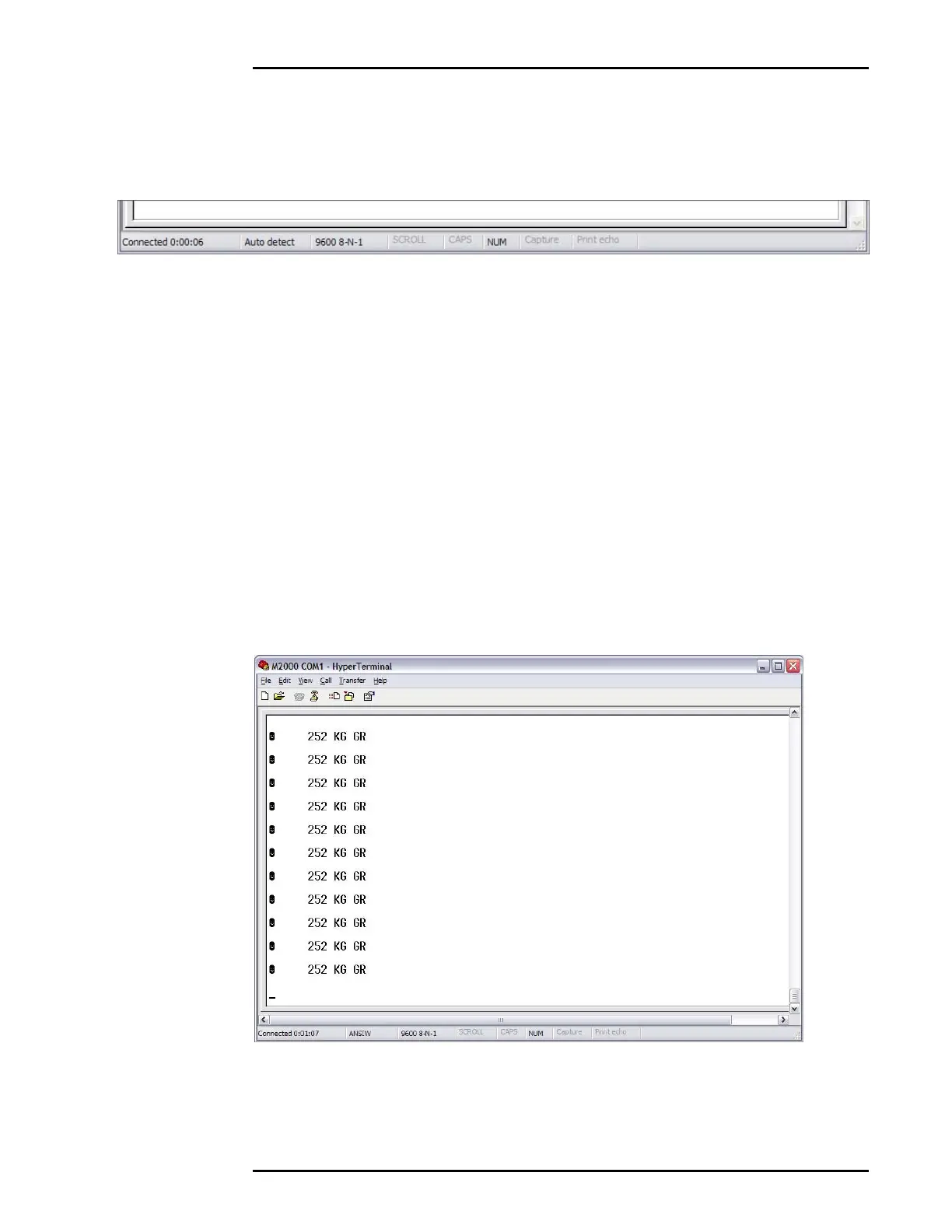
• A box in the STATUS BAR at the bottom of the display should
show “9600 8-N-1”.
Hyper Terminal is now ready to help upload and download data
between the M2000 and your PC computer.
CAPTURING THE M2000 OUTPUT STRING (DOWNLOADING)
• Make sure the Status bar at the bottom of the Hyper Terminal
window displays “Connected”.
• Make sure the serial cable is connected to the correct COM
Port.
• The Hyper Terminal window will display the ASCII string output
by the M2000.



 To Next Page