13
TECHNICAL MANUAL
SCAN MODE
• SCAN MODE allows the indicator to cycle
between the scale channels that are enabled.
• The M2000 will automatically switch the display to
the next available channel and pause for 3
seconds before switching to the next channel.
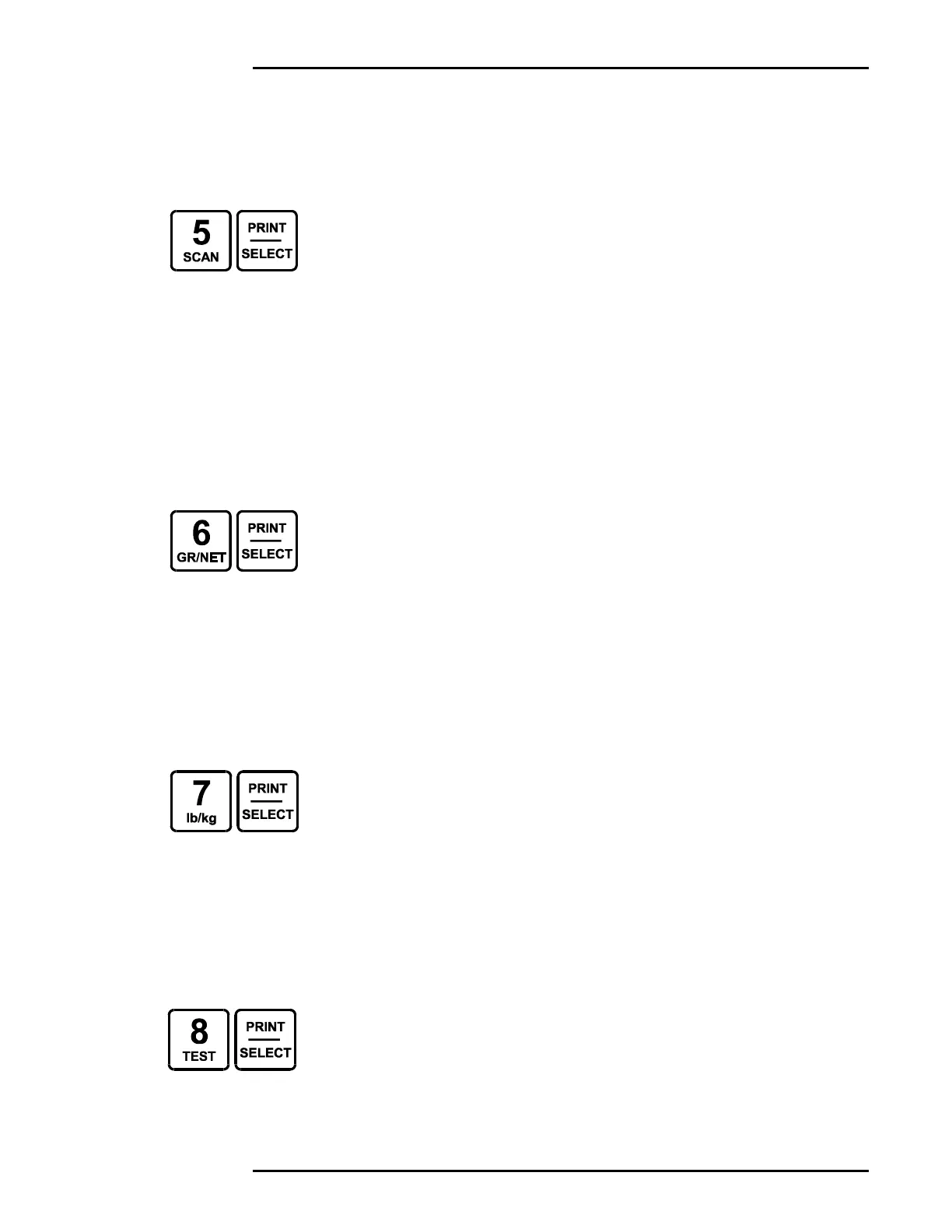
• To enter SCAN MODE, press [5] followed by the
[PRINT/SELECT] key.
• Select a specific channel to stop scanning.
GROSS / NET WEIGHING MODES
• To change the weighing mode, press [6] followed
by the [PRINT/SELECT] key.
• If the M2000 has a tare value stored, it will toggle
between GROSS and NET weighing modes.
• If no tare value is stored, the M2000 will remain in
GROSS weighing mode.
SELECTING POUNDS / KILOGRAMS
• To change the weighing units on the display, press
[7] followed by the [PRINT/SELECT] key.
• The indicator will toggle units from lbs to kgs or
kgs to lbs.
• Either unit of measurement can be set up as the
default. (See Power On Units – Page 46)
TEST DISPLAY
• To test the display segments, press [8] followed
by the [PRINT/SELECT] key.
• All the segments in the display will light up for a
short period of time.



 To Next Page