15
TECHNICAL MANUAL
03
10
31
Cal
001
Cfc
001
avdit
1000P
AUDIT TRAIL
The M2000 is equipped with a Category 1 Audit Trail system. The Audit Trail
has two counters:
Calibration Counter: Changing parameters that affect the calibration of
weight will increment the Calibration counter by 1.
Config. Counter: Changes to all other parameters (Configuration
parameters) will increment the Parameter counter by 1.
The counters will count from 000 to 999 before rolling over again. Changing
one or more parameters will increment the counter by 1 (One Counter tick per
Calibration session). Only an actual change of value to the Calibration or Set-
Up parameters will register to the Audit Trail.
ACCESSING THE AUDIT TRAIL
The Audit Trail can only be accessed from Normal Weighing Mode
.
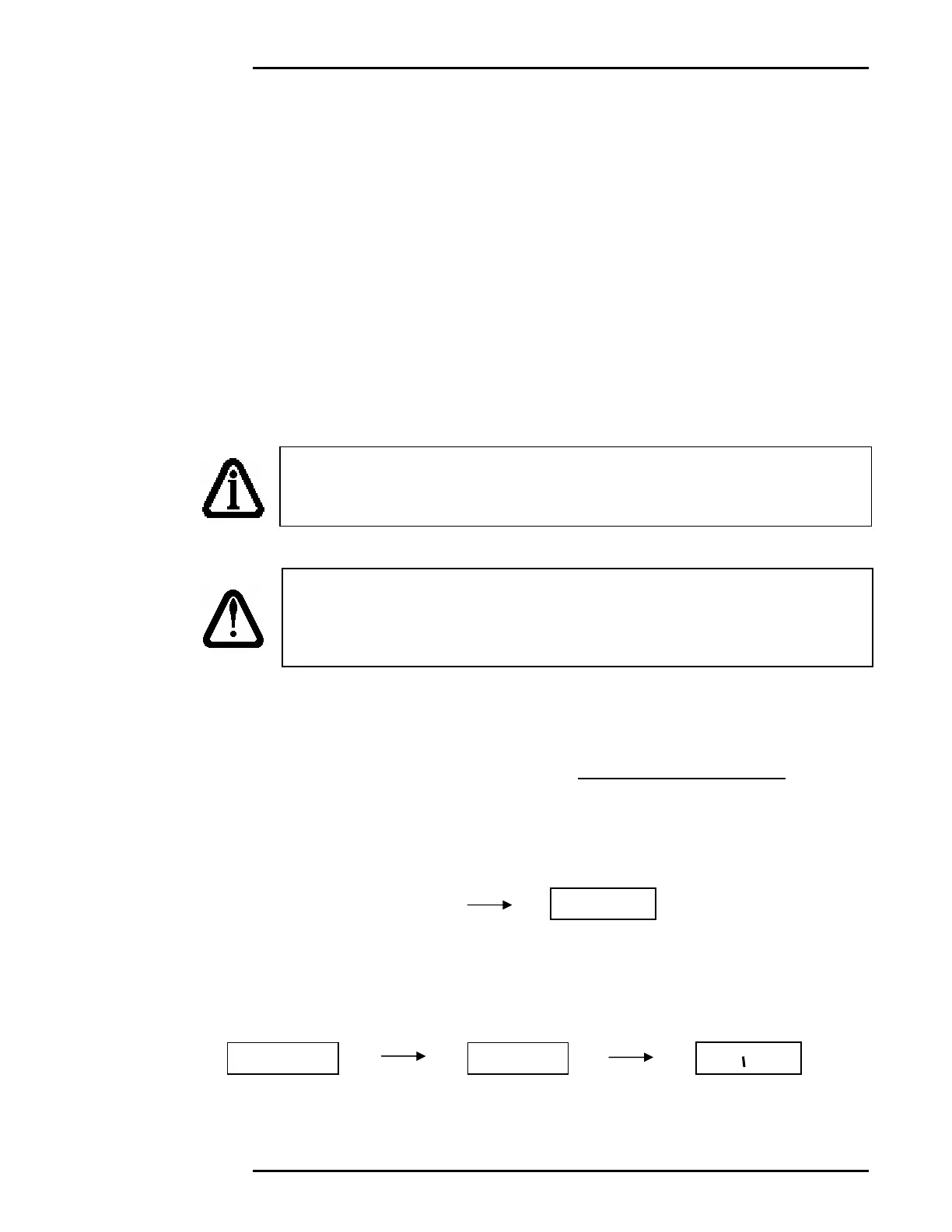
1. Enter 1000 followed by the [PRINT/SELECT]. The message “Avdit” will
briefly be displayed.
2. Shortly after, the M2000 will display (in order) the date of the last change
made to the M2000’s calibration parameters, the Calibration (CAL) counter,
and the Configuration (CFG) counter.
You may press the [CLEAR] key at any time to cancel this operation.
Important Note: Because the Audit Trail becomes active at the
factory, the counters may not initially show 0, even when the M2000
is new out of the box.
IT IS EXTREMELY IMPORTANT THAT THE CORRECT TIME AND
DATE BE SET FOR THE AUDIT TRAIL TO BE ACCURATE. THE
AUDIT TRAIL IS PERMANENT AND CANNOT BE DISABLED OR
ERASED BY REMOVING THE INTERN
L BATTERY.



 To Next Page