35
TECHNICAL MANUAL
81P
01
01
01
040101P
PARAMETER 81 - SET DATE
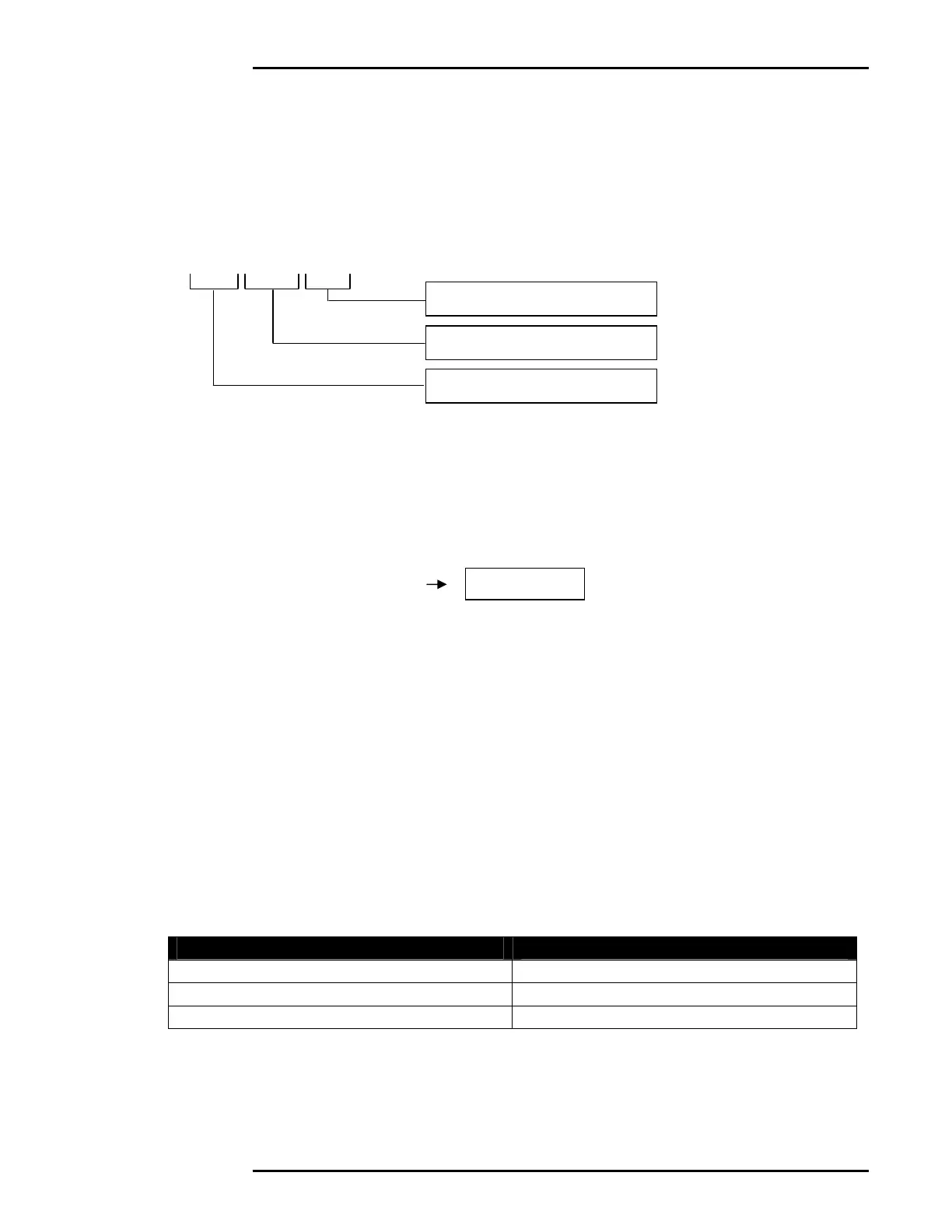
Using the numeric keypad, enter the new 6-digit date in the format shown
below. Press [PRINT/SELECT] to save the new date or cancel at any
time by pressing the [CLEAR] key.
YY:MM:DD
EXAMPLE: January 1, 2004
1. Select Parameter 81. The current date will be displayed.
2. Enter the new time, followed by the [PRINT/SELECT] key.
PARAMETER 83 - TIME FORMAT
Description: Controls Time Format settings. 12 Hour or 24 Hour (military
time) clock settings are available.
PARAMETER VALUE TIME FORMAT
0 (default) 24 Hour Mode
1 12 Hour Mode AM
2 12 Hour Mode PM
2 Digit Year (00 – 99)
2 Digit Day (01 – 31)
2 Digit Month (01 – 12)



 To Next Page