55
TECHNICAL MANUAL
16P
1
2
T
13P
C 4998
19P
C 4998
2
C 5000
5000P
99P
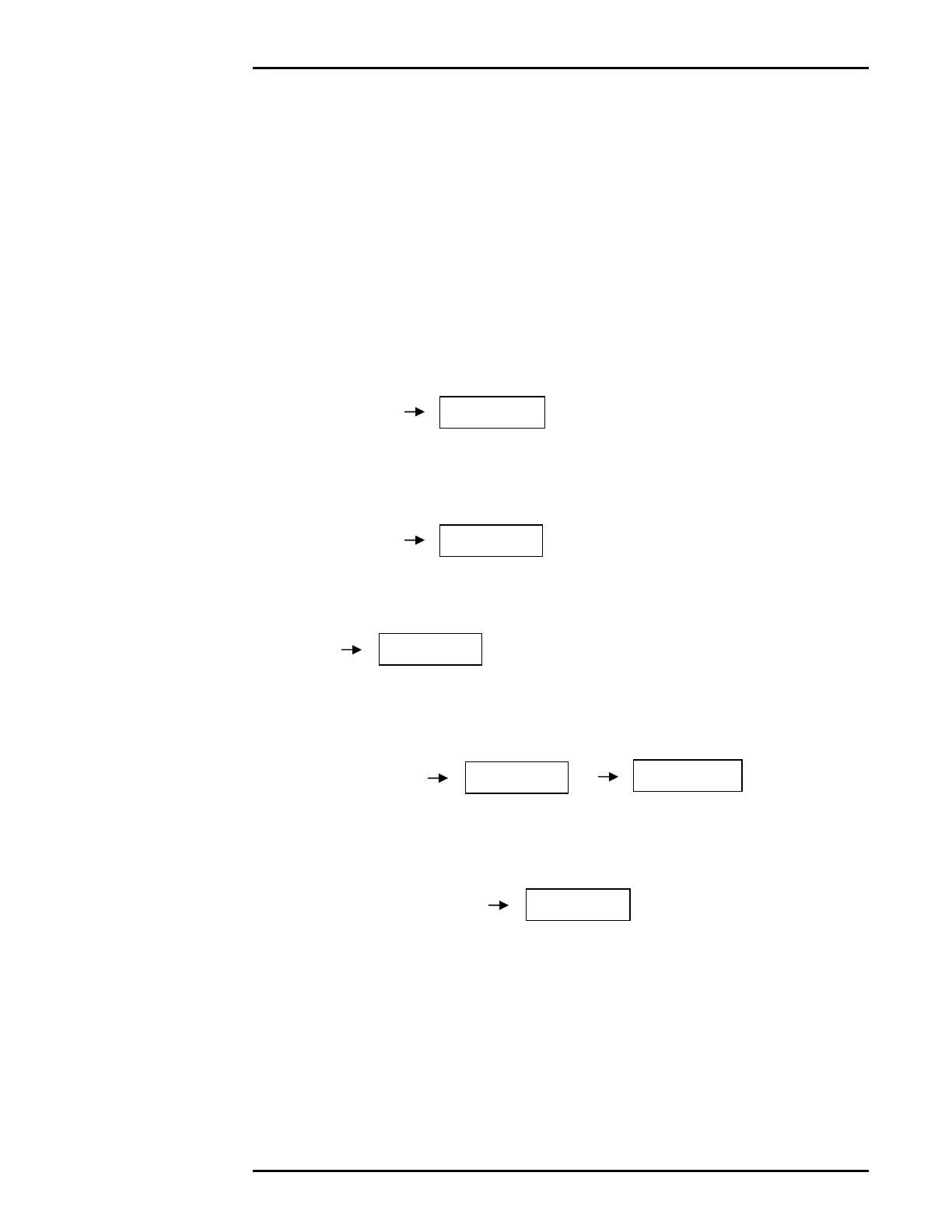
EXAMPLE: SCALE CAPACITY OF 5000 LBS, 1 LB GRADUATIONS.
THE SCALE IS INITIALLY CALIBRATED WITH 2500 LBS.
IF 5000 LBS ARE LOADED AND THE SCALE DOES
NOT READ “5000”, THERE MAY BE A LINEARITY
PROBLEM.
The Indicator reads “4998”. Using the Span table, calibrate to
correct the error.
1. Enter Calibration Mode.
2. Select Parameter 16 - Increment the Span Table Pointer. The current
value (1) will be shown
3. Press [TARE] to increment the Pointer to 2.
4. Select Parameter 13 to Span. The Span Table Pointer will briefly be
displayed.
5. Enter a new Test Weight Calibration value.
(See Parameter 13 - Set Span – Page 33)
6. Check the scale again (Return to Zero, Holding Calibration) to see if more
adjustments are needed.
7. Exit Calibration Mode.



 To Next Page