71
TECHNICAL MANUAL
1P
Bv5i
75P
readi
Fini5h
EXAMPLE: TRANSMIT CALIBRATION INFORMATION TO A PC
(CONNECTED TO COM1).
1. Connect the M2000 (COM1) to the PC serial port.
2. Open the Terminal Program (HyperTerminal, Terminal, etc.) on the PC.
3. Set the program’s communication properties to match those of the M2000
(or vice versa). For most cases: 9600-N-8-1.
4. Enter Calibration Mode on the M2000.
5. If the M2000 is transmitting continuously, enter Parameter 38. Set
Parameter 38 to “1” to prevent weight string from disrupting the
Calibration Information.
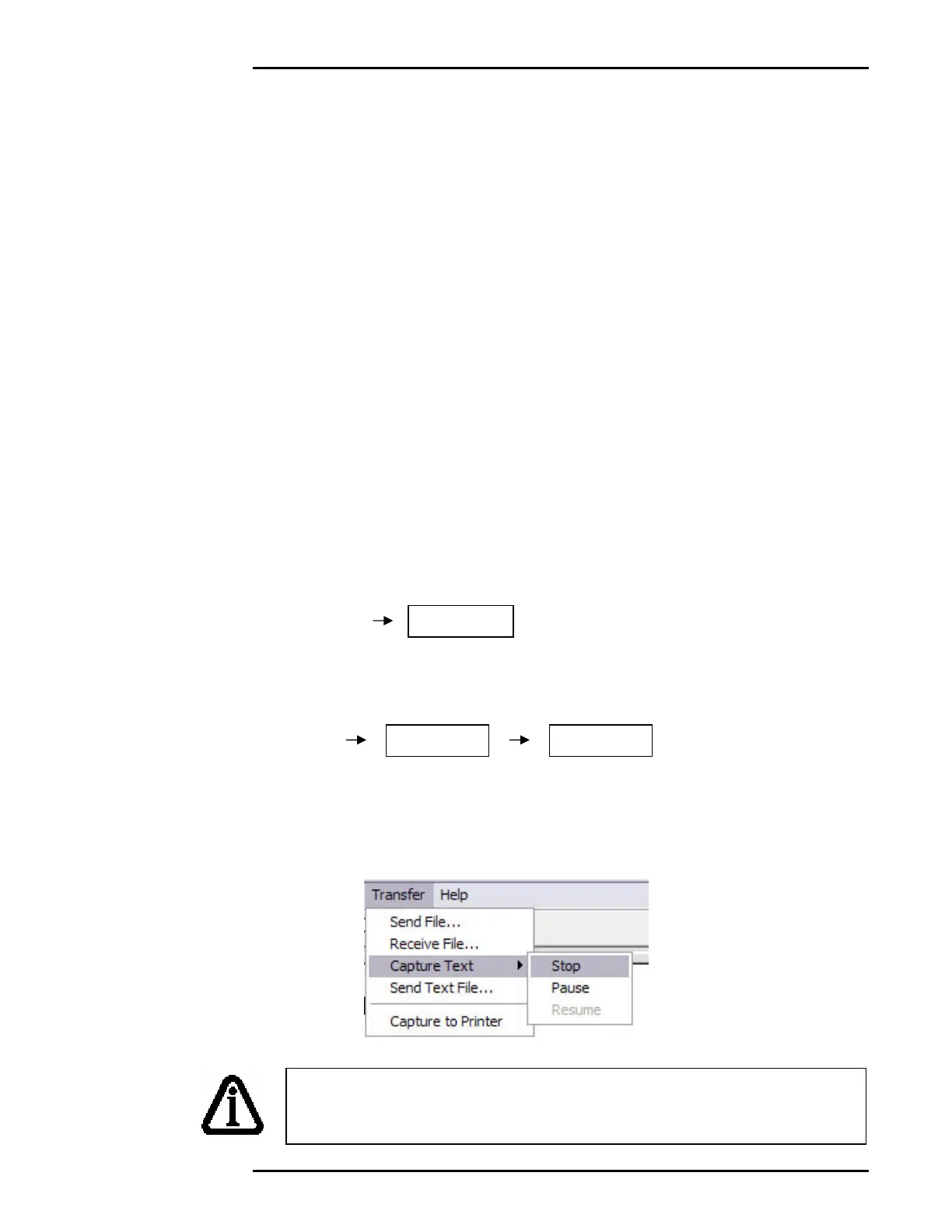
6. In Hyper Terminal, go the “TRANSFER” menu and select “CAPTURE
TEXT”.
7. Select or create a file to save the Calibration Information to. Click
“START” when ready.
8. On the M2000, enter Parameter 75. The display will prompt, “Ready”.
9. Press [1] followed by [PRINT/SELECT] to transmit out of COM1.
10. The Calibration Information will appear on the Hyper Terminal screen and
be saved in the file you selected.
11. In Hyper Terminal, go to “CAPTURE TEXT”, then “STOP”.
To capture Ticket Buffer Information, follow the same steps,
replacing Parameter 75 with Parameter 77 – Transmit Ticket
Buffer Information to PC.



 To Next Page