COMMAND Pages
285
Chapter 8 UTILITY Mode
Chapter 8
LOADSYS (Load System Settings)
Loads system environment from disk.
PROGRAM
TRIM / LOOP
RECORD
PROGRAM
TOTAL EQ
PLAY
EDIT
REC
DISK
UTILITY
SAMPLE
MAP / OUT
SETUP
SAMPLE
PANEL PLAY
EASY EDIT
FILTER
METER
SEQUENCE
SEQUENCE
EFFECT
EG
EFFECT
VOLUME
MASTER
SETUP
LFO
EXT CTRL
DISK
SYSTEM
CONTROL
MIDI / CTRL
MONITOR
IMPORT
MIDI
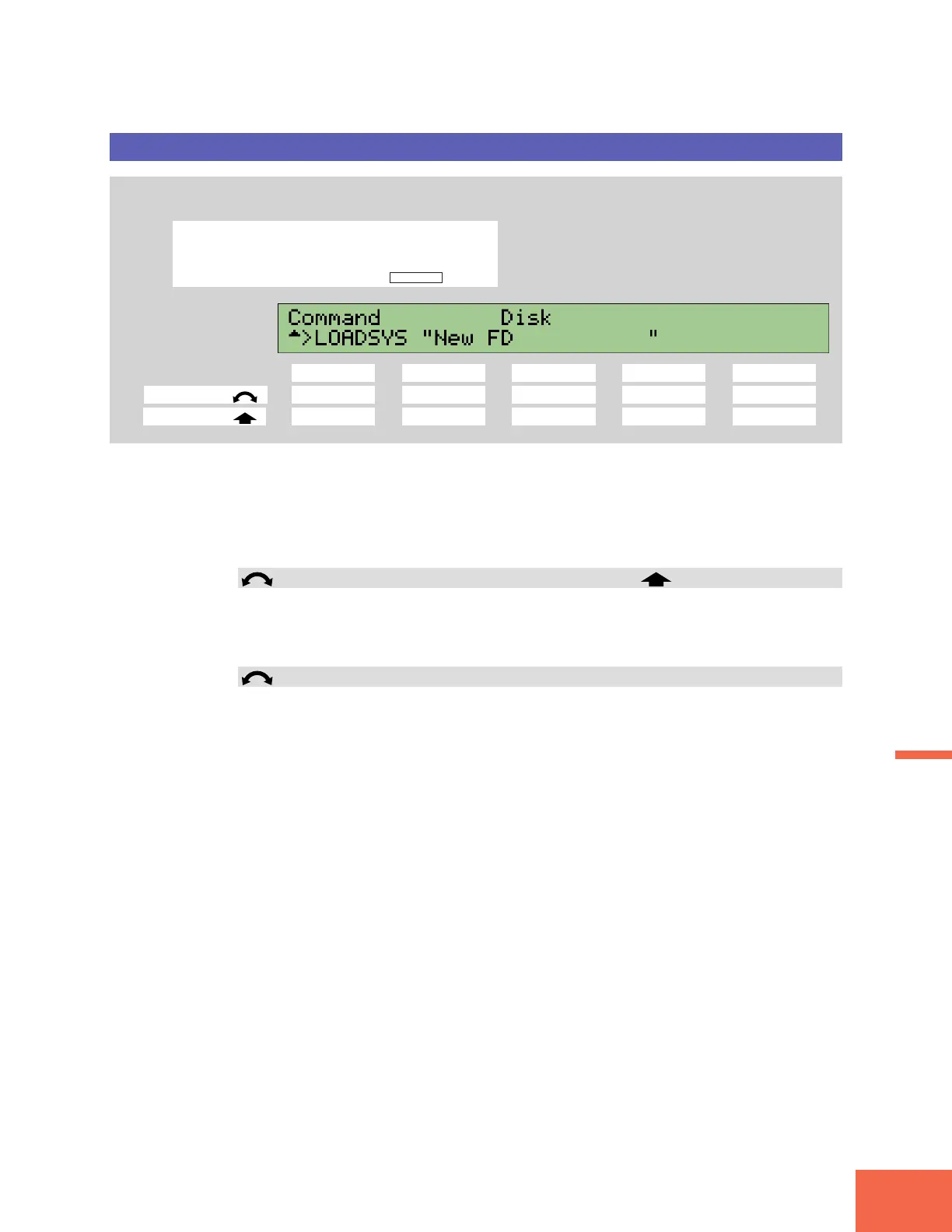
Press the COMMAND key, then turn Knob 1 to select >LOADSYS.
Knob 1 Knob 2 Knob 3 Knob 4 Knob 5
Turn action ✔✔✔ --
Push action ✔ ----
Use this command to reload a system environment that you saved using the >SAVESYS
command (☞284). This operation replaces the current environment (all system set-
tings) with the saved environment.
For a complete listing of the system parameters, refer to Table 2, “System Parameters,”
in the “MIDI data format” section of the Appendix. (☞352).
Knob 1 Change Page >LOADSYS
• Turn the knob to change to a different command page.
• Push the knob to execute the load. The A3000 returns a confirmation screen. Push
Knob 5 (>YES) to proceed, or Knob 4 (>NO) to cancel.
Knobs 2, 3
Disk = disk (partition) name
Turn either knob to select the disk (partition) containing the environment that you
want to load.



 To Next Page