COMMAND Pages
157
Chapter 5 EDIT Mode
Chapter 5
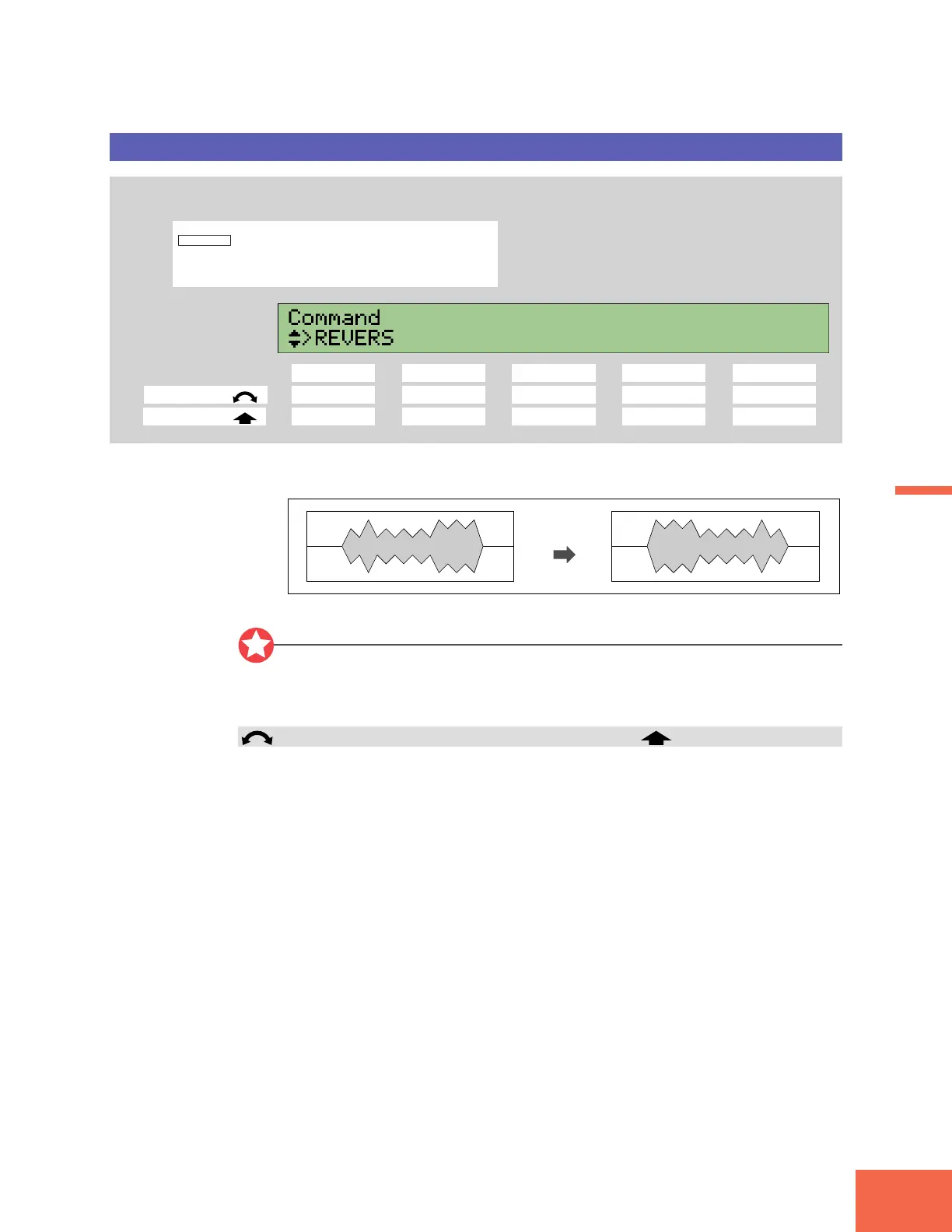
REVERS (Reverse)
Reverses the sample.
PROGRAM
TRIM / LOOP
RECORD
PROGRAM
TOTAL EQ
PLAY
EDIT
REC
DISK
UTILITY
SAMPLE
MAP / OUT
SETUP
SAMPLE
PANEL PLAY
EASY EDIT
FILTER
METER
SEQUENCE
SEQUENCE
EFFECT
EG
EFFECT
VOLUME
MASTER
SETUP
LFO
EXT CTRL
DISK
SYSTEM
CONTROL
MIDI / CTRL
MONITOR
IMPORT
MIDI
Press the COMMAND key, then turn Knob 1 to select >REVERS.
Knob 1 Knob 2 Knob 3 Knob 4 Knob 5
Turn action ✔ ----
Push action ✔ ----
This command reverses the waveform with respect to time, so that the sound is re-
versed.
Revers
Important
• This command does not operate on sample banks.
• The command reverses the entire waveform. Operation is not restricted to the area
between the start and end addresses.
Knob 1 Change Page >REVERS
• Turn the knob to change to a different command page.
• Push the knob to execute the reversal. The A3000 returns a confirmation screen.
Push Knob 5 (>YES) to proceed, or Knob 4 (>NO) to cancel.



 To Next Page