COMMAND Pages
151
Chapter 5 EDIT Mode
Chapter 5
RESMPL - TmStrch (Resampling - Time Stretch)
Lengthens or shortens the selected sample without changing its pitch.
PROGRAM
TRIM / LOOP
RECORD
PROGRAM
TOTAL EQ
PLAY
EDIT
REC
DISK
UTILITY
SAMPLE
MAP / OUT
SETUP
SAMPLE
PANEL PLAY
EASY EDIT
FILTER
METER
SEQUENCE
SEQUENCE
EFFECT
EG
EFFECT
VOLUME
MASTER
SETUP
LFO
EXT CTRL
DISK
SYSTEM
CONTROL
MIDI / CTRL
MONITOR
IMPORT
MIDI
Knob 1 Knob 2 Knob 3 Knob 4 Knob 5
Turn action ✔✔✔✔✔
Push action ✔✔ ---
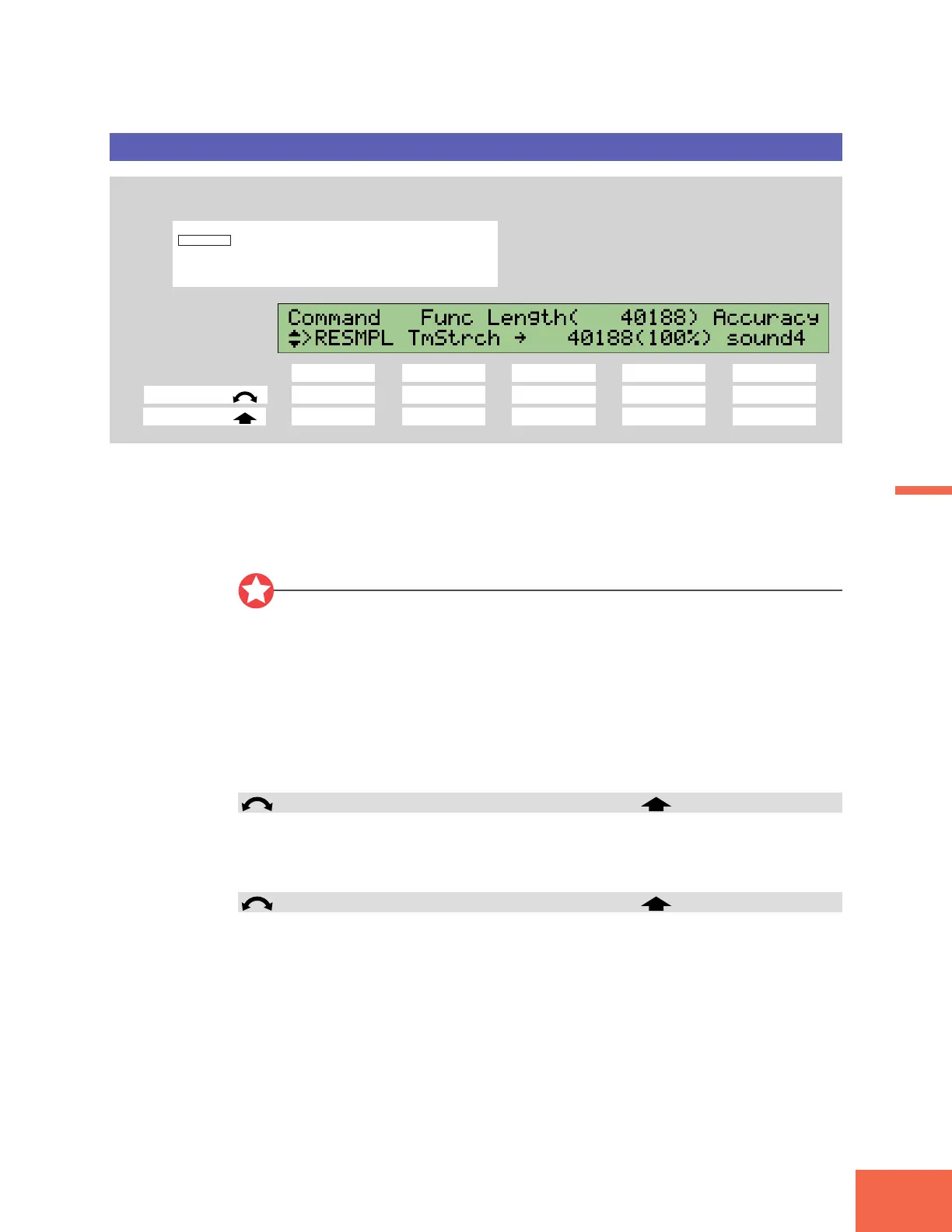
The Resampling command page gives you access to two different commands: Time Stretch
(described here), and Pitch Conversion (☞153). Select either of these operations by
turning Knob 2.
You use the Time Stretch command to lengthen or shorten the playback time of the
selected sample. The adjustment does not affect the sample’s pitch.
Important
• This command does not operate on sample banks.
• The command lengthens or shortens the entire waveform. (Operation is not restricted
to the area between the start and end addresses.)
• Time conversion may produce unexpected results with some samples. It is recom-
mended that you limit adjustment to 10% in either direction, except in cases where
you are trying to achieve an unusual effect.
• Following time conversion, the “start address” and “loop start address” reset to the
wave-start address (=0), and the “end address” and “loop end address” reset to the
wave-end address.
Knob 1 Change Page >RESMPL
• Turn the knob to change to a different command page.
• Push the knob to execute the time conversion. The A3000 returns a confirmation
screen. Push Knob 5 (>YES) to proceed, or Knob 4 (>NO) to cancel.
Knob 2 Func =TmStrch, PtchCnv >Test
• Turn the knob to select the command you want to execute: Time Stretch or Pitch
Conversion.
• Push the knob to hear how the converted sample will sound. This feature lets you
confirm that results will be appropriate before you execute the actual conversion.
Press the COMMAND key, turn Knob 1 to select >RESMPL,
then turn Knob 2 to select TmStrch.



 To Next Page