297
Chapter 8 UTILITY Mode
Chapter 8
SEQUENCE Function
SEQUENCE - Play&Rec (Playback and Recording)
Plays or records a sequence.
PROGRAM
TRIM / LOOP
RECORD
PROGRAM
TOTAL EQ
PLAY
EDIT
REC
DISK
UTILITY
SAMPLE
MAP / OUT
SETUP
SAMPLE
PANEL PLAY
EASY EDIT
FILTER
METER
SEQUENCE
SEQUENCE
EFFECT
EG
EFFECT
VOLUME
MASTER
SETUP
LFO
EXT CTRL
DISK
SYSTEM
CONTROL
MIDI / CTRL
MONITOR
IMPORT
MIDI
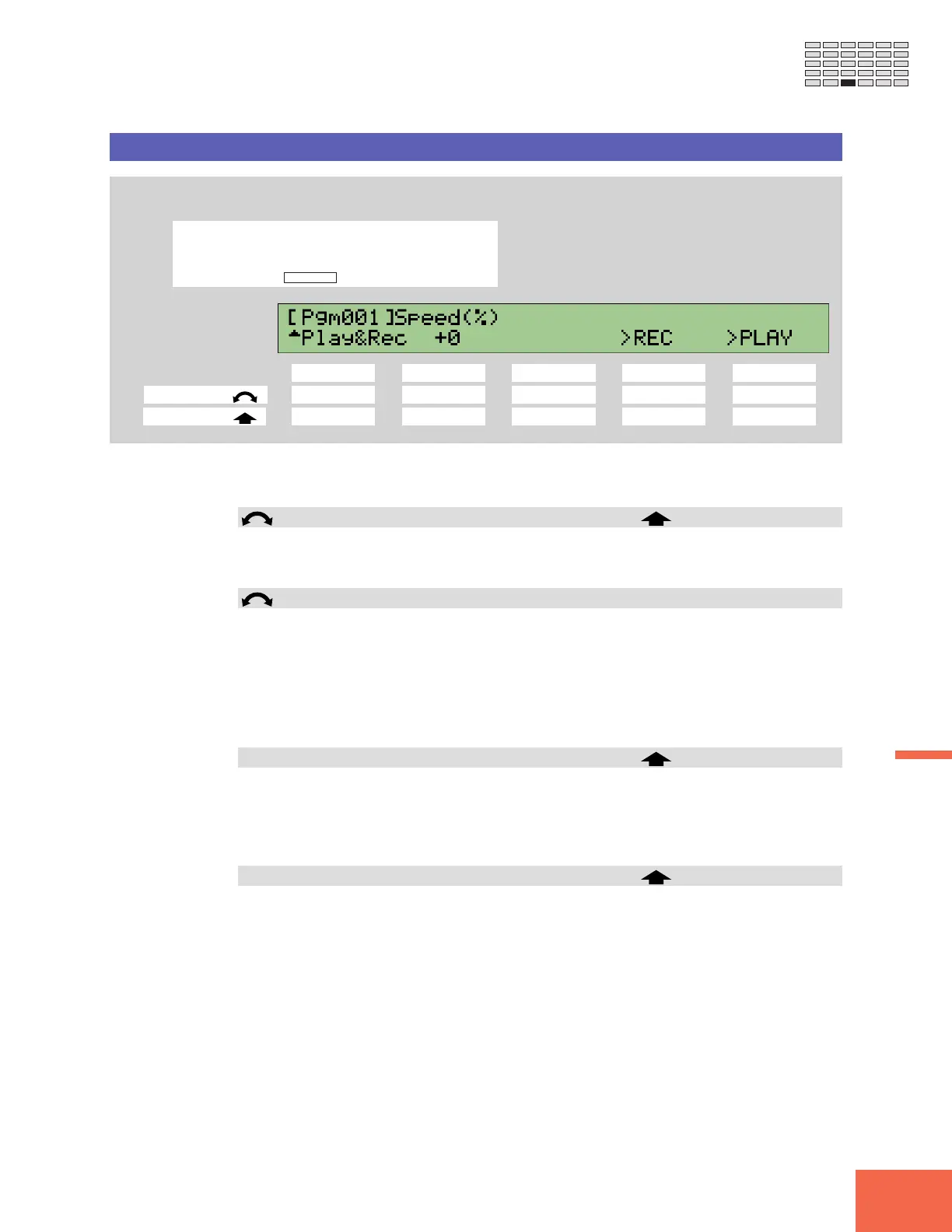
Turn Knob 1 to select Play&Rec.
Knob 1 Knob 2 Knob 3 Knob 4 Knob 5
Turn action ✔✔ ---
Push action ✔ --✔✔
Use this page to play or record (or over-record) the sequence that you select at the
SeqSel page (☞296).
Knob 1 Change Page Select P/S
• Turn the knob to switch between the function’s SeqSel and Play&Rec pages.
• Push the knob to move to the Program/Sample Selection screen. (☞95)
Knob 2 Speed(%) = -50,...,+50
• This value sets the playback speed, relative to the recorded speed.
• The setting is by percentage. A value of +0 reproduces the original speed; a setting of
+50 increases the speed by a factor of 1.5, while a setting of -50 cuts the speed in
half.
• If you are playing back an imported SMF (standard MIDI file), the available range
may be less than shown here.
Knob 4 >REC
• Push the knob to begin recording.
• Once recording has started, you can pause it by pushing Knob 4 (>PAUSE), and then
resume from the point you left of by pushing Knob 4 (>CONTINUE) once again. You
can terminate the recording at any time by pushing Knob 5 (>STOP).
Knob 5 >PLAY
• Push the knob to begin playback.
• Once playback has started, you can pause it by pushing Knob 4 (>PAUSE), and then
resume from the point you left of by pushing Knob 4 (>CONTINUE) again. You can
terminate playback at any time by pushing Knob 5 (>STOP).



 To Next Page