COMMAND Pages
286
Chapter 8 UTILITY Mode
ALLDUMP (Data Dump)
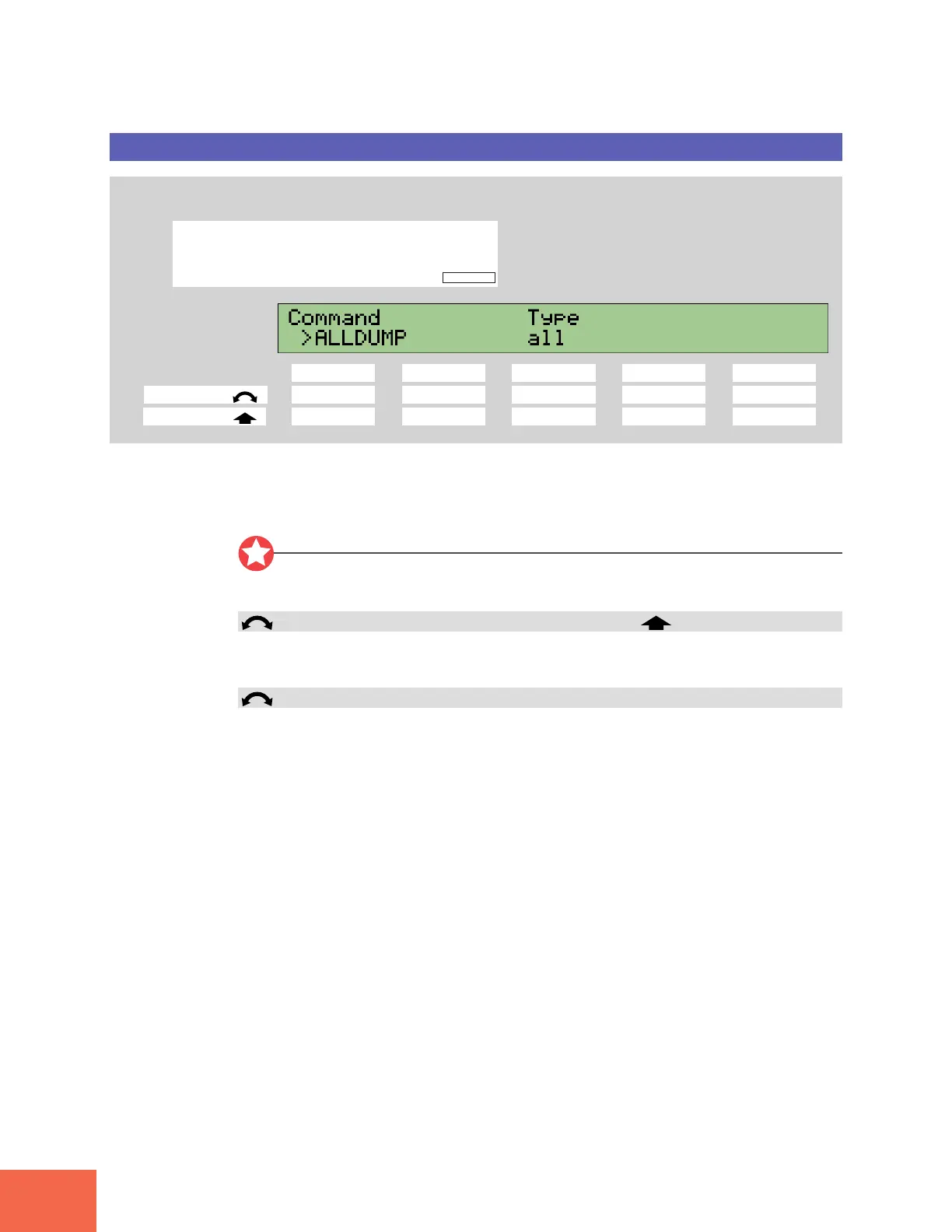
Dumps all data, or system data only.
PROGRAM
TRIM / LOOP
RECORD
PROGRAM
TOTAL EQ
PLAY
EDIT
REC
DISK
UTILITY
SAMPLE
MAP / OUT
SETUP
SAMPLE
PANEL PLAY
EASY EDIT
FILTER
METER
SEQUENCE
SEQUENCE
EFFECT
EG
EFFECT
VOLUME
MASTER
SETUP
LFO
EXT CTRL
DISK
SYSTEM
CONTROL
MIDI / CTRL
MONITOR
IMPORT
MIDI
Press the COMMAND key.
Knob 1 Knob 2 Knob 3 Knob 4 Knob 5
Turn action --✔--
Push action ✔ ----
Use this command to execute a MIDI bulk dump. The dump operation transmits A3000
memory-resident data to the connected MIDI device.
You can choose whether to dump all memory content, or system settings only.
Important
Before executing this operation, you must connect up the destination MIDI device, and
you must set appropriate “device number” values at each side. (☞310)
Knob 1 Change Page >ALLDUMP
Push the knob to start the dump. The A3000 returns a confirmation screen. Push Knob
5 (>YES) to proceed, or Knob 4 (>NO) to cancel.
Knob 3 Type = all, system
Select whether to transmit all data, or system data only.
all Transmit all memory content (all programs, all samples, all se-
quences, and all system data).
system Transmit system settings only.



 To Next Page