Starting Out
44
Chapter 2 Trying It Out
6.
Press Knob 1 (>DELETE).
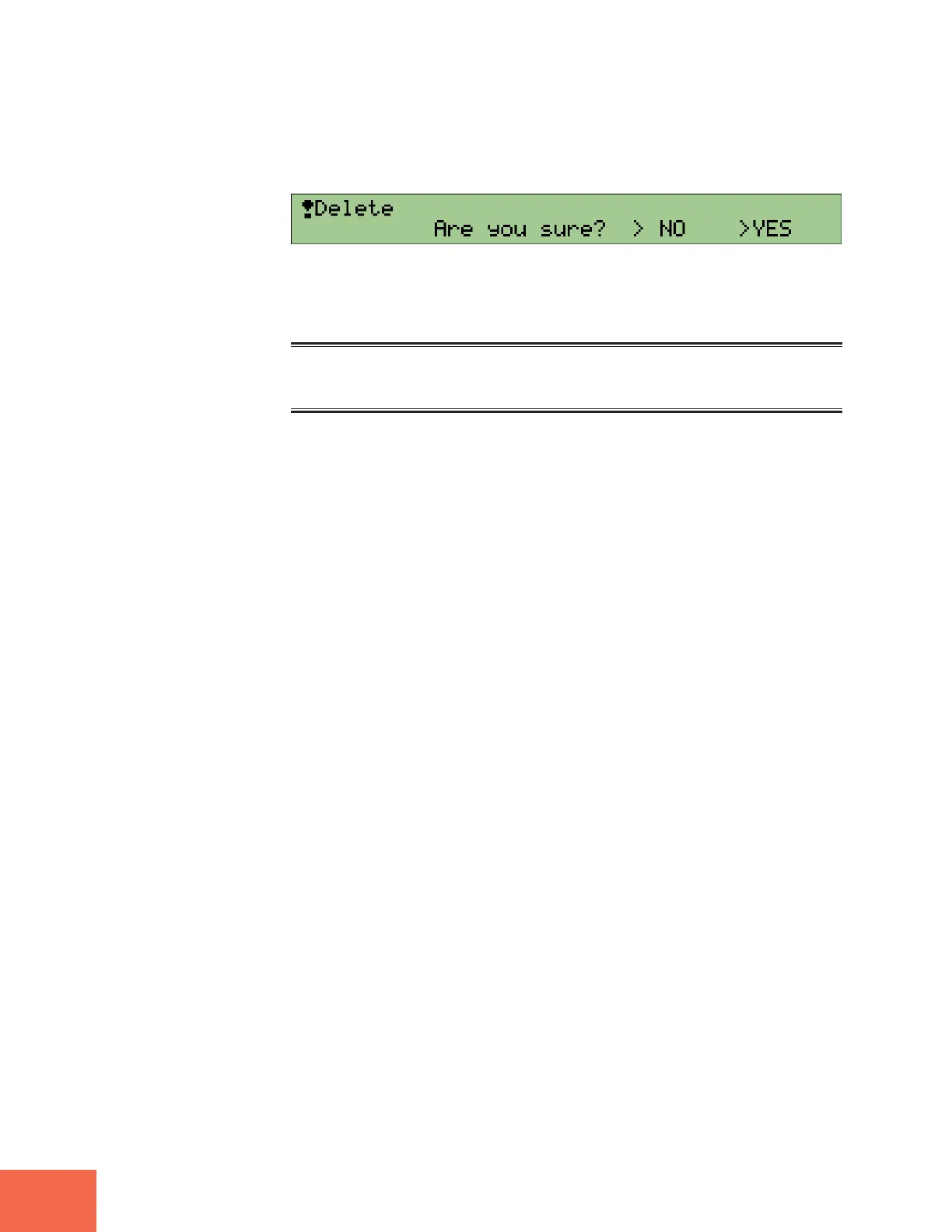
▼The following confirmation prompt appears.
7.
Press Knob 5 (>YES) to execute the deletion.
The new sample is now deleted. You can record it again as described above.
Memo
In practice, it is not necessary to manually delete the sample as described here in order to replace it
with a new one. You may instead record a new sample directly over the current sample, as explained
later in this manual (☞230).



 To Next Page