ProgramEditing
58
Chapter 2 Trying It Out
4.
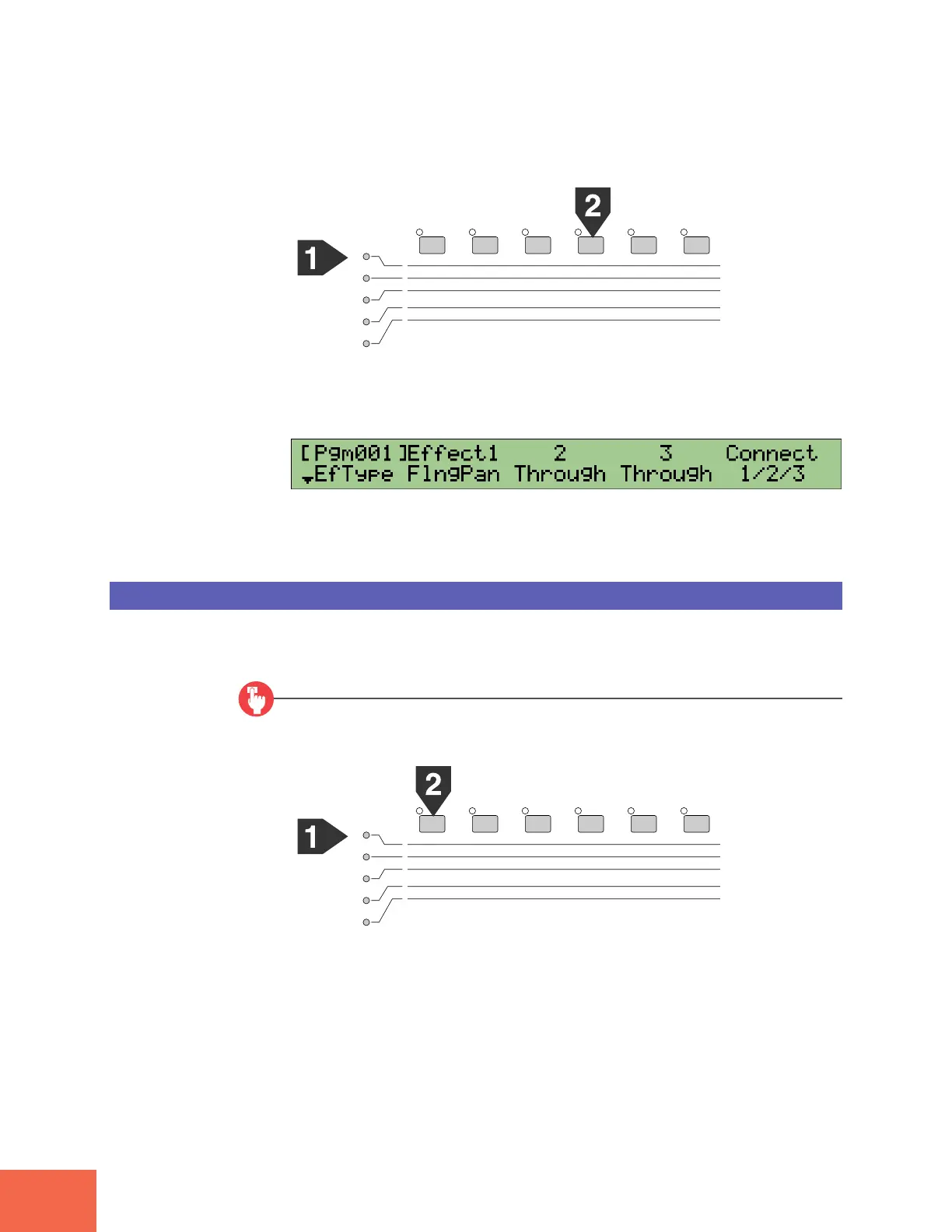
Select PLAY mode, EFFECT function.
5.
Turn Knob 1 to select the EfType (effect type) screen. Then turn Knob 2 to set
Effect1 to FlngPan (flanging pan).
6.
Now play a key between C3 and B3 at your keyboard.
Notice how the flange effect pans back and forth from right to left.
Editing a Different Program
Now we will see how to set up and edit another program. We will leave our current
program (Pgm 001) as is, and begin work on a second program (Pgm 002).
Procedure
1.
Select PLAY mode, PROGRAM function.
PLAY
EDIT
REC
DISK
UTILITY
PROGRAM
TRIM / LOOP
RECORD
PROGRAM
TOTAL EQ
SAMPLE
MAP / OUT
SETUP
SAMPLE
PANEL PLAY
EASY EDIT
FILTER
METER
SEQUENCE
SEQUENCE
EFFECT
EG
EFFECT
VOLUME
MASTER
SETUP
LFO
EXT CTRL
DISK
SYSTEM
CONTROL
MIDI / CTRL
MONITOR
IMPORT
MIDI
PLAY
EDIT
REC
DISK
UTILITY
PROGRAM
TRIM / LOOP
RECORD
PROGRAM
TOTAL EQ
SAMPLE
MAP / OUT
SETUP
SAMPLE
PANEL PLAY
EASY EDIT
FILTER
METER
SEQUENCE
SEQUENCE
EFFECT
EG
EFFECT
VOLUME
MASTER
SETUP
LFO
EXT CTRL
DISK
SYSTEM
CONTROL
MIDI / CTRL
MONITOR
IMPORT
MIDI



 To Next Page