Sequence Play
63
Chapter 2 Trying It Out
Chapter 2
4.
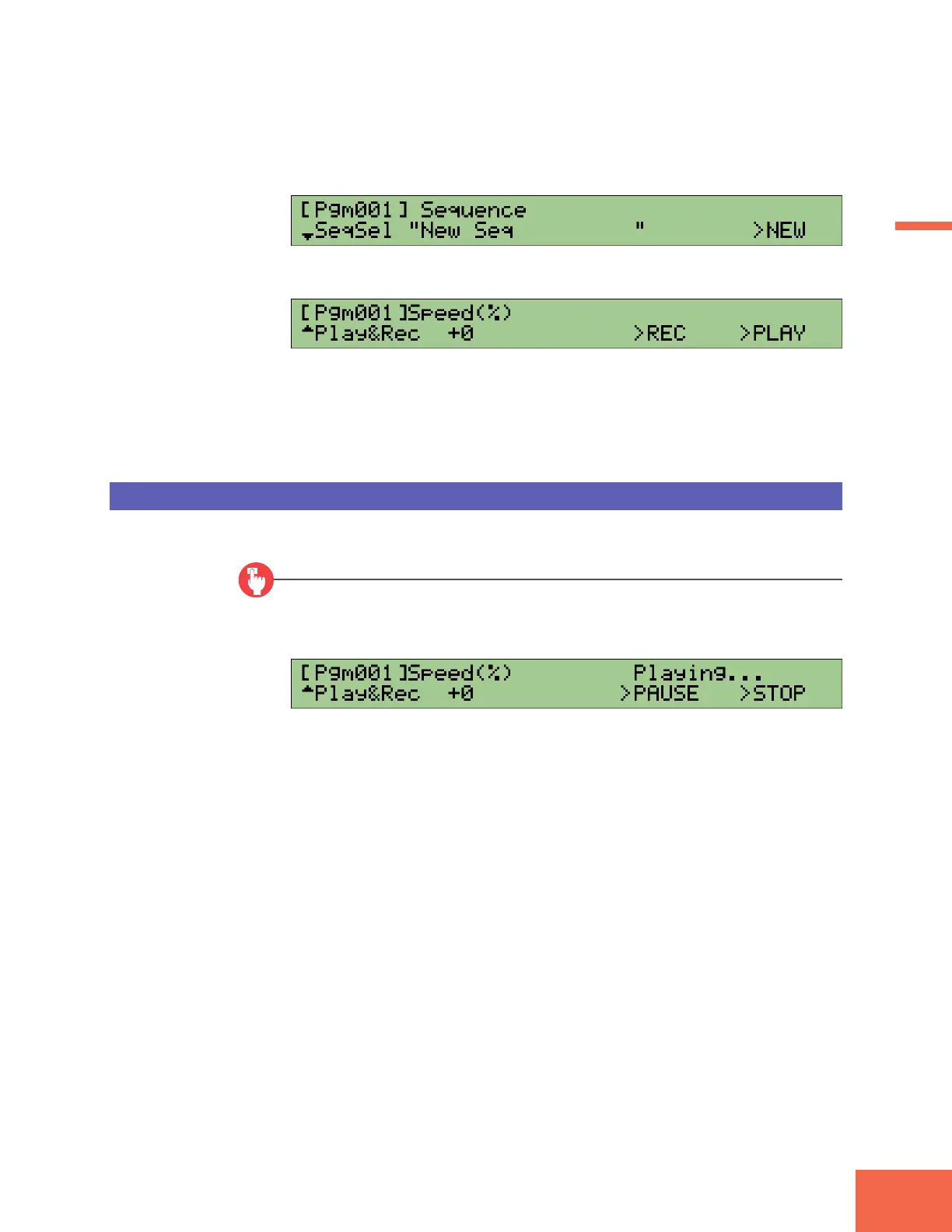
Press Knob 5 (>NEW).
▼The A3000 creates a new, blank sequence.
5.
Turn Knob 1 to select the Play&Rec screen.
6.
Get ready to play a sequence at your MIDI keyboard. When you are ready, press
Knob 4 (>REC) and then begin playing immediately. Play for about 10 sec-
onds, then press Knob 5 (>STOP).
Playing the Sequence
Now let’s play back the sequence that you just recorded.
Procedure
1.
Press Knob 5 (>PLAY).
▼The A3000 starts replay of the recorded sequence.
2.
Press Knob 5 (>STOP).
▼The replay stops.



 To Next Page